

Privacy while traveling has never felt more important. Hotel stays, Airbnb rentals, and vacation homes all carry quiet risks, and viral stories about hidden surveillance cameras have left countless travelers on high alert. It’s no wonder people turn to mobile apps hoping to sweep their temporary rooms for spying devices.
But let’s set realistic expectations upfront: no smartphone app can catch every hidden camera out there.
Most detection tools rely on Wi-Fi scans, Bluetooth sweeps, infrared lens checks, or magnetic field readings. These features are helpful for flagging suspicious hardware, yet they’re far from foolproof. Security experts consistently stress that app scans work best when paired with a slow, thorough physical room inspection. No digital tool replaces careful human observation.
This guide zeroes in on active, publicly available apps for iOS and Android with one key capability: reliable Wi-Fi network scanning. These tools hunt for unfamiliar connected devices that could secretly be recording cameras. Every app was evaluated on its network detection accuracy, ease of use, honest feature transparency, fair pricing, extra security tools, and real-world utility for everyday travelers.

Availability: iPhone, Android
Pricing: Free to download; premium subscription unlocks advanced features
Fing stands apart from crowded “hidden camera detector” app listings for one simple reason: it’s not a gimmicky privacy tool. It’s a professional-grade network scanner trusted by IT professionals and security enthusiasts alike.
Connect your phone to hotel or rental property Wi-Fi, and Fing maps out every active device on that network. It pulls key details like manufacturer names, device categories, IP addresses, and live network activity. Major security publications regularly recommend Fing as the most credible way to spot unknown connected hardware while traveling.
Its biggest strength is honesty. Fing never claims to “instantly find hidden cameras.” It simply shows you every device online, letting you spot odd, unrecognizable gear that warrants closer inspection.
It has clear limits, though. Many hotels isolate guest Wi-Fi devices from one another, blocking Fing from seeing all on-site hardware. It also cannot detect cameras that operate offline or save footage locally to memory cards.
Industry-standard, reliable network scanning technology
Fully cross-platform for iOS and Android users
Useful for general network security, not just camera detection
Flags nearly all Wi-Fi-connected surveillance devices
Long-standing trusted reputation in cybersecurity circles
Completely misses non-networked hidden cameras
Hotel Wi-Fi isolation frequently limits scan range
Users report inconsistent camera-specific identification results in real-world tests
Travelers who want legitimate, no-fluff network analysis instead of misleading one-tap detection tools.
Availability: iPhone
Pricing: Free download; full functionality requires premium subscription access.
This is one of the most established dedicated privacy detection apps on the iOS App Store. Unlike generic network tools, it’s built exclusively for people inspecting short-term rental spaces for surveillance gear.
It combines multiple detection methods in one streamlined toolkit: Wi-Fi and network scanning, Bluetooth sweeps, infrared lens detection, AI-powered visual recognition, and remote device identification. Its core Wi-Fi scanning feature pinpoints unfamiliar network hardware and surfaces key details to help users spot suspicious devices fast.
Casual travelers benefit most from its layered approach. It doesn’t just scan networks—it guides users through full room privacy checks.
Multi-method detection covers network, visual, and Bluetooth surveillance risks
Robust Wi-Fi and local network scanning capabilities
Large, active user base with consistent updates
Built-in educational content teaches proper room inspection habits
Purpose-built for travel privacy concerns
Full feature access locked behind a premium subscription
Prone to occasional false positive device alerts
No app can offer 100% guaranteed camera detection
Travelers wanting an all-in-one, travel-focused privacy inspection toolkit.
Availability: iPhone
Pricing: Free download; full access via in-app purchases and subscriptions.
NOI caters directly to everyday travelers checking hotel rooms and Airbnbs. It skips overly technical networking jargon and focuses on simple, actionable scans.
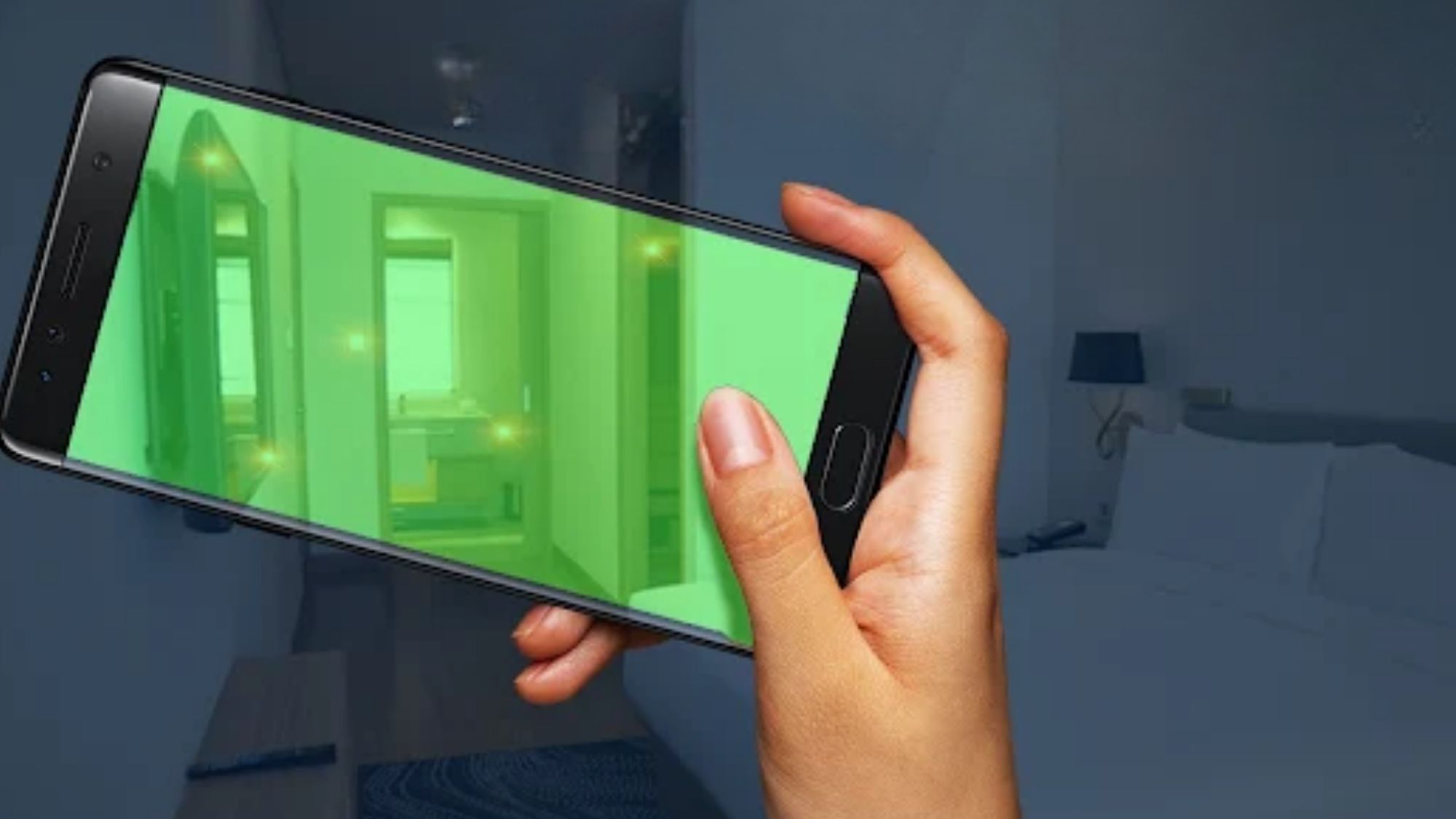
Its guided Wi-Fi scanning tool combs local networks for unfamiliar devices and flags potential surveillance hardware. It also includes magnetic field detection, which picks up hidden electronic devices tucked inside common room fixtures—clocks, lamps, smoke alarms, and decorative items.
The interface is far more approachable than professional network scanners. No technical knowledge is required to run a full room sweep.
Step-by-step guided scanning workflows for beginners
Accurate Wi-Fi device discovery for local network sweeps
Magnetic field detection finds hidden offline electronics
Tailored specifically for hotel and Airbnb inspections
Clean, intuitive layout for quick on-the-go checks
iOS-exclusive with no Android version
Extended use and premium tools require a subscription
Device labeling can be vague, requiring user follow-up checks
Travelers who prefer guided, beginner-friendly scans over interpreting raw network data independently.
Availability: iPhone
Pricing: Free download; core full features require a subscription.
This app packs three practical detection methods into a simple, travel-focused interface: Wi-Fi network scanning, Bluetooth device tracking, and infrared lens assistance.
The Wi-Fi scanner identifies every device connected to your temporary room’s network, highlighting unknown gadgets that deserve a closer look. Its Bluetooth scan catches nearby electronics that might not show up on standard Wi-Fi checks. It also includes built-in guides to teach users how to complete thorough manual room inspections.
It’s designed for speed and simplicity, perfect for quick privacy checks upon checking into a new room.
Three complementary scanning techniques for comprehensive checks
Strong user ratings on the App Store
Simplified results that anyone can understand instantly
Educational resources improve manual inspection habits
Optimized for hotel and short-term rental stays
Subscription required for full functionality
Regular false positive alerts require user verification
Limited exclusively to Apple devices
Casual travelers who want a straightforward privacy tool without complex technical settings.
Availability: iPhone
Pricing: Free download; premium features via subscription or one-time lifetime purchase.
FindSpy uses a layered detection strategy to cover all common hidden camera entry points. Its toolkit includes network scanning, Bluetooth device detection, and magnetic field analysis.
The Wi-Fi scanner hunts for all active network-connected devices, while Bluetooth and magnetic tools help investigate physical objects that look suspicious during a visual sweep. For frequent travelers who want multiple safety checks in one app, it delivers impressive coverage. ([App Store][6])
Reliable Wi-Fi network scanning core functionality
Bluetooth detection catches non-Wi-Fi electronic hardware
Magnetic field analysis uncovers concealed devices
Lifetime purchase option offers long-term value
Modern, clean user interface
Most powerful features sit behind a paywall
All results still require user judgment and follow-up checks
No tool can guarantee 100% camera detection coverage
Frequent travelers who want a dedicated, all-in-one privacy scanning suite.
If your top priority is scanning Wi-Fi networks to uncover suspicious connected devices, Fing remains the best overall choice for 2026.
It stands head and shoulders above gimmicky camera-detection apps because it’s built on legitimate network analysis technology. Fing never overpromises results. It simply delivers clear, accurate network data so you can spot and investigate unfamiliar hardware on your own.
Best Overall Wi-Fi Scanner: Fing
Best Dedicated Hidden Camera Detection App: Hidden Camera Detector (LSC, LLC)
Best Guided User Experience: NOI – Hidden Camera Detector
Best Beginner-Friendly Privacy Tool: Hidden Spy Camera Detector App
Best Multi-Tool Detection Suite: FindSpy
The biggest myth in hidden camera detection? That an app alone can clear a room as completely safe.
Wi-Fi scanners only find devices actively connected to the local network. They miss cameras that are powered down, recording locally to memory cards, hidden on isolated private networks, or using non-Wi-Fi connectivity. Security experts universally agree: digital scans work best as one piece of your safety routine, not the entire solution. Pair app scans with visual checks, infrared sweeps, and careful inspection of high-risk spots like mirrors, smoke detectors, and bedside fixtures.
For all travelers, the smartest 2026 strategy is simple: use a trusted network scanner like Fing, then follow up with a hands-on room check. This combination creates far stronger privacy protection than relying on any single app’s claims.