

Deep work has become increasingly difficult in 2026. Between endless notifications, short-form video feeds, group chats, and algorithm-driven social media platforms, staying focused for even thirty uninterrupted minutes can feel unrealistic.

For remote workers, students, writers, developers, and creatives, distraction is no longer just a bad habit — it is part of the digital environment itself. Most modern apps are intentionally designed to pull users back in through constant alerts, infinite scrolling, and dopamine-driven engagement systems.
That is why distraction-blocking apps have evolved from simple productivity tools into something much more practical: digital boundaries.
To identify which apps genuinely help users stay focused, several popular focus and distraction-blocking apps were tested across iPhones, Android devices, laptops, and tablets throughout 2026. The evaluation focused on real-world usability, bypass resistance, automation features, cross-device syncing, and overall effectiveness during long work sessions.
These are the four apps that stood out the most.
Freedom remains one of the strongest all-around distraction blockers available today, particularly for people who work across multiple devices throughout the day.
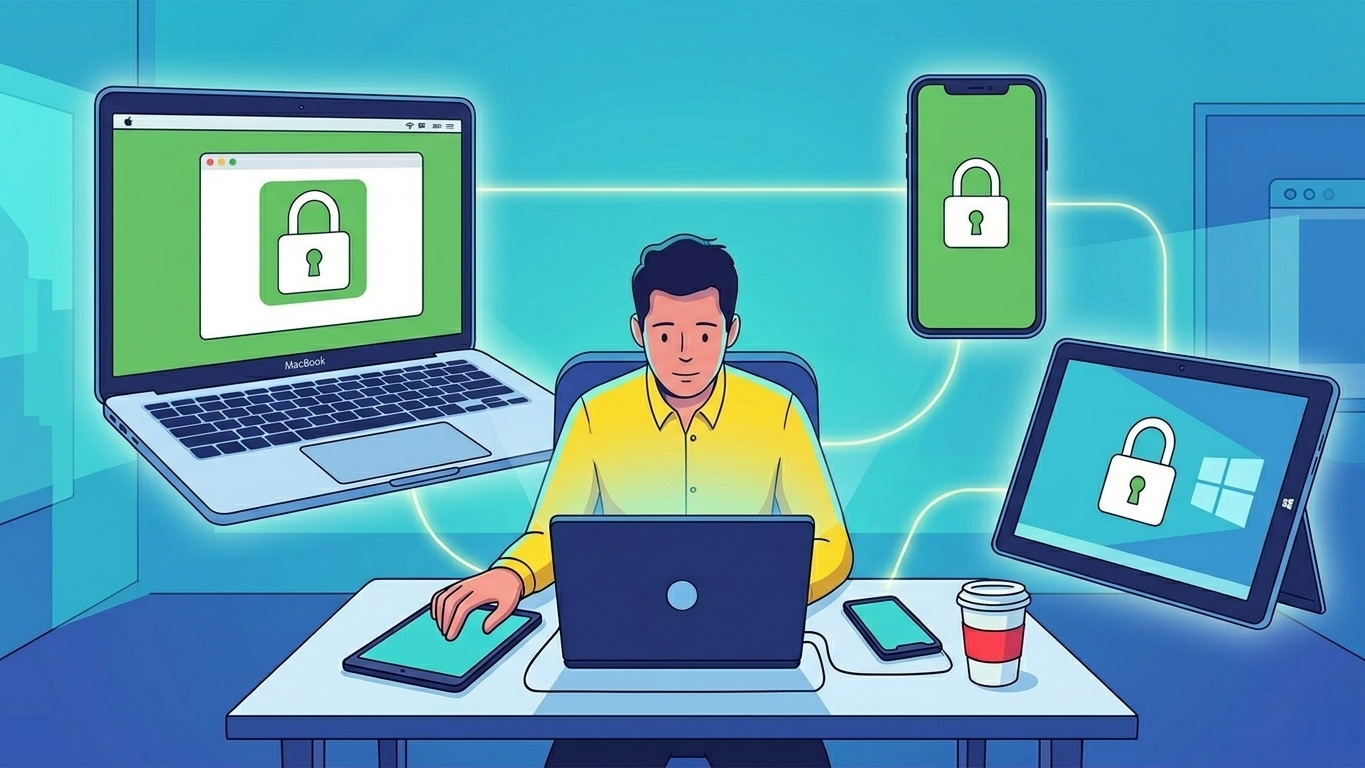
The biggest advantage of Freedom is its ecosystem-wide syncing. Many focus apps only block distractions on a single device, which creates an obvious loophole: users block Instagram on their laptop and immediately start scrolling on their phone instead. Freedom solves that issue by synchronizing focus sessions across every connected device simultaneously.
During testing, starting a focus session on a MacBook immediately triggered restrictions on both Android and Windows devices as well. That seamless syncing made deep work sessions noticeably more effective.
The app’s Locked Mode also deserves attention. Once activated, users cannot simply cancel the session when focus begins to slip. Freedom prevents changes to settings, deletion of blocklists, and early session termination until the timer expires.
While that level of restriction may sound aggressive, it is exactly what makes the app effective for users who struggle with impulsive distraction habits.
Freedom works best for users whose distractions move constantly between devices. The synchronized blocking system eliminates the “phone escape route” that weakens most productivity apps.
Excellent cross-device synchronization
Extremely difficult to bypass during active sessions
Reliable recurring scheduling tools
Supports nearly every major operating system
Requires a subscription for full access
Initial setup can feel slightly technical due to VPN permissions
Pricing: Free trial available; Premium starts at $8.99/month or $39.99/year.
Opal has quickly become one of the most recognizable focus apps on the market, especially among Apple users.
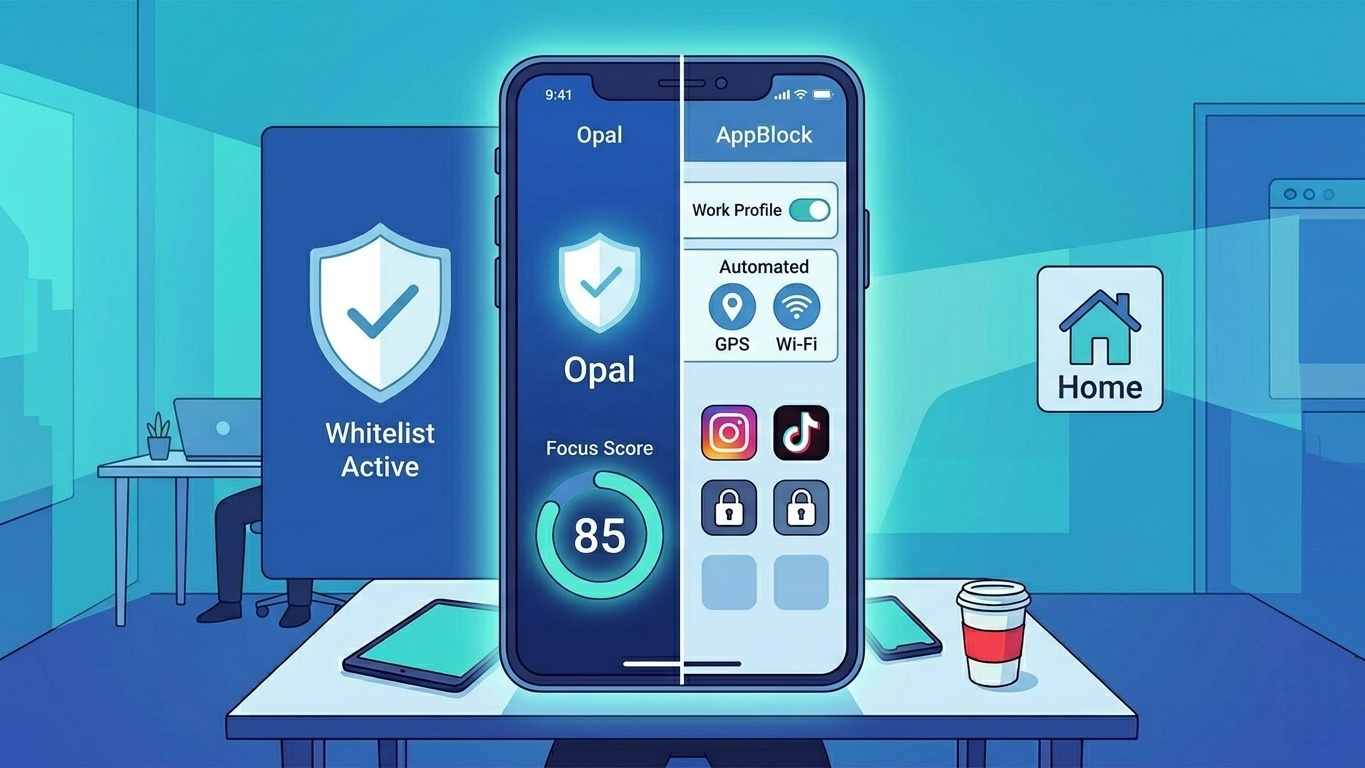
Unlike traditional screen-time reminder apps, Opal takes a stricter approach. During active focus sessions, distracting apps simply refuse to open. Instead of allowing users to bypass restrictions with a quick tap, Opal replaces blocked apps with clean progress screens that reinforce the active work session.
One feature that stood out during testing was whitelist mode. Rather than blocking distractions individually, users select only the apps required for work, while everything else remains inaccessible. That system feels surprisingly effective because it simplifies decision-making and reduces temptation.
The app also includes a “Focus Score” system that tracks productivity habits over time. While many gamified productivity systems feel gimmicky, Opal’s analytics provide useful insight without becoming distracting themselves.
Its polished interface is another major reason for its popularity. Compared to more technical focus apps, Opal feels modern, lightweight, and intentionally designed for everyday users.
Opal delivers one of the best user experiences in the productivity space, but its premium pricing may feel difficult to justify for casual users.
Clean, modern interface
Strong focus-session enforcement
Useful analytics and focus tracking
Effective whitelist mode
More expensive than most competitors
Android version still trails behind iOS in refinement
Pricing: Free version available; Pro subscription starts around $99.99/year.
For users whose primary distraction comes from smartphones rather than desktop devices, AppBlock remains one of the most practical tools available.
The app focuses heavily on customization and automation. Users can create multiple blocking profiles that activate automatically based on schedules, GPS location, or Wi-Fi networks.
During testing, one particularly useful setup involved automatically enabling a “Work Mode” whenever the device connected to an office Wi-Fi network. Once configured, the process required almost no manual interaction.
AppBlock’s Strict Mode also proved surprisingly effective. Sessions can be configured so they cannot be disabled until a countdown timer finishes, adding enough friction to discourage impulsive app-checking behavior.
Another strength is AppBlock’s granular control system. Instead of blocking entire apps completely, users can restrict specific websites, keywords, or app sections while still allowing limited access for work-related tasks.
AppBlock offers some of the strongest automation tools in the category, making it ideal for users who want distraction blocking to happen automatically rather than manually.
Highly customizable automation features
Strong anti-bypass controls
Excellent for reducing phone distractions
Flexible blocking options
Desktop support remains fairly limited
Free version feels restrictive
Pricing: Free version available; Premium starts at $4.99/month or $29.99/year.
For users whose primary distraction comes from smartphones rather than desktop devices, AppBlock remains one of the most practical tools available.
The app focuses heavily on customization and automation. Users can create multiple blocking profiles that activate automatically based on schedules, GPS location, or Wi-Fi networks.
During testing, one particularly useful setup involved automatically enabling a “Work Mode” whenever the device connected to an office Wi-Fi network. Once configured, the process required almost no manual interaction.
AppBlock’s Strict Mode also proved surprisingly effective. Sessions can be configured so they cannot be disabled until a countdown timer finishes, adding enough friction to discourage impulsive app-checking behavior.
Another strength is AppBlock’s granular control system. Instead of blocking entire apps completely, users can restrict specific websites, keywords, or app sections while still allowing limited access for work-related tasks.
AppBlock offers some of the strongest automation tools in the category, making it ideal for users who want distraction blocking to happen automatically rather than manually.
Highly customizable automation features
Strong anti-bypass controls
Excellent for reducing phone distractions
Flexible blocking options
Desktop support remains fairly limited
Free version feels restrictive
Pricing: Free version available; Premium starts at $4.99/month or $29.99/year.
Choosing the best distraction blocker ultimately depends on the type of distraction a user struggles with most.
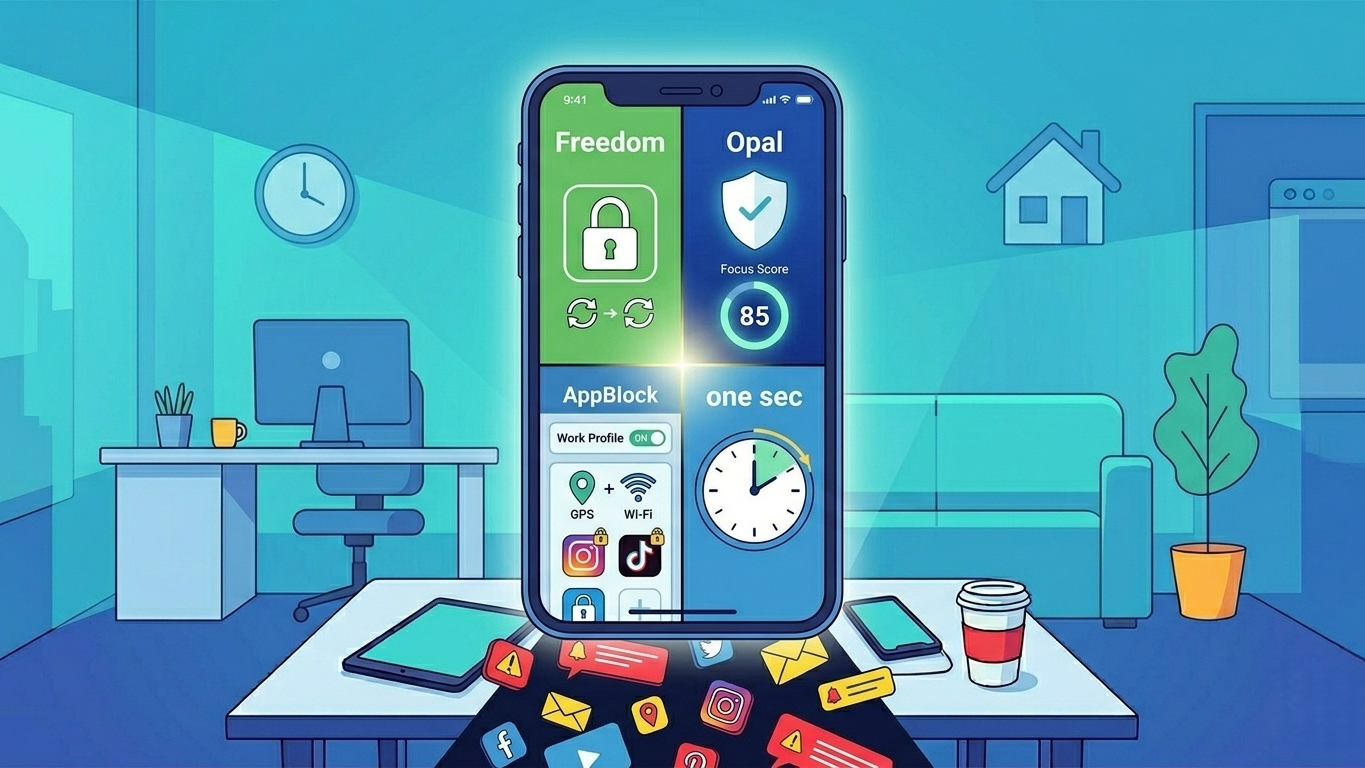
For people constantly switching between devices throughout the workday, Freedom remains the strongest overall choice thanks to its powerful cross-device synchronization and difficult-to-bypass focus sessions.
For users trying to reduce compulsive phone-checking habits rather than simply lock apps away, one sec stands out as one of the most thoughtful and psychologically effective tools currently available.
Meanwhile, Opal offers the most polished user experience in the category, while AppBlock delivers outstanding flexibility and automation for mobile-first users.
No distraction blocker can create discipline automatically. However, the right app can dramatically reduce temptation, remove unnecessary friction, and make deep work significantly easier in a digital environment designed to constantly compete for attention.