

Everyone says they’ll “just check TikTok for five minutes.”
Then suddenly it’s 1:47 AM, three conspiracy threads deep, with YouTube autoplay still running and tomorrow already ruined.
Late-night doomscrolling has become one of the biggest sleep killers in modern life. The problem is that most screen-time apps are too easy to ignore. A gentle reminder or soft notification does absolutely nothing when someone is half-awake and mentally fried.
To find apps that actually work, this review focused on tools that create real friction: hard app blocking, forced delays, bedtime schedules, lock modes, and interruption systems that make endless scrolling genuinely harder.
The apps below were selected based on:
Real-world effectiveness during nighttime testing
Difficulty of bypassing blocks
Ease of setup
Pricing fairness
Availability on iPhone and Android
Whether the app actually reduces impulsive app openings instead of just tracking them
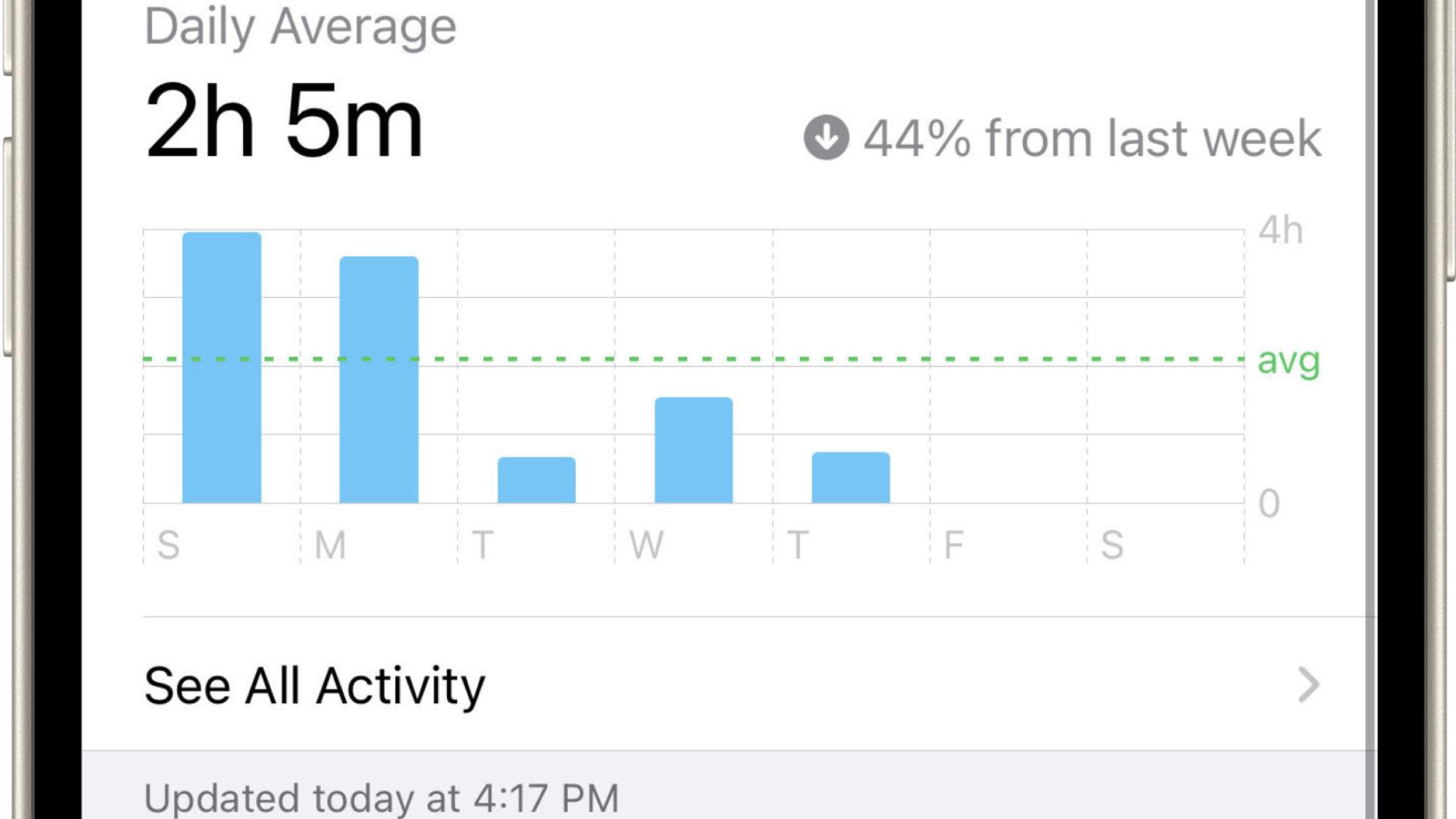
The Reality Check: This app interrupts the impulse before the scroll starts
Most app blockers rely on brute force. One Sec takes a different approach: it inserts friction between the impulse and the action.
When tested against TikTok, Reddit, and Instagram at night, the forced pause surprisingly worked better than expected. Instead of instantly opening an app, users hit a breathing screen and short delay first. That interruption breaks the automatic “muscle memory” loop that fuels doomscrolling.
The app cites research showing major reductions in compulsive app openings, and after testing, that claim feels believable.
This is especially effective for people who don’t want their phone completely locked down but still need a psychological speed bump before bedtime.
Pros
Extremely effective against automatic app-opening habits
Fast setup compared to many blockers
Works with apps and websites
Can stack delays, intentional prompts, and limits
Available on both iPhone and Android
Cons
Users can eventually “autopilot” through the breathing exercise
Less effective for severe social media addiction
Some advanced features require subscription access
Pricing
Free version available
Premium subscription required for advanced controls
The Reality Check: The strongest premium blocker for iPhone users
Opal feels like the luxury version of screen-time control apps.
During testing, its Deep Focus mode was one of the hardest systems to bypass. Scheduled bedtime blocking worked reliably, and the app’s friction tools made “just one quick check” much less convenient.
Where Opal stands out is automation. Users can build recurring bedtime shutdown routines that automatically block selected apps every night. That matters because willpower is weakest right before sleep.
The downside is obvious: pricing. Many users love the app but complain that the free version is heavily restricted.
Pros
Excellent UI and user experience
Strong hard-blocking system
Reliable bedtime schedules
Great statistics and tracking
One of the best-designed focus apps available
Cons
Expensive subscription pricing
Free version feels limited
iOS-focused ecosystem
Pricing
Free download
Subscription model with in-app purchases
Reported pricing includes monthly and yearly plans up to roughly $99/year
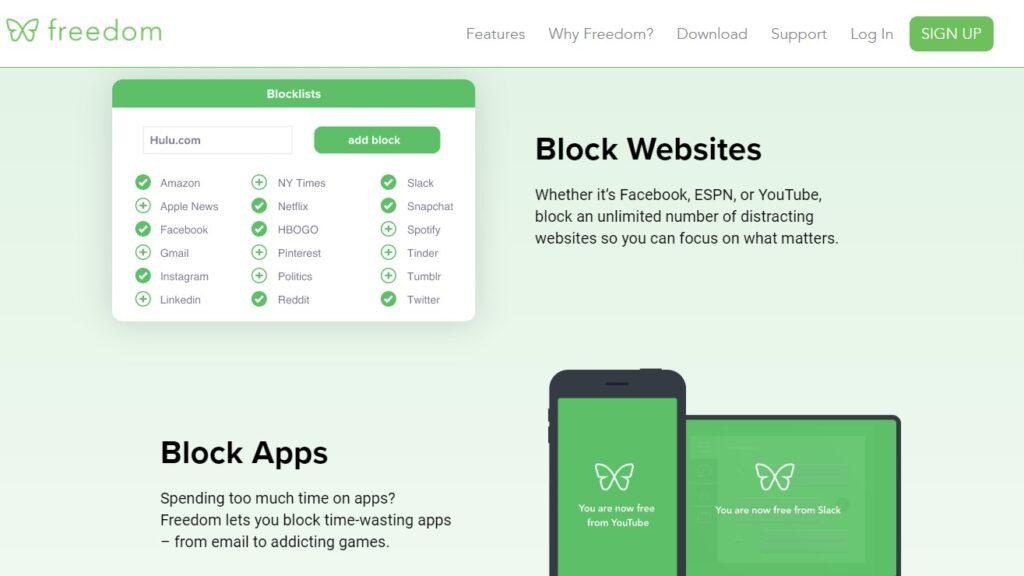
The Reality Check: Best for people who doomscroll across multiple devices
A lot of people solve nighttime scrolling on their phone… then immediately open YouTube on their laptop.
Freedom is one of the few apps that handles this properly through cross-device blocking.
In testing, its scheduled sessions worked well for bedtime routines because blocks could trigger simultaneously across phones, tablets, and computers. Its Locked Mode is particularly useful because it prevents users from canceling sessions impulsively.
This app is less “mindfulness-based” than One Sec and more about removing temptation entirely.
Pros
Blocks apps and websites across devices
Excellent for people who switch screens constantly
Locked Mode adds serious accountability
Reliable scheduled bedtime sessions
Cons
Interface feels more functional than polished
Some setup friction on desktop platforms
Subscription required for full power
Pricing
Free trial available
Premium subscription around $40/year referenced in multiple comparisons
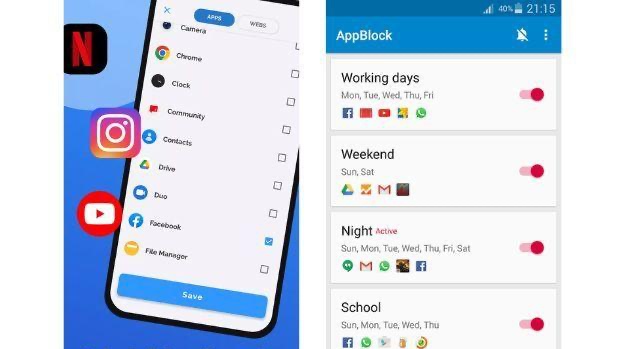
The Reality Check: The best balance between strictness and affordability
AppBlock does not get the same hype as Opal, but during testing it consistently delivered one thing that matters most at bedtime: reliability.
The Strict Mode prevents changing settings while blocks are active, which is critical for nighttime use. Without that feature, most users eventually override their own rules.
The scheduling tools are also strong. It was easy to create automatic “social media blackout” windows from 10 PM to 7 AM.
Compared with more premium competitors, AppBlock feels less flashy but more practical.
Pros
Strong Strict Mode
Easy recurring schedules
Works on Android and iPhone
More affordable than premium competitors
Good customization
Cons
UI feels dated in places
Some features hidden behind subscription
Less behavioral psychology than One Sec
Pricing
Free version available
Premium subscription available
Annual pricing commonly referenced around $30/year
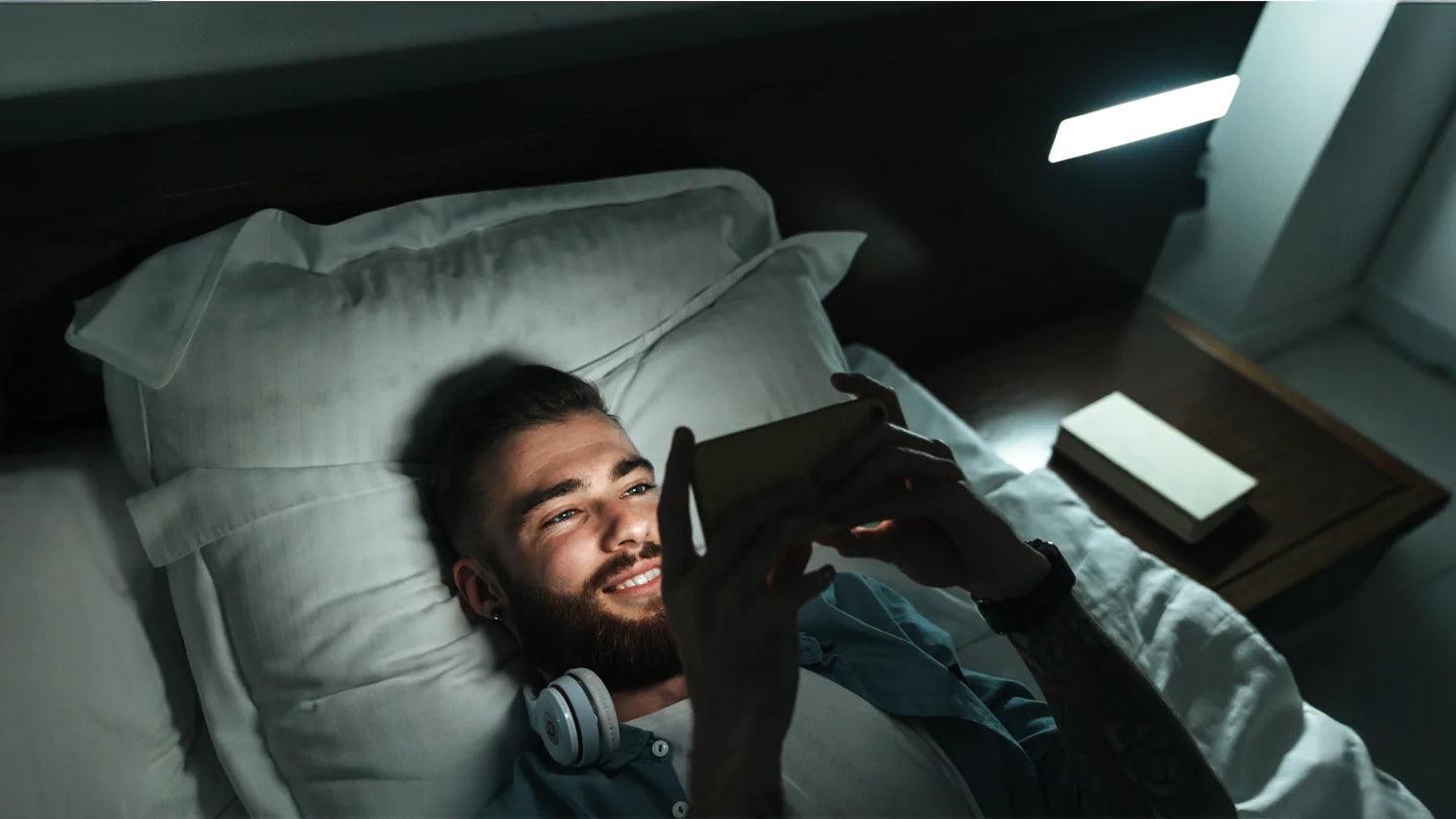
The Reality Check: The most sleep-focused option on this list
Unlike productivity-focused blockers, Sleep Lock is designed specifically around bedtime behavior.
That specialization matters.
When tested, the app felt intentionally minimal and less stimulating than broader focus apps. Instead of trying to optimize productivity, it simply shields selected apps during sleep hours.
Importantly, alarms, calls, and emergency features still work normally.
This makes it ideal for people whose main issue is nighttime scrolling rather than daytime distraction.
Pros
Built specifically for bedtime use
Clean and low-stimulation design
Strong privacy approach
Easy setup
Emergency phone functions remain active
Cons
iPhone only
Subscription pricing feels steep
Less useful outside sleep routines
Pricing
3-day free trial
Weekly, monthly, and yearly subscriptions available
For most people, one sec is the best overall choice because it attacks the real problem: unconscious behavior.
Most doomscrolling is automatic. One Sec interrupts that autopilot loop before the app even opens, and that psychological interruption works surprisingly well.
However, people with severe late-night scrolling habits may need stronger enforcement. In that case:
Opal is the best premium iPhone experience
Freedom is best for multi-device users
AppBlock offers the best value
Sleep Lock is the most sleep-focused solution
The biggest takeaway from testing was simple: reminders do not stop doomscrolling.
Friction does.