

Buffering streams, frozen Zoom calls, smart devices dropping connection—most of us immediately blame our internet provider when these issues pop up. Sometimes the service itself really is to blame. More often though, weak home Wi-Fi is the real troublemaker.
You could pay for a blazing-fast 1 Gbps plan, but it means nothing if your router sits tucked in a far corner and leaves your bedroom with barely a usable signal. That’s where speed-test and Wi-Fi mapping apps step in. The best ones do more than just show download numbers. They pinpoint dead zones, spot spotty coverage, flag network interference and track down whatever is slowing your connection down.
We rounded up reliable apps available on the Apple App Store and Google Play. Every pick here checks key boxes: accurate speed readings, clear Wi-Fi signal tracking, dead zone detection, basic network troubleshooting and guidance for better router placement. We prioritized real, everyday performance over flashy marketing tricks.
Pricing: Free with ads; paid premium version offered
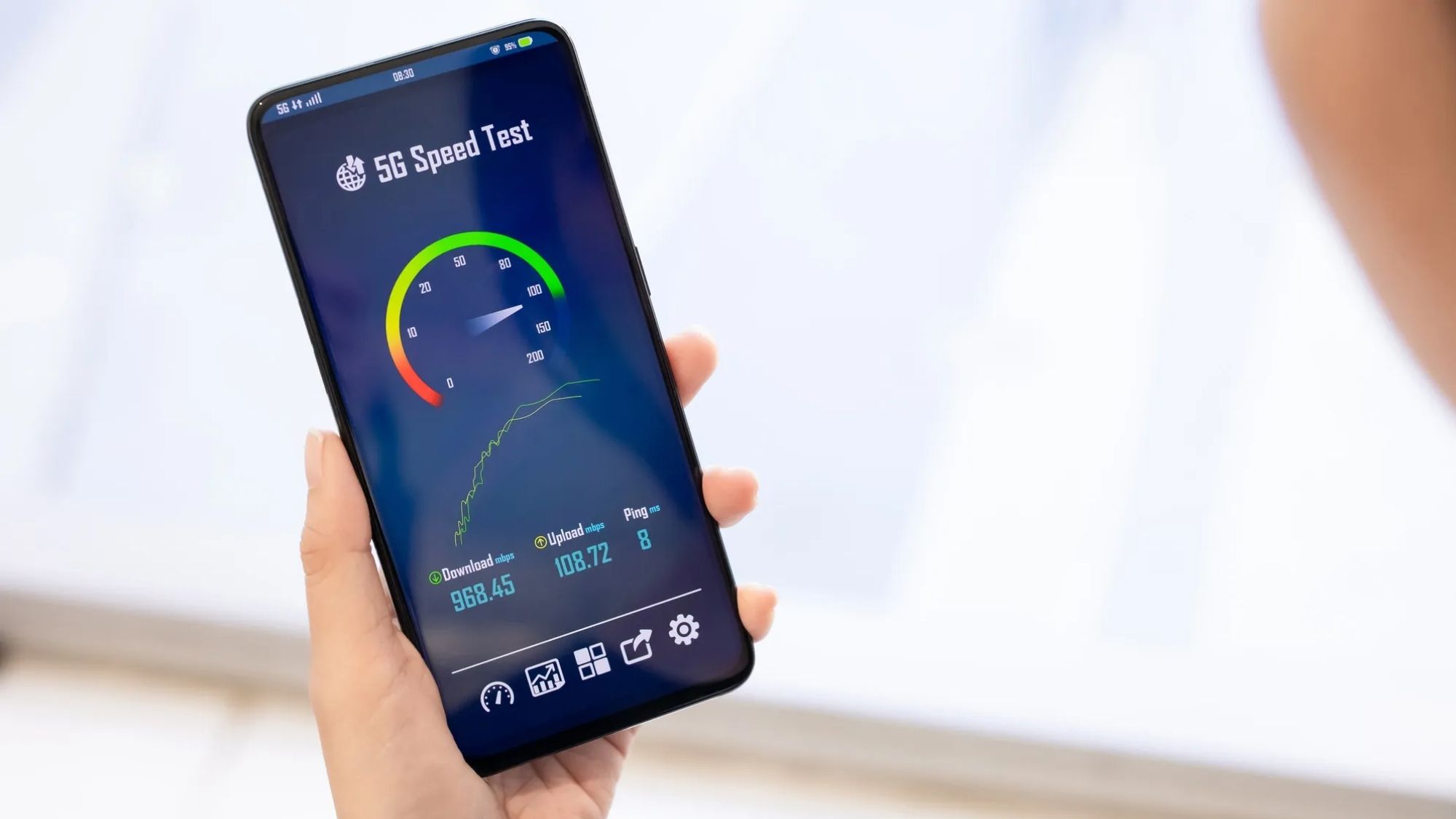
When people talk about testing internet speed, Speedtest by Ookla is the name everyone knows. It’s the most widely used tool of its kind across the globe. It runs full diagnostics, measuring download and upload speeds, latency, packet loss and overall connection stability.
Its real strength for hunting Wi-Fi trouble lies in consistent results. Walk from room to room, run a quick test each time, and you’ll instantly see exactly where your network slows to a crawl. The app also saves every past result, so you can easily compare performance before and after moving your router or setting up a mesh system.
Industry standard for reliable speed tests
Extensive global server network for accurate readings
Keeps a full history of past test results
Simple, easy-to-navigate layout
Works on both major mobile operating systems
Does not generate visual coverage heat maps
Focuses heavily on speed, with limited in-depth Wi-Fi analysis
Free version displays advertisements
Anyone who wants a trustworthy go-to app for basic speed checks.
Pricing: Fully free
WiFiman has built a loyal following among regular households and casual IT users alike. Built by Ubiquiti, it blends standard speed tests with robust Wi-Fi diagnostics, connected device tracking, signal monitoring and built-in troubleshooting tools.
One standout feature tracks signal strength as you move around your home. Unlike basic speed testers that only spit out numbers, this app lets you watch Wi-Fi quality shift from one room to the next. If you’re trying to track down weak coverage spots, it delivers far more actionable details than a standard speed test ever could.
No cost to download or use
Powerful Wi-Fi diagnostic tools
Detailed signal strength tracking
Scans and lists all devices on your network
Clean, uncluttered interface
Advanced features work best alongside Ubiquiti networking hardware
More technical than beginner-friendly speed-only apps
Many casual users will never touch its advanced networking tools
People who want to look beyond raw speed and understand how their Wi-Fi actually performs around the house.
Pricing: Free tier available; paid upgrades unlock extra tools
If your main goal is finding Wi-Fi dead zones around your home, NetSpot is one of the most specialized mobile tools you can get. It maps signal strength across your entire space and clearly marks areas with poor coverage. Depending on your device and plan, it runs full Wi-Fi surveys and creates easy-to-follow visual layouts that go well beyond simple speed checks.
It excels at showing exactly where signals fade off, and which router adjustments will make the biggest difference. That insight is incredibly helpful for anyone dealing with dead zones in bedrooms, weak coverage on upper floors or spotty service in detached workspaces.
Comprehensive Wi-Fi analysis tools
Built specifically to locate dead zones
Clear visual reports for easy reading
Professional-level functionality
Cross-platform support
Advanced tools sit behind a paywall
More complex to learn than Speedtest
Steeper learning curve for total beginners
Homeowners focused entirely on mapping and fixing Wi-Fi coverage gaps.
Availability: Android only
Pricing: Fully free
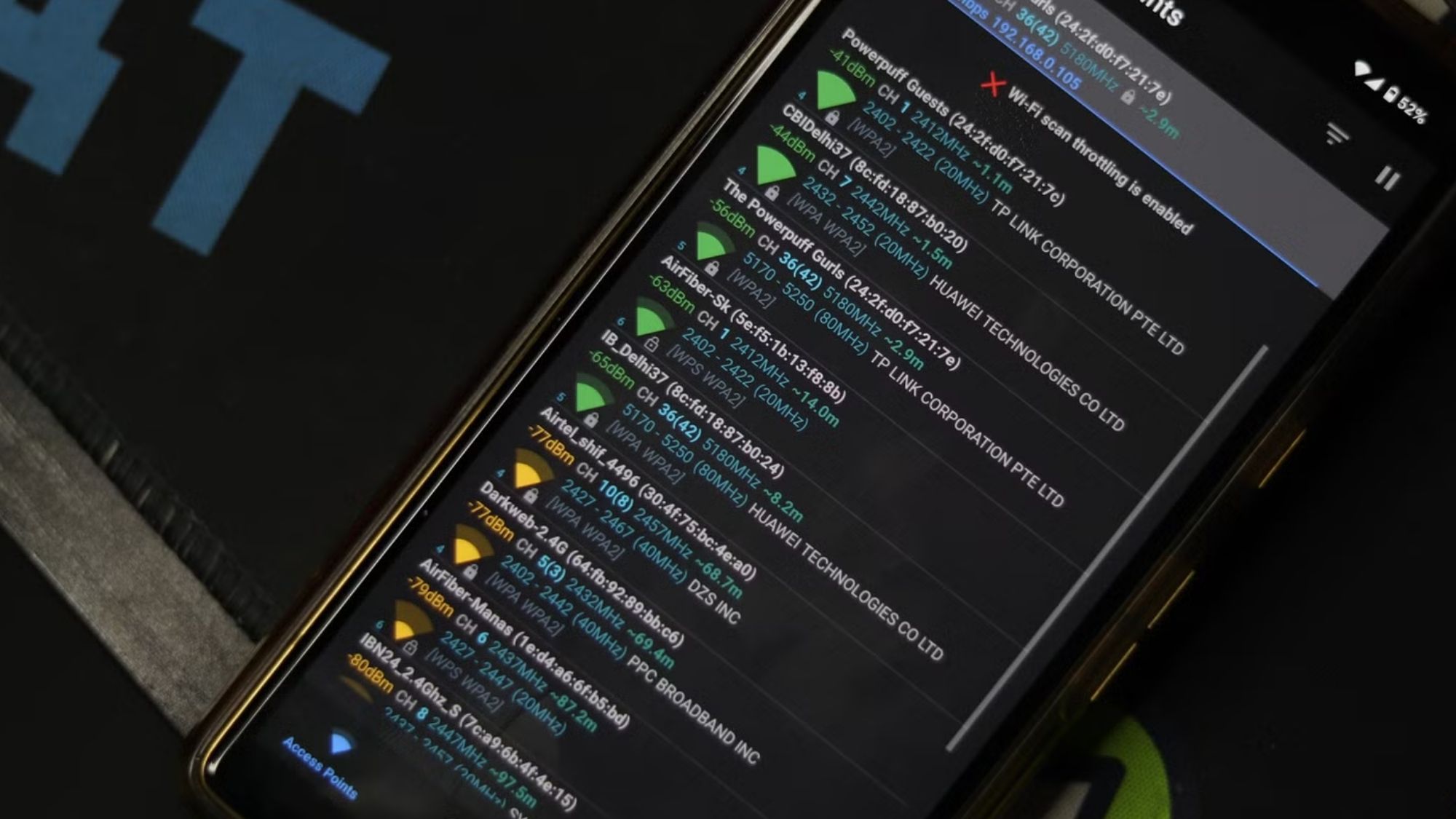
This lightweight Android app is a staple for anyone looking to understand their local wireless environment. It doesn’t prioritize speed testing. Instead, it visualizes nearby Wi-Fi networks, tracks signal strength, checks channel activity and pinpoints sources of network congestion.
With this data, you can tell if neighboring networks are crowding your signal, and figure out if switching your router’s channel will boost performance. It won’t build full coverage maps, but it’s fantastic for sorting out signal trouble and cutting down on interference.
Completely free
Excellent channel analysis
Clearly identifies outside interference
Lightweight and runs quickly
Great for fine-tuning router settings
Exclusive to Android devices
No built-in speed testing features
Not the most intuitive for new users
Android owners troubleshooting persistent Wi-Fi interference issues.
Availability: Android only
Pricing: Free version available; premium tools via in-app purchases
Networking enthusiasts regularly recommend Analiti, and for good reason. It combines standard speed tests with deep Wi-Fi diagnostics you won’t find on simpler apps. It checks signal quality, overall network performance, device roaming and a host of other wireless details.
Its coverage testing works exceptionally well in larger homes running mesh systems, Wi-Fi extenders or multiple access points. If you like diving into technical network data, this app packs one of the most robust feature sets available for Android.
All-in-one comprehensive diagnostics
Includes full speed testing
Solid coverage analysis tools
Optimized for mesh network setups
Delivers in-depth technical details
Android-only access
Dense data can overwhelm casual users
Premium features require payment
Power users and anyone who enjoys digging into detailed network metrics.

For the average household, WiFiman stands out as the top all-around pick. Unlike apps that only test speed, it pairs performance checks with practical Wi-Fi diagnostics to spot weak coverage, signal issues and connected devices. It strikes a perfect balance between simplicity and useful detail.
Best Overall App: WiFiman
Dedicated Speed Tester: Speedtest by Ookla
Top Pick for Mapping Dead Zones: NetSpot WiFi Analyzer
Best Android Channel Analyzer: WiFi Analyzer
Advanced Diagnostic Tool: Analiti WiFi Analyzer
A common mistake? Running one quick test right next to the router and assuming your whole network works fine. Follow this simple routine for accurate results: 1. Run a baseline speed test beside your router. 2. Move through every room in your home. 3. Log speed and signal readings at each spot. 4. Note exactly where performance drops sharply. 5. Retest after repositioning your router or gear.
Many people are surprised to learn moving a router just a few feet delivers bigger improvements than upgrading to a pricier internet plan.
Internet speed and Wi-Fi coverage are two separate problems. The right apps let you measure both clearly. For most homes in 2026, pair Speedtest by Ookla for pure speed readings with WiFiman or NetSpot for coverage analysis, and you’ll get a full picture of what’s really going on with your network.