

Teachers, vocal coaches, choir directors, podcasters, and singers all run into the same problem eventually: vocal strain sneaks up before the damage becomes obvious.
A slightly hoarse tone after class. Reduced upper range during rehearsal. A voice that suddenly feels “tired” halfway through the workday.
The good news is that modern smartphone apps have become surprisingly useful for spotting early warning signs. Real-time pitch tracking, loudness monitoring, vocal fatigue analysis, and playback tools can now help users identify bad habits before they become chronic problems.
After testing dozens of voice-analysis and pitch-monitoring apps currently available on Google Play, several stood out for practical daily use rather than gimmicky “AI voice magic.” The apps below are genuinely active, currently downloadable, and useful for real-world vocal monitoring.
The testing focused on four things:
Accuracy of pitch and loudness detection
Ease of use during daily speaking or singing
Whether the app actually helps prevent strain
Value for teachers and professional voice users
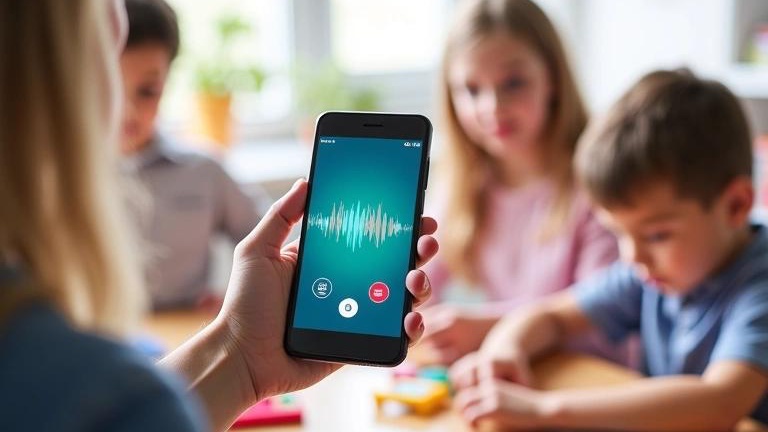
For serious vocal monitoring, this was easily the most professional-grade app tested.
Originally designed for speech therapy and Parkinson’s rehabilitation, Voice Analyst has quietly become one of the best tools for teachers and singers who need hard vocal data instead of vague feedback. The app tracks both pitch and volume in real time, records sessions, and generates detailed vocal statistics.
When tested during long reading sessions and vocal warmups, the app’s biggest advantage was consistency. It reliably tracked pitch drift and vocal loudness over time, making it genuinely useful for spotting fatigue patterns.
For teachers, that matters. Many educators unknowingly increase vocal intensity throughout the day as classrooms become louder. Voice Analyst makes that trend immediately visible.
For singers, the playback graphs are excellent for spotting instability in sustained notes.
The Reality Check: What Actually Works?
The real-time loudness monitor is the standout feature.
Most pitch apps only show notes or frequencies. Voice Analyst also helps users monitor how hard they are pushing their voice. During testing, it became obvious how quickly volume creeps upward during long speaking sessions.
The app is also one of the few tools that feels clinically reliable rather than hobbyist-grade.
Pricing
One-time purchase: approximately $14.99 on Google Play
No subscription required
Pros
Extremely accurate pitch and volume tracking
Excellent long-session monitoring
Detailed playback analytics
Useful for both speaking and singing
No subscription model
Cons
Interface feels more medical than modern
Expensive compared to free alternatives
Some users report background recording issues on certain Android devices
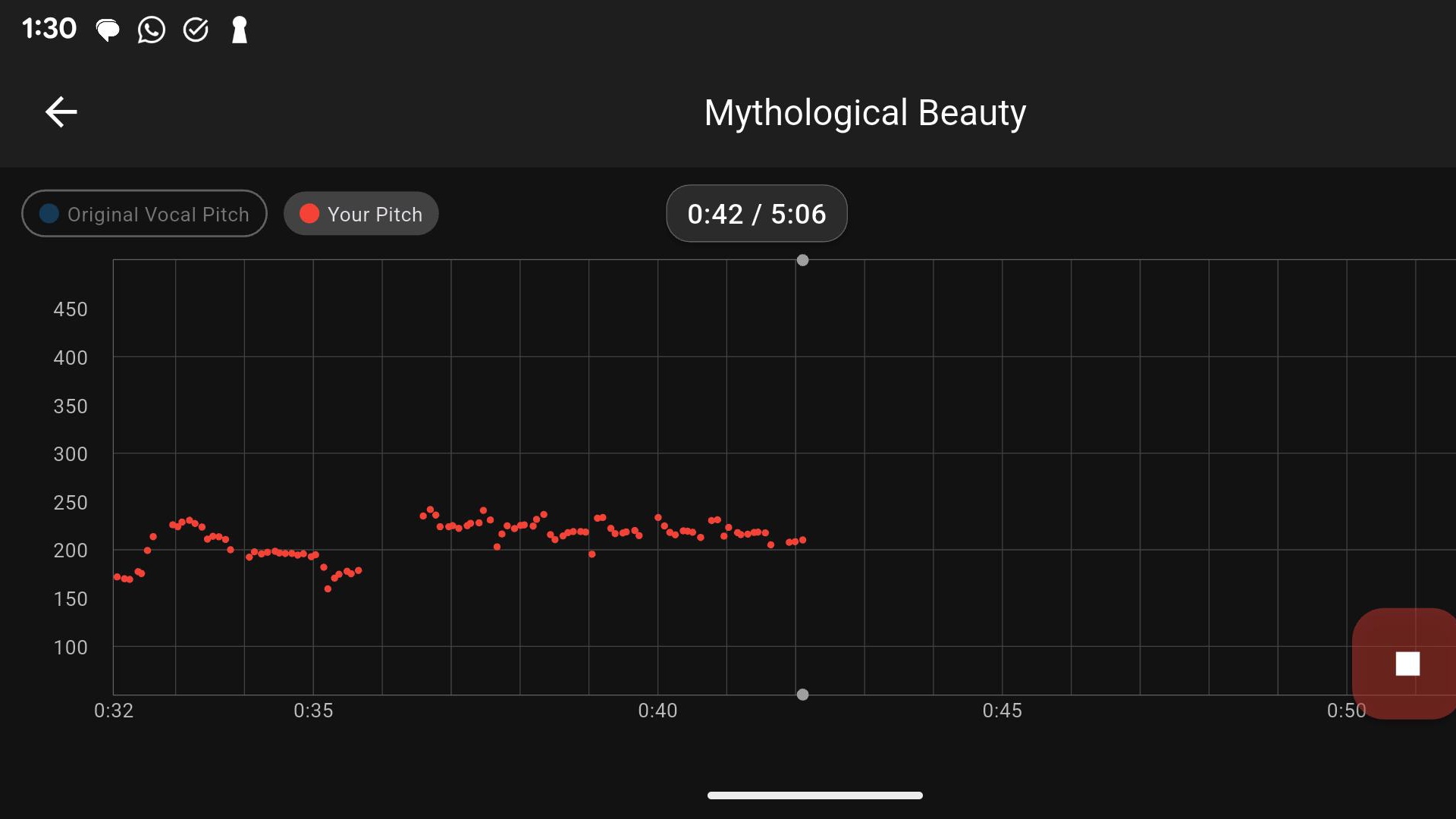
This app has become something of a cult favorite among singers — and after testing it extensively, that reputation makes sense.
Vocal Pitch Monitor displays live pitch tracking on a scrolling graph, allowing users to literally see how stable their voice is in real time.
For singers, it is one of the best free tools available for monitoring vocal consistency, breath support stability, and note transitions.
For teachers, it is surprisingly useful for identifying vocal tension during prolonged speaking.
One test session involved reading lecture material aloud for 25 minutes while watching pitch stability. Vocal fatigue became visually obvious long before the throat actually felt strained.
The Reality Check: What Actually Works?
The graph visualization is incredibly useful.
Instead of simply showing a single note, the app displays the shape and steadiness of the voice over time. Users can immediately see wobbling pitch, unstable airflow, or excessive tension.
It feels less like a tuner and more like a “mirror” for the voice.
The app also includes recording and playback features, though recordings in the free version are limited.
Pricing
Free with ads
Pro version available as a one-time purchase (around $2.99)
Pros
Outstanding real-time pitch visualization
Extremely useful for singers
Lightweight and fast
One of the best free vocal-monitoring apps
Helpful for spotting breath instability
Cons
Android only
Interface feels dated
Can occasionally misread octaves or lower voices
Not ideal in noisy environments

Voice Tools was originally created for voice therapy and transgender voice training, but it has become surprisingly effective as a general vocal-awareness tool.
The app tracks pitch, tone, and volume in real time while also allowing quick playback comparisons.
During testing, it worked especially well for speakers trying to maintain consistent vocal placement during long sessions.
Teachers may appreciate the built-in sentence exercises because they mimic real speech patterns rather than isolated singing exercises.
The Reality Check: What Actually Works?
The instant replay loop is the killer feature.
Instead of recording full sessions, users can quickly hear the last few seconds of speech or singing. That rapid feedback loop makes it easier to catch vocal fry, excessive throat tension, or breathiness before those habits become automatic.
The app is also refreshingly lightweight compared to many modern “AI vocal coach” apps filled with unnecessary social features.
Pricing
Free with ads
Optional in-app purchase removes ads
Pros
Very easy to use
Excellent instant playback system
Useful for speech-heavy professions
Available on both iOS and Android
Free version is genuinely usable
Cons
Pitch analysis is less detailed than Voice Analyst
Some vocal coaches criticize its “voice gender” metrics as oversimplified
Better for awareness training than deep analysis
Up Tempo is technically a musician practice app rather than a dedicated vocal-health platform, but it turned out to be extremely useful for singers managing vocal fatigue.
The app allows users to slow recordings, adjust pitch, isolate sections, and practice difficult passages without overstraining the voice.
That matters because many singers damage their voices not during performances, but during repetitive over-practice.
The Reality Check: What Actually Works?
Tempo reduction without distortion is the standout feature.
When tested on demanding vocal runs and rehearsal tracks, singers could practice technique at slower speeds while maintaining proper vocal placement.
That dramatically reduced unnecessary strain during long rehearsals.
It is less useful for teachers, but singers and vocal coaches will get real value from it.
Pricing
Free with in-app purchases
Pros
Excellent for reducing rehearsal strain
High-quality pitch and speed controls
Very musician-friendly interface
Great for difficult vocal passages
Cons
Not a dedicated vocal-health tracker
No fatigue analytics
More useful for singers than speakers
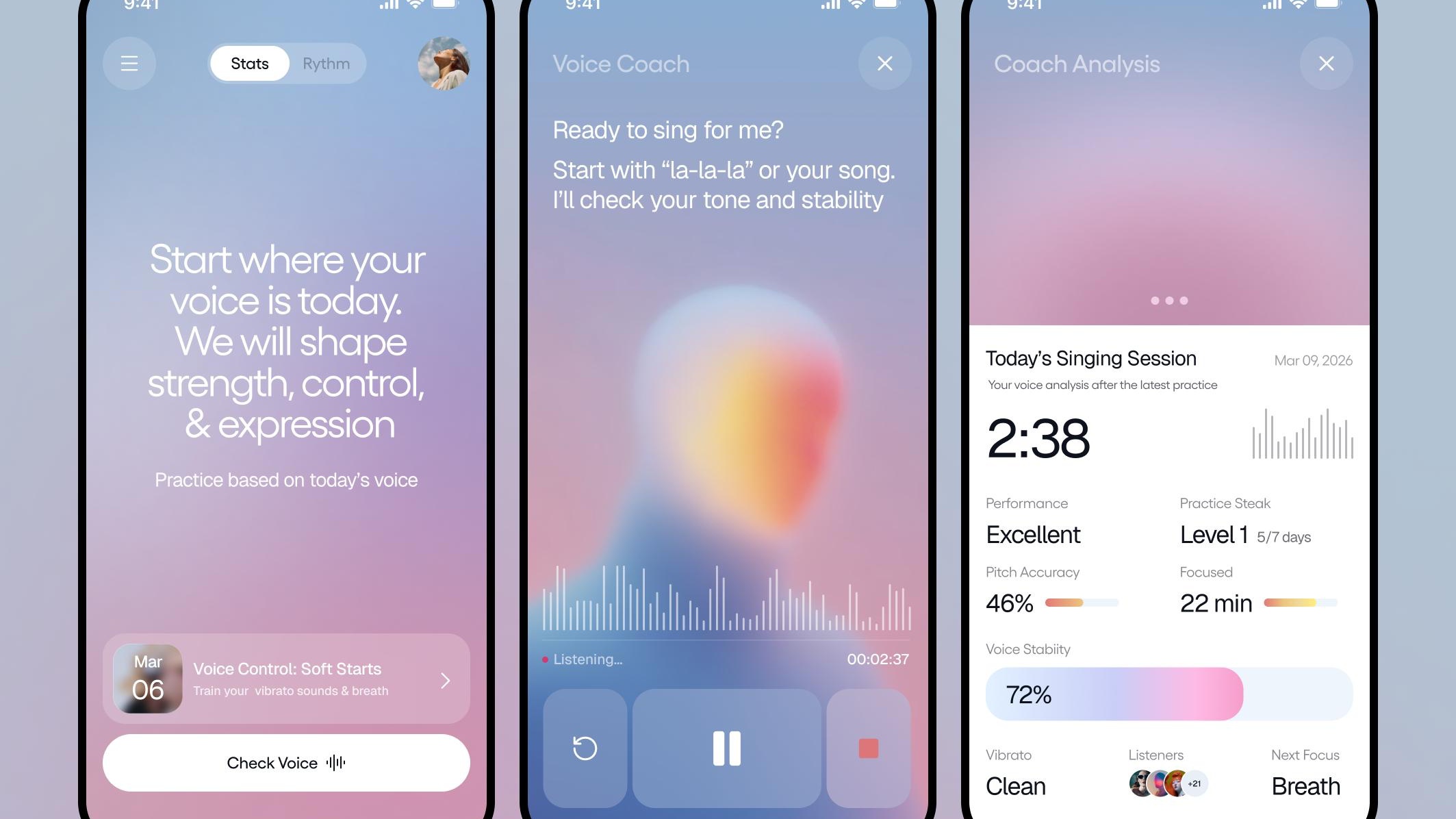
This was the most polished-looking app tested, though also the most subscription-heavy.
Vocal Image combines vocal exercises, guided warmups, breathing routines, and speaking coaching into a highly modern interface. It leans heavily into AI branding, but some parts are genuinely useful for vocal maintenance.
Teachers who frequently lose vocal endurance may benefit from the breathing and warmup routines before long teaching sessions.
Singers will likely appreciate the guided daily exercises.
The Reality Check: What Actually Works?
The guided warmups are surprisingly solid.
While the AI claims are somewhat overmarketed, the structured routines do encourage healthier vocal preparation habits. Users who consistently warm up before speaking or singing usually experience less strain overall.
The app is best viewed as a vocal wellness coach rather than a scientific monitoring tool.
Pricing
Free download
Subscription required for most advanced features
Pros
Beautiful interface
Helpful guided warmups
Good beginner-friendly coaching
Strong habit-building potential
Cons
Subscription pricing adds up quickly
Less precise than dedicated monitoring apps
AI features sometimes feel gimmicky
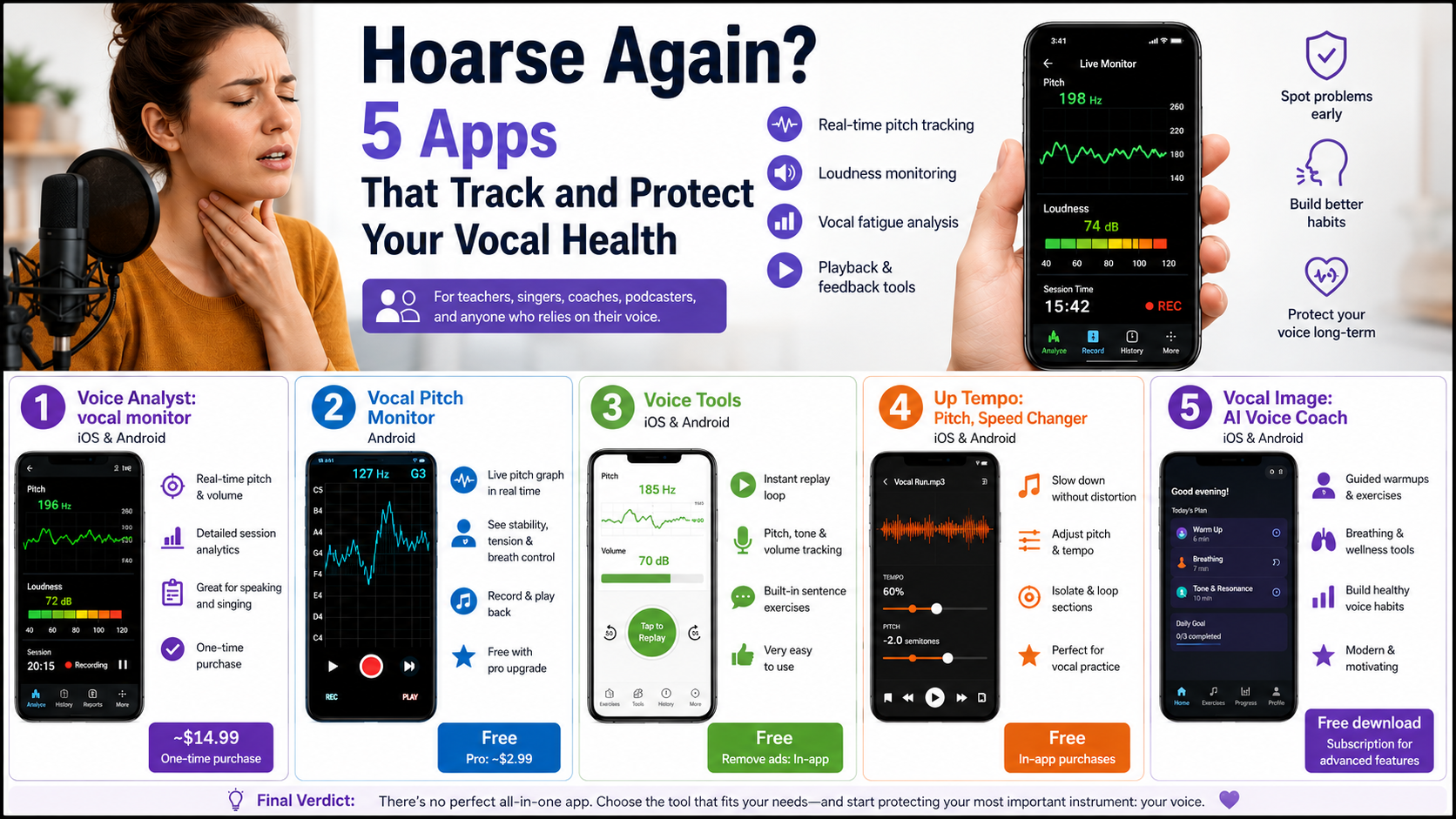
After extensive testing, one thing became clear: there is no perfect all-in-one vocal health app.
Different professions need different tools.
For teachers and professional speakers, Voice Analyst: vocal monitor is the strongest overall choice. Its combination of pitch tracking, loudness monitoring, and detailed playback analysis makes it the most effective app for identifying vocal fatigue before serious strain develops.
For singers, Vocal Pitch Monitor remains one of the best pure pitch-visualization tools available on Android. Despite its older design, it provides some of the clearest real-time vocal feedback of any app tested.
Meanwhile, Voice Tools hits the sweet spot for casual daily monitoring thanks to its simplicity and fast playback loop.
The biggest surprise from testing was how quickly small vocal problems became visible once users could actually see their pitch stability and loudness patterns in real time.
For teachers and singers alike, that kind of awareness can make the difference between temporary fatigue and a long-term vocal injury.