

The freedom that comes with freelance work is great — until tax season shows up.
For independent contractors, gig workers, creators, consultants, and side hustlers, taxes can quickly become overwhelming. Unlike traditional employees with W-2 jobs, freelancers are responsible for tracking income, organizing deductions, estimating quarterly tax payments, and keeping records throughout the year.
And honestly, most people underestimate how complicated that process becomes once multiple income streams, irregular expenses, and quarterly deadlines enter the picture.

A few missing receipts here, several uncategorized transactions there, and suddenly April turns into a stressful attempt to rebuild an entire year of financial history. Worse, many freelancers end up overpaying taxes simply because they fail to track legitimate deductions consistently.
That is exactly why tax apps built specifically for self-employed workers have become increasingly popular over the last few years. The best apps do much more than simple expense tracking. They automate bookkeeping, estimate taxes, identify deductions, and simplify filing throughout the year.
To figure out which tools are actually useful in real-world situations, several freelancer tax apps available on the Google Play Store were tested while managing multiple 1099 income sources, business expenses, and quarterly tax payments. The evaluation focused on automation quality, ease of use, deduction tracking, bank synchronization, and overall reliability.
Here are the four best freelancer tax apps worth considering in 2026.
Keeper has become one of the most popular tax apps for freelancers because it removes much of the manual bookkeeping work that independent contractors usually hate dealing with.
Instead of forcing users to organize receipts manually every week, Keeper connects directly to bank accounts and credit cards, then automatically scans transactions for potential business deductions.
During testing, the app consistently identified common write-offs freelancers often forget about, including software subscriptions, internet bills, rideshare expenses, and home office costs.

One thing that makes Keeper stand out is how little maintenance it requires after setup. When the system finds an unclear transaction, it sends a quick notification asking whether the expense was business-related. Over time, the app gradually becomes more accurate as it learns spending habits.
Keeper also provides estimated quarterly tax calculations, which helps freelancers avoid getting surprised by large IRS payments later in the year.
The platform is best suited for solo freelancers and independent contractors rather than larger businesses with complicated corporate structures.
The automated deduction tracking genuinely reduces bookkeeping stress. Once connected to banking accounts, the app runs quietly in the background with minimal effort required.
Excellent automated expense tracking
Beginner-friendly interface
Helpful quarterly tax estimates
Minimal manual bookkeeping required
Subscription pricing is relatively expensive
Less useful for advanced business structures
Pricing: Filing plans generally start around $199/year.
FlyFin AI takes a different approach by combining automation with access to real tax professionals.
The app uses AI to categorize expenses and identify deductions, but unlike many fully automated competitors, FlyFin also offers CPA support on higher-tier plans. That combination makes it appealing for freelancers who want both convenience and additional reassurance during tax season.
During testing, the app handled inconsistent freelance income surprisingly well. Expenses across multiple accounts were categorized quickly, and the deduction summaries felt more detailed than many competing apps.
One particularly useful feature was the real-time tax estimation system, which gave a clearer picture of upcoming quarterly tax obligations throughout the year.
The setup process is slightly slower than some competitors because the app requests detailed banking history to improve deduction accuracy. However, once fully configured, it becomes a strong all-in-one solution for many self-employed users.

The combination of AI automation and optional CPA oversight gives freelancers more confidence when managing complicated tax situations.
Strong deduction tracking system
CPA support available on paid plans
Helpful quarterly tax estimates
Good for inconsistent freelance income
Setup process takes time
Interface can occasionally feel cluttered
Pricing: Free tracking features available; premium CPA-assisted plans cost more depending on filing complexity.
TurboTax remains one of the biggest names in tax software, and for good reason. For freelancers dealing with more complicated financial situations, it still offers one of the easiest filing experiences available.
One important clarification: “TurboTax Premium” is not actually a separate Android app. The Google Play app is simply called TurboTax, while Premium and Self-Employed are filing tiers inside the platform.
The app guides users through taxes using a conversational interview-style system instead of forcing them to fill out raw IRS forms directly. During testing, this made the filing process significantly less intimidating, especially when dealing with multiple 1099 forms and side income sources.
TurboTax also performs well when combining freelance income with W-2 employment, investments, or rental property income inside the same tax return.
The document upload system is another major advantage. Tax forms can be scanned directly through a smartphone camera, and the app automatically imports much of the information.
The biggest downside is pricing. Once premium filing tiers and state filing fees are added, TurboTax becomes one of the more expensive options available.
TurboTax is excellent at simplifying complicated tax situations for freelancers who are not comfortable navigating tax forms themselves.
Extremely beginner-friendly
Handles complex tax situations well
Excellent document import system
Optional live expert support available
Expensive compared to competitors
Frequent upgrade prompts during filing
Pricing: Self-employed filing tiers generally start around $129+, with additional state filing fees.
QuickBooks Online Accounting remains one of the most widely used financial tools for freelancers and independent contractors, especially for people who want bookkeeping, invoicing, expense tracking, and tax estimates combined into a single ecosystem.
Unlike apps that focus mainly on tax filing, QuickBooks is designed for year-round financial management. It automatically tracks income and expenses, categorizes transactions across connected bank accounts, estimates quarterly taxes, generates financial reports, and handles invoicing directly inside the app.
During testing, the automatic mileage tracking feature stood out immediately. The app consistently detected drives in the background and allowed trips to be categorized with simple swipe actions. For freelancers who regularly drive for work — including rideshare drivers, photographers, contractors, and real estate agents — this feature alone can save a surprising amount of time during tax season.
The built-in quarterly tax estimation system was also genuinely useful. As income and expenses changed throughout the year, the app continuously updated estimated tax obligations, making it easier to avoid underpayment surprises later on.
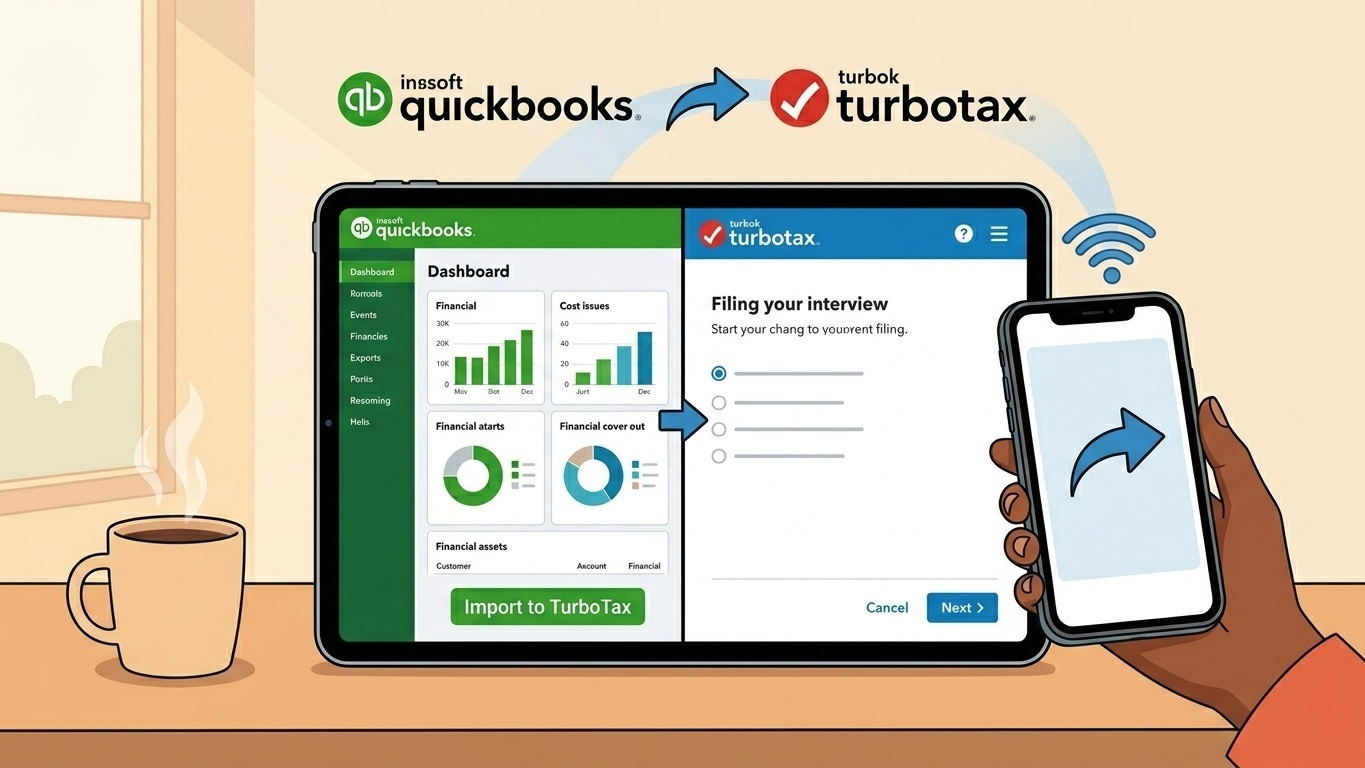
Another major advantage is the TurboTax integration. Since both platforms are owned by Intuit, financial data transfers relatively smoothly during filing season, reducing the amount of manual data entry required.
However, QuickBooks Online Accounting is not the cheapest option available, and freelancers with very simple finances may find the interface slightly overwhelming at first because of the number of accounting and bookkeeping tools included.
Another important thing worth noting is that Intuit has gradually shifted some freelancers away from the older QuickBooks Self-Employed branding toward QuickBooks Solopreneur and QuickBooks Online services, which now overlap heavily in certain regions and plans.
QuickBooks Online Accounting works best for freelancers who want ongoing financial organization throughout the year rather than a simple tax-season filing app.
Excellent expense and income tracking
Reliable automatic mileage tracking
Helpful quarterly tax estimates
Strong invoicing and bookkeeping tools
Smooth TurboTax integration
More expensive than simpler alternatives
Interface can feel busy for beginners
Some accounting features may feel unnecessary for casual freelancers
Pricing: Plans generally start around $20–$35/month depending on the selected tier and available promotions.
The best freelancer tax app depends largely on how involved someone wants to be in managing their finances.
For freelancers who want the most automated, low-maintenance experience possible, Keeper remains one of the strongest options available. Its automatic deduction tracking dramatically reduces bookkeeping stress throughout the year.
For users who want additional peace of mind from real tax professionals, FlyFin AI stands out because of its combination of automation and CPA support.
Meanwhile, TurboTax remains one of the safest choices for freelancers handling complicated tax situations, while QuickBooks Self-Employed is ideal for people who want year-round financial organization rather than just tax filing assistance.
No tax app can completely eliminate the complexity of freelance finances. But the right software can absolutely reduce stress, improve organization, and help freelancers avoid losing money through missed deductions or poor recordkeeping.