

Talk to any seasoned homebrewer, and they’ll all say the same thing: temperature control makes or breaks a great batch.
You can follow a perfect recipe, use the freshest ingredients, and stick rigidly to every step of the brew day. But let fermentation temperatures swing too far outside your yeast’s ideal range, and unwanted flavors will creep in. Off-notes like harsh alcohols or fruity esters show up fast, and no amount of waiting during conditioning will fix them.
Temperature management is where many hobbyists hit roadblocks. Basic stick-on thermometers only give rough estimates. Popping into your brewing space multiple times a day to check readings quickly grows tedious.
Thankfully, modern brewing apps change that. You can watch fermentation temperatures from anywhere, get instant alerts when things shift, follow each batch’s progress, and keep detailed notes for every brew.
We rounded up fully functional apps from the Apple App Store and Google Play, all built to track and manage fermentation temperatures. We judged each one on tracking accuracy, how well it pairs with popular brewing hardware, alert features, day-to-day workflow, ease of use, and clear pricing.
These are the top tools homebrewers can use right now.
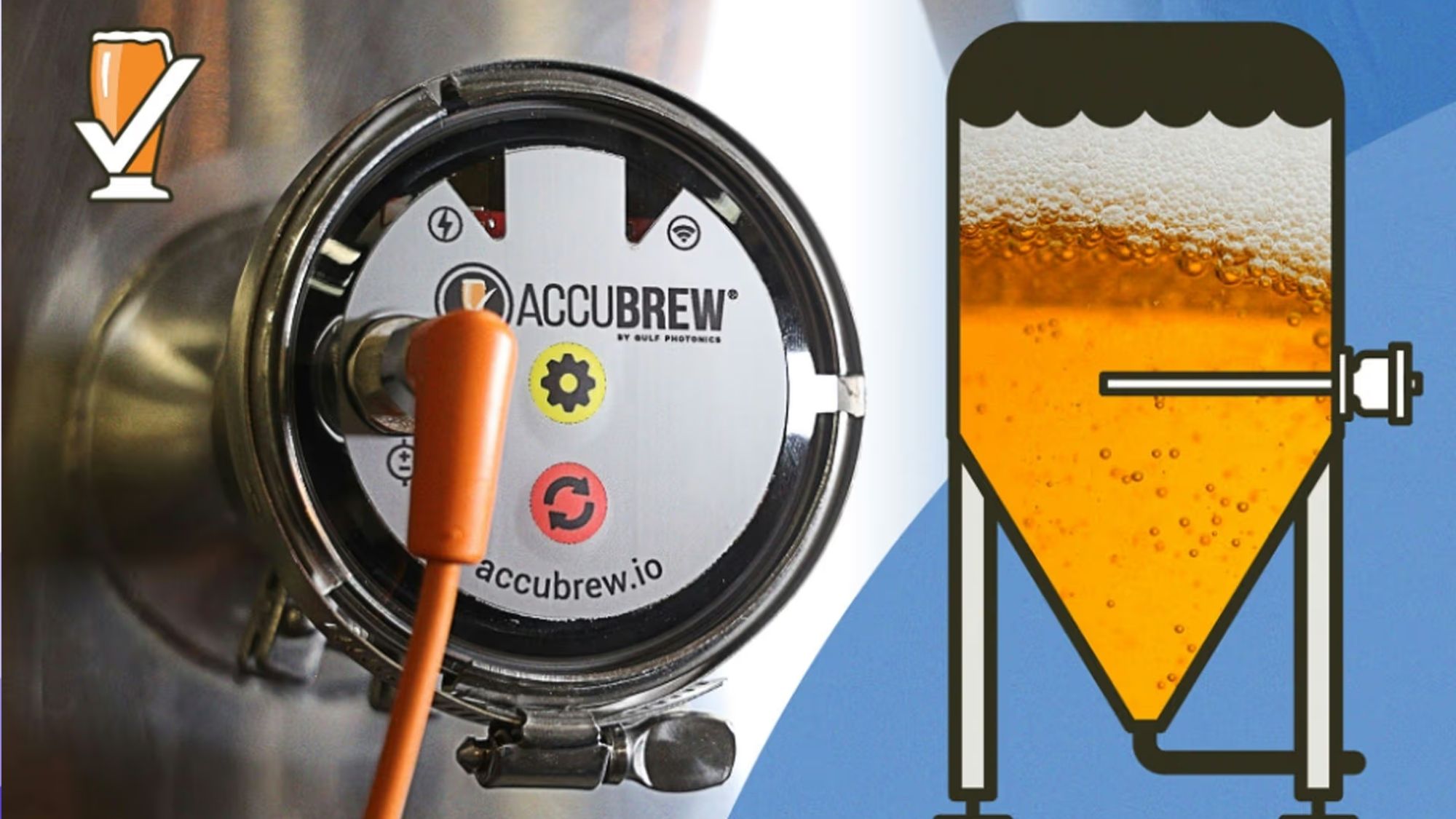
Pricing: Free tier available; full advanced features locked behind an annual premium subscription
Brewfather is a go-to pick among dedicated homebrewers, and it’s easy to see why.
It connects seamlessly to nearly every popular fermentation sensor on the market, including Tilt hydrometers, iSpindel, Plaato and a wide range of temperature controllers. There’s no need to write down readings by hand — live data streams straight into the app.
This platform does far more than track temperatures. It handles recipe building, full brew logs, water chemistry adjustments and inventory tracking, plus generates clear visual graphs for every fermentation cycle.
If you want one single hub to oversee your entire brewing setup, Brewfather delivers exceptionally well.
Works with most mainstream fermentation monitoring hardware
In-depth fermentation graphs for tracking batch trends
Robust logging for every brew
Automatic cloud sync across devices
Regular updates and an active, helpful user community
Premium plan required to unlock the most powerful tools
Dense menus can overwhelm brand-new brewers
You get the most value when paired with compatible sensors
Homebrewers who want fermentation tracking bundled with a complete all-in-one brewery management system.
Pricing: App is free to download; separate Tilt wireless hydrometer hardware required for use
When people talk about dedicated fermentation monitoring setups, the Tilt system is usually top of mind.
This compact wireless hydrometer sits right inside your fermenter. It sends continuous temperature and specific gravity readings straight to the companion app via Bluetooth. For anyone focused solely on fermentation performance, this pair of metrics tells you everything about how your batch is progressing.
The app displays all data cleanly and builds easy-to-follow fermentation curves, so you never have to log numbers manually.
Live, real-time temperature tracking
Tracks gravity alongside temperature for full fermentation insight
Simple, readable data visualizations
Solid Bluetooth connection for consistent readings
A mature, well-supported hardware ecosystem
Requires purchasing Tilt hardware separately
Bluetooth signal can struggle in larger homes or cramped brewing spaces
Limited functionality if you don’t use other tools from the Tilt line
Brewers who want a streamlined tool built exclusively for fermentation monitoring, rather than a full-suite brewing app.
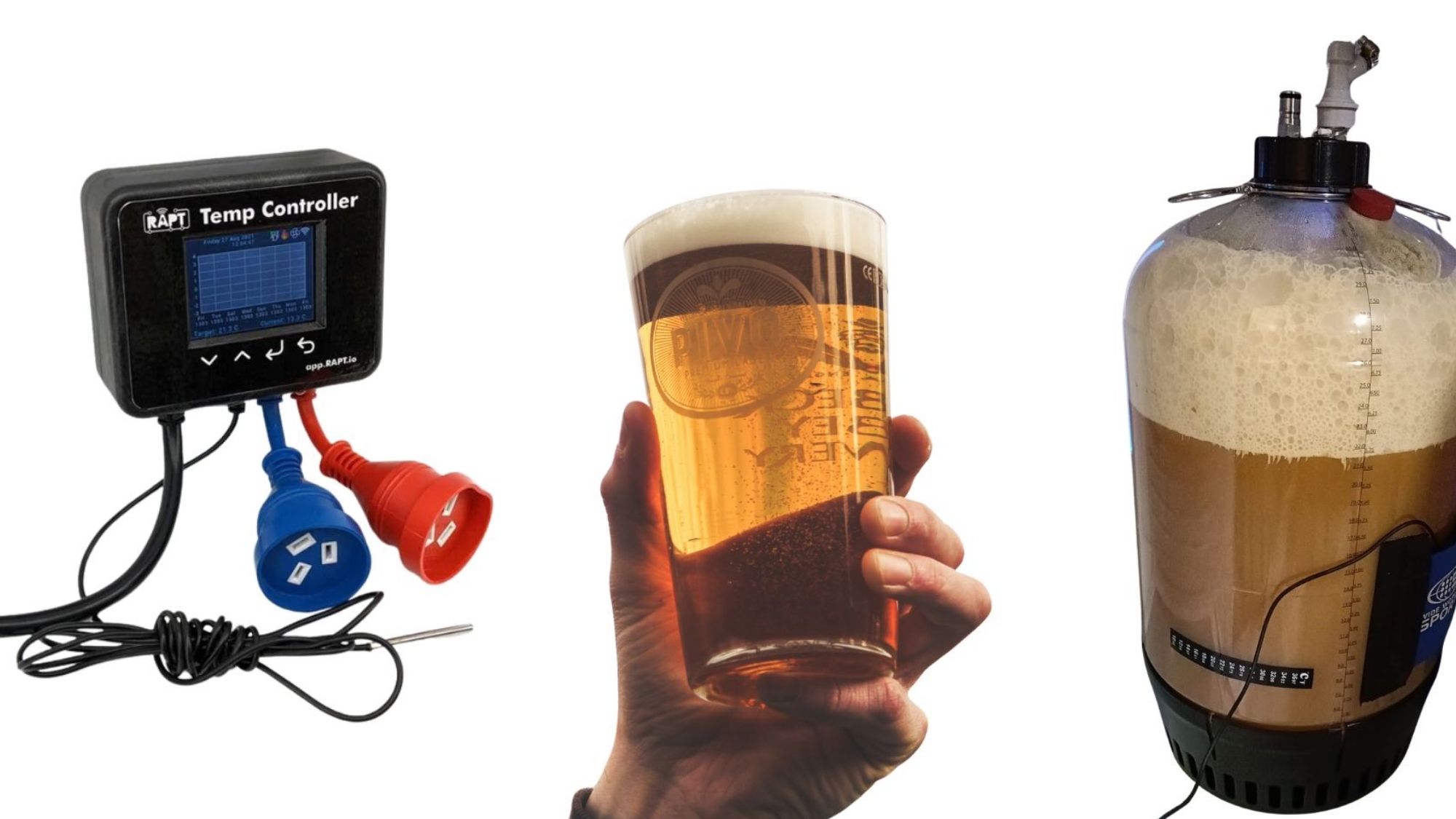
Pricing: Free download; advanced features available via paid subscription
Grainfather is famous for its all-in-one brewing equipment, and its mobile app has grown into a reliable tool for managing fermentation too.
Pair it with Grainfather’s compatible sensors and controllers, and you can check fermentation temperatures remotely, receive custom alerts, and look back on past batch data. Even if you don’t own Grainfather brewing gear, you can still use its recipe design and logging tools.
What sets this app apart is its polished layout. Many brewing tools feel clunky and overly technical, but Grainfather keeps the experience approachable for all skill levels.
Clean, intuitive interface
Tight integration with official Grainfather hardware
Full remote monitoring capabilities
Built-in recipe management
Works across both major mobile operating systems
Top-tier features perform best with Grainfather equipment
Some advanced tools sit behind a paid subscription
Supports fewer third-party sensors than Brewfather
Brewers who already own and use Grainfather brewing gear.
Pricing: App is free; use requires RAPT-compatible hardware
Created by KegLand, RAPT centers entirely on connected brewing hardware and smart fermentation tools.
It pairs with devices like the RAPT Pill hydrometer and brand-specific temperature controllers. All live temperature data feeds into a cloud-based dashboard, so you can check in on your batches from anywhere.
Its alert system stands out. You’ll get a notification right away if temperatures drift outside your target range or if fermentation activity suddenly changes. It’s a great fit for brewers who want remote oversight without building a complicated custom setup.
Cloud-powered monitoring for off-site access
Check batches from any location
Precise, detailed temperature tracking
Customizable alert system
Reliable sync with official RAPT hardware
Dependent on RAPT hardware to function fully
Smaller overall ecosystem compared to larger competitors
Initial setup can feel intimidating for new hobbyists
Brewers who prioritize remote monitoring and automatic temperature alerts above all else.
Pricing: One-time paid app purchase; optional cloud subscription for extra services
BeerSmith has long been a staple name in homebrewing software.
It’s best known for recipe creation and brewing calculations, not live sensor tracking. Even so, it works well for anyone who prefers logging fermentation data manually. You can note target temperatures, track each stage of a batch, and store detailed records for every beer you make.
This tool shines at organization, not automated real-time tracking.
Powerful recipe building and calculation tools
Comprehensive batch history and record keeping
Straightforward batch tracking workflow
Large, long-standing user community
Full cross-platform support
Minimal live temperature tracking from connected sensors
Far less automation than newer dedicated apps
Interface looks dated next to modern alternatives
Traditional homebrewers who stick to manual logging and focus heavily on recipe management.
For homebrewers focused first and foremost on pinpoint fermentation temperature tracking, Brewfather is the top overall choice in 2026.
It combines robust sensor support, clear temperature visuals, customizable alerts, recipe tools and detailed brew logs into one cohesive package. It works for nearly every style of homebrewer.
Its biggest strength is flexibility. Unlike apps locked to a single brand of hardware, Brewfather plays well with most popular monitoring devices. You can build a setup that matches your budget and your unique brewing routine.
Best Overall Pick: Brewfather
Best Dedicated Fermentation Tracker: Tilt 2
Best for Grainfather Hardware Owners: Grainfather App
Best for Remote Monitoring & Alerts: RAPT
Best for Manual Logging & Recipe Work: BeerSmith Mobile
Today’s apps make basic temperature tracking simple for everyone. The real choice lies in how much detail and oversight you want. Casual brewers may be happy with occasional checks, but anyone chasing consistent, repeatable results will gain a lot from continuous monitoring and automatic alerts.
For brewers looking to raise the quality of every batch, a solid fermentation tracking app often makes a bigger difference than upgrading other pieces of brewing gear.