

Almost everyone has experienced this at some point.
After a conference, trade show, or networking event, a small stack of business cards ends up sitting on a desk, inside a backpack, or buried in a jacket pocket. At first, there is every intention of following up. Then work gets busy, emails pile up, and a week later it becomes difficult to even remember where half those contacts came from.
That is the real problem with traditional business cards in 2026. The issue is not collecting contacts — it is actually organizing and using them afterward.
Modern networking moves fast. If contact information is not digitized quickly, connected to a CRM, or at least saved with proper context, most networking opportunities quietly disappear. And manually typing information from dozens of paper cards into a phone is exactly the kind of tedious task most people postpone indefinitely.
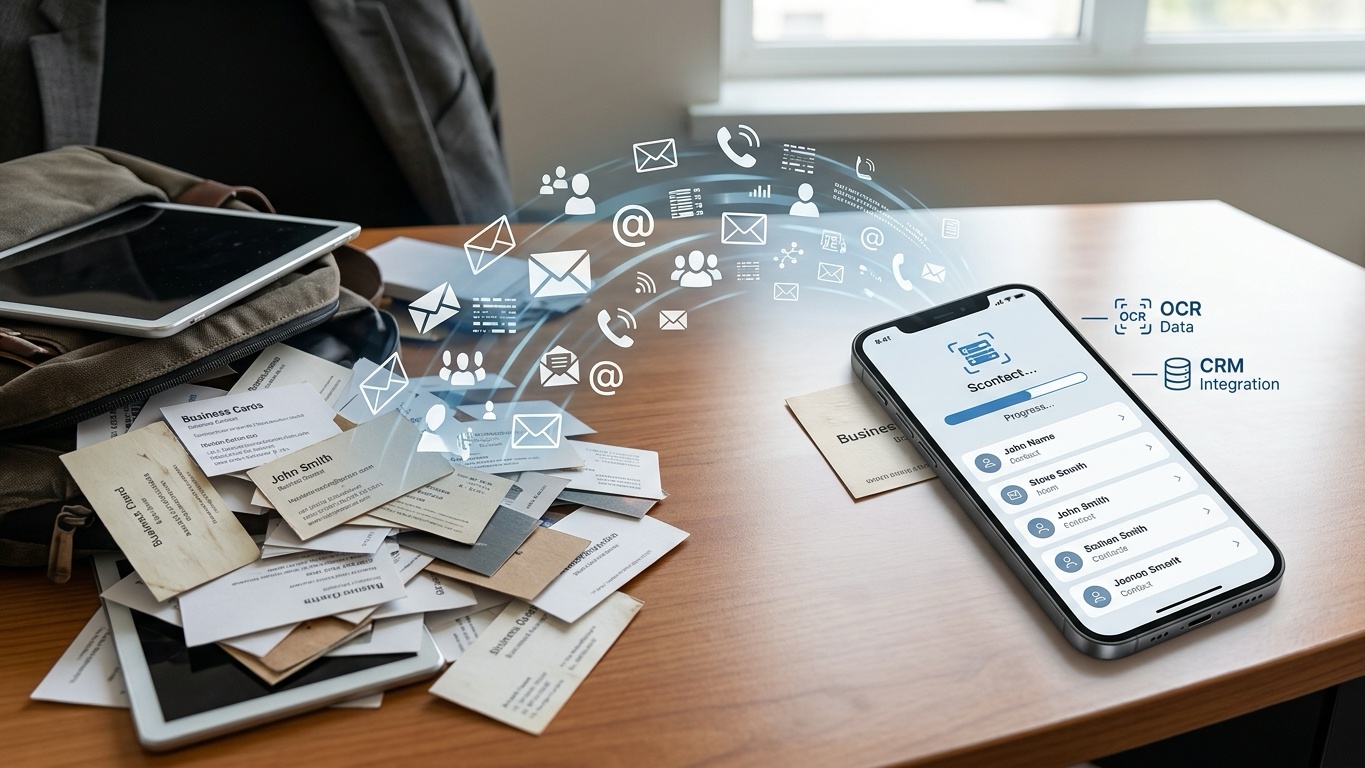
That is why business card scanner and contact-management apps have become increasingly popular over the last few years. The best ones do much more than simply photograph cards. They use OCR (optical character recognition) to extract information automatically, sync contacts to CRMs, enrich profiles with social links, and even remind users when it is time to follow up.
To figure out which apps are actually useful in real-world situations, several business card scanning platforms were tested using stacks of standard, glossy, multilingual, and oddly formatted cards collected from conferences and networking events. The evaluation focused on OCR accuracy, scanning speed, CRM integration, ease of use, and overall workflow quality.
Here are the four best business card organizer apps worth using in 2026.
For professionals who attend conferences, trade shows, and networking events regularly, Wave - Digital Business Card stands out as one of the most practical all-in-one networking tools currently available.
Unlike older business card scanner apps that simply save contact information into a phonebook, Wave is built around the idea of turning networking into an organized workflow. The app combines digital business card sharing, physical card scanning, and CRM integration into a single platform, which makes it especially useful for sales professionals, recruiters, and business teams managing large numbers of contacts.
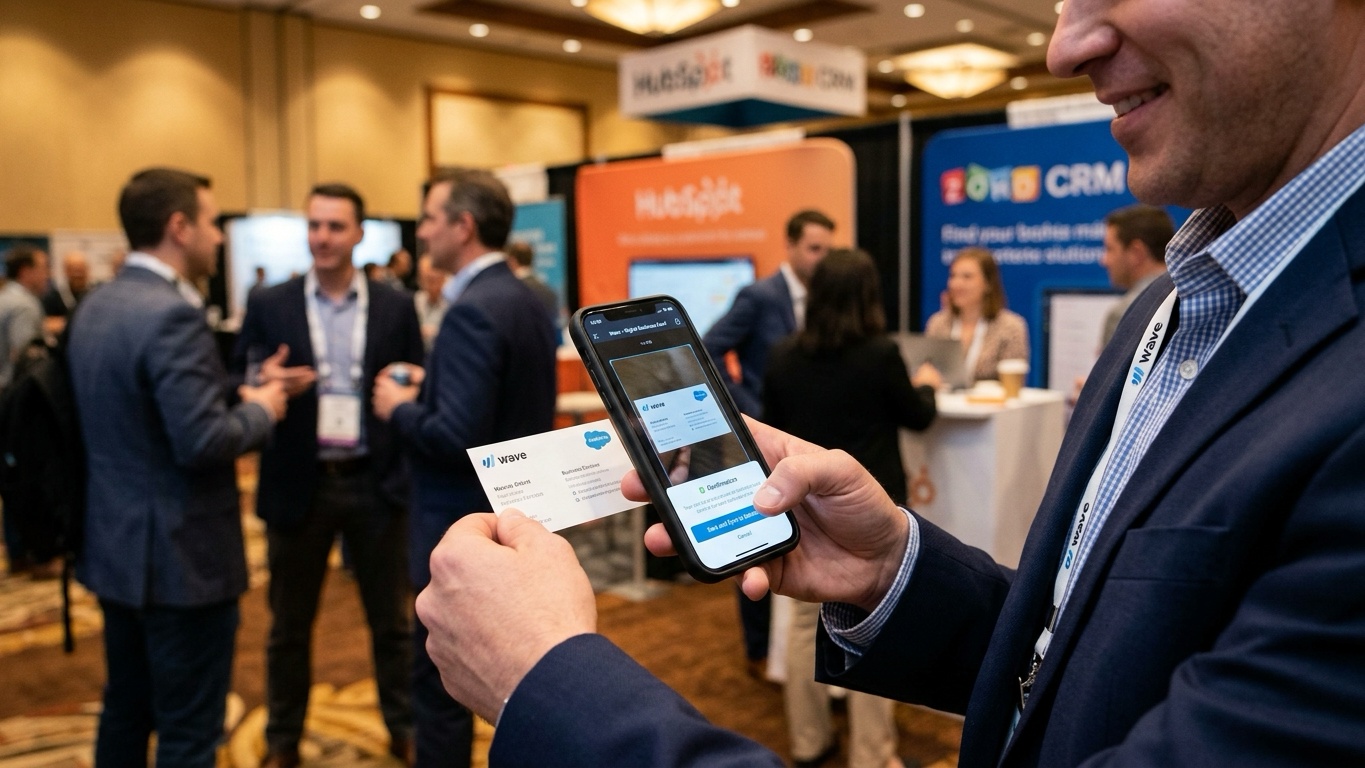
During testing at crowded networking events, the scanning system performed surprisingly well even with glossy cards, unusual layouts, and smaller fonts. The OCR engine accurately extracted names, phone numbers, job titles, email addresses, company names, and websites without requiring constant manual corrections.
What makes the app particularly useful is what happens after the scan. Instead of leaving contacts buried inside a phone’s address list, Wave can sync directly with platforms like Salesforce, HubSpot, Zoho CRM, and Pipedrive. That integration makes follow-up much faster, especially for teams trying to move leads into an active sales pipeline immediately after an event.
The app also includes modern digital business card features, allowing users to share profiles through QR codes, NFC taps, or direct links instead of relying entirely on physical cards.
That said, some of Wave’s more advanced features are clearly aimed at business users rather than casual networking. People who only want a lightweight contact scanner may find parts of the platform unnecessarily complex.
Wave works best for professionals who want business card scanning, digital networking, and CRM organization combined into one streamlined workflow.
Highly accurate OCR scanning
Excellent CRM integrations
Strong digital business card tools
Handles unusual card layouts well
Modern and polished interface
Advanced features require a paid subscription
May feel excessive for casual users
Team-focused tools are unnecessary for simple personal contact storage
Pricing: Free version available; premium plans unlock advanced CRM syncing and team features.
CamCard has been around for years, and despite newer competitors entering the market, it remains one of the strongest business card scanning apps for international professionals.
The app’s biggest advantage is multilingual OCR support. While many business card scanners struggle with non-English layouts or mixed-language cards, CamCard handles international formats surprisingly well, including Japanese, Chinese, and Korean cards.
During testing, batch scanning was where CamCard clearly separated itself from many competitors. Scanning large stacks of cards felt noticeably faster than most apps in this category, and the edge detection system handled glossy cards reasonably well under uneven lighting.
CamCard also includes cloud syncing across devices, which makes it easier to manage contacts between desktop and mobile environments.
That said, the app definitely feels more functional than modern. Compared to newer apps like Blinq or Wave, the interface looks slightly dated, and some parts of the user experience feel more corporate than intuitive.
CamCard remains one of the best choices for professionals dealing with multilingual contacts and high-volume conference networking.
Excellent multilingual OCR support
Fast batch scanning
Reliable cloud synchronization
Strong performance with unusual card layouts
Interface feels somewhat outdated
Premium subscription required for advanced features
Pricing: Free version available; premium plans start around $5.99/month.
Blinq approaches networking from a very different angle compared to traditional business card scanner apps.
Instead of focusing mainly on digitizing paper cards, Blinq is built around digital business cards and fast modern contact sharing. It is particularly popular among freelancers, consultants, creators, and startup professionals who want networking tools that feel more modern than traditional paper exchanges.
The app allows users to share contact details through QR codes, NFC taps, Apple Wallet integration, email signatures, and even smartwatch widgets.
During testing, the overall experience felt extremely polished. Creating a digital profile took only a few minutes, and sharing contact information during networking events felt significantly faster than exchanging physical cards.
Blinq also includes business card scanning features, although they are not as enterprise-focused as Wave or CamCard. One especially interesting feature is contact enrichment. After scanning a card, the app attempts to pull additional public information like profile photos, company branding, and social links into the contact profile automatically.
The biggest downside is that Blinq is clearly optimized for individual professionals rather than large sales teams. CRM integrations are more limited unless users export data manually or move into higher-tier workflows.
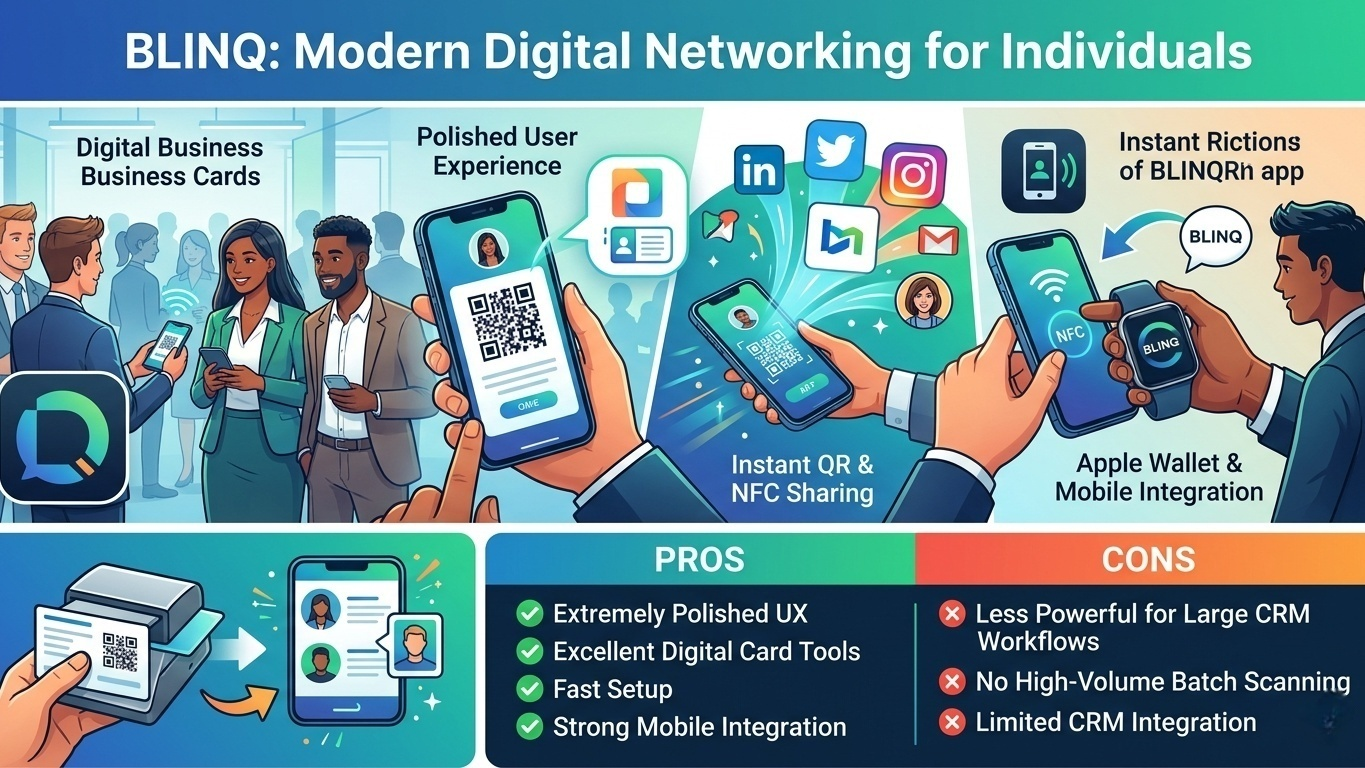
Blinq excels at modern digital networking and lightweight contact management for individuals and small teams.
Extremely polished user experience
Excellent digital business card sharing tools
Fast setup with minimal learning curve
Strong Apple Wallet and mobile integration
Less powerful for large-scale CRM workflows
No true high-volume batch scanning mode
Pricing: Generous free tier available; premium plans available for additional customization and sharing features.
Most business card scanner apps stop caring about contacts immediately after the scan is complete. Covve is different because it focuses heavily on relationship management after the initial networking event.
The scanning itself is solid. During testing, Covve handled standard business cards accurately and extracted contact details quickly. But the real value comes afterward.
As soon as a card is scanned, the app encourages users to add notes, context, reminders, and follow-up schedules. That small difference completely changes the experience. Instead of becoming another forgotten contact buried inside a phone, each connection becomes attached to actual context.
For example, users can save reminders like:
“Met at startup conference”
“Interested in partnership discussion”
“Follow up in 60 days”
Covve also includes reminder systems that prompt users to reconnect with contacts periodically. For people who network consistently but struggle with long-term follow-up, this feature ends up being surprisingly useful.
Another interesting addition is the app’s news monitoring system, which surfaces company updates connected to saved contacts. It is not perfect, but it can occasionally create natural reasons to reconnect with someone later.
Covve works best for professionals who care more about long-term relationship management than simply scanning cards quickly.
Excellent follow-up reminder system
Strong relationship-management features
Useful contextual note-taking tools
Easy CSV and Excel exports
Free version has limited scans
Less useful for large corporate sales teams
Pricing: Free version available; premium plans unlock additional scanning and CRM features.
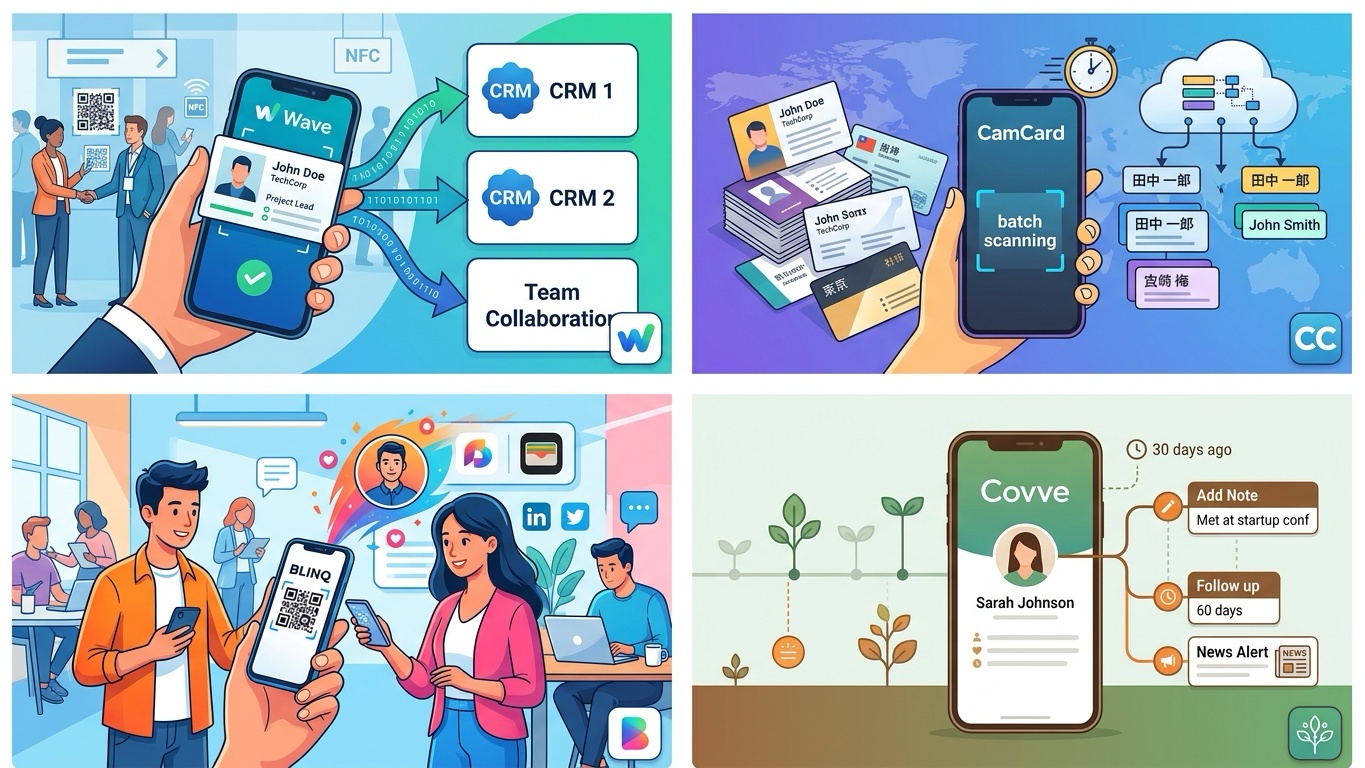
The best business card organizer ultimately depends on what happens after the scan.
For sales professionals, recruiters, and teams managing large networking pipelines, Wave Connect is probably the strongest all-around solution right now because of its excellent CRM integrations and polished lead-capture workflow.
For international professionals handling multilingual cards at conferences, CamCard remains one of the most reliable scanning tools available.
Blinq stands out for freelancers and creators who want modern digital networking tools, while Covve is arguably the best option for people who care more about maintaining relationships over time rather than simply collecting contacts.
At the end of the day, networking is not really about business cards. It is about remembering people, following up consistently, and keeping professional relationships alive long after the event ends.