

Wedding hashtags sounded like a great idea for a while.
In reality, guests forget to use them, upload photos days later, or post half the pictures privately where nobody else can find them. Meanwhile, the bride and groom spend weeks texting relatives asking for candid photos that never get sent.
That frustration is exactly why QR-code wedding photo sharing apps have exploded in popularity over the past few years.
The concept is simple: couples place QR codes on tables, signs, invitations, or wedding programs. Guests scan the code, instantly upload photos from their phones, and everyone contributes to one shared digital album in real time.
But after testing the major wedding photo-sharing apps currently available on the US Apple App Store and Google Play Store in 2026, one thing became very obvious: many apps advertise “easy guest uploads,” but only a handful actually make the process smooth enough for real weddings with hundreds of distracted guests.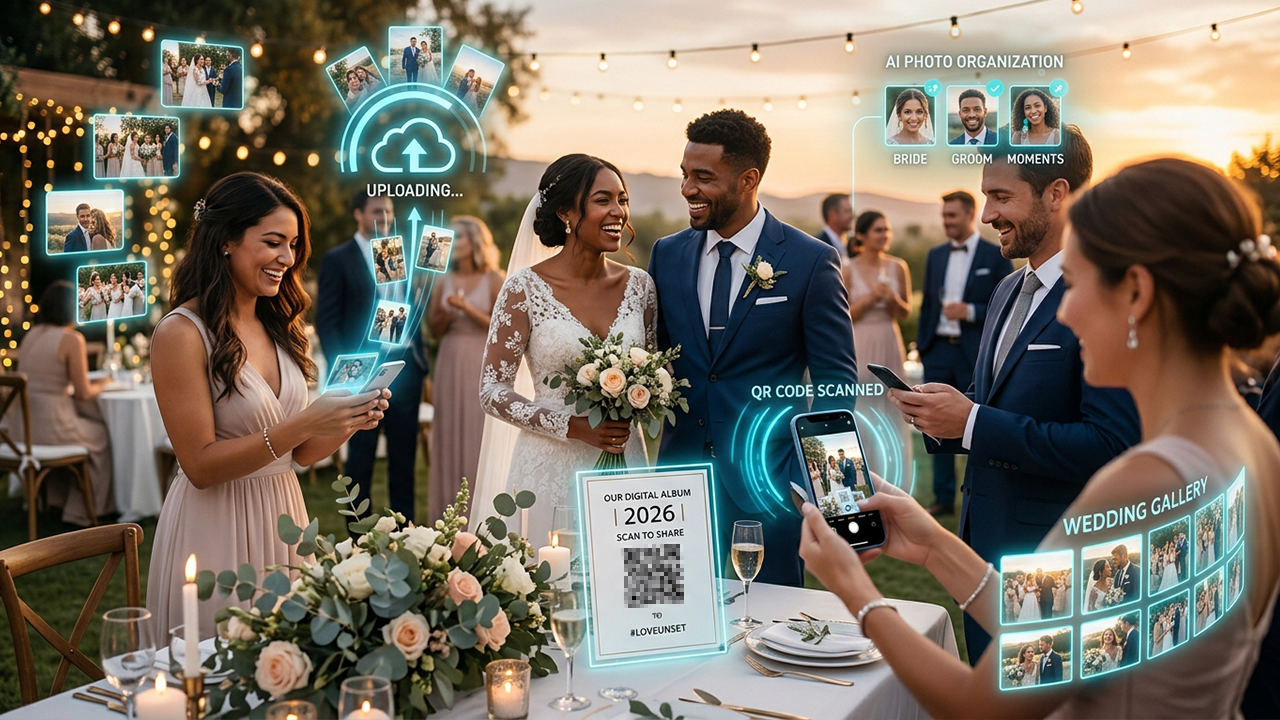
For this guide, the testing focused specifically on QR-code photo sharing for weddings and large events.
The evaluation criteria included:
Ease of guest uploads
QR-code setup simplicity
Upload speed and reliability
Photo organization quality
Guest experience on mobile devices
Pricing transparency
Overall usefulness during real wedding-style testing
These were the apps that genuinely stood out.
POV was easily one of the most impressive apps tested for modern weddings.
Instead of feeling like a traditional cloud storage tool awkwardly adapted for events, POV genuinely feels designed around guest participation and social interaction. Couples generate a QR code that guests scan to upload photos directly into a shared album without needing complicated account creation.
During testing, the onboarding process was exceptionally smooth. Guests could join and upload photos in under a minute, which matters enormously during real weddings where nobody wants to troubleshoot apps during cocktail hour.
The “digital disposable camera” concept also worked surprisingly well. Guests felt more engaged because the app encourages candid uploads rather than polished social-media-style posting.
Another major strength is live photo sharing. Uploaded images appeared quickly inside shared galleries, making the album feel active throughout the event itself rather than becoming a passive archive afterward.
The free version supports basic events, while premium wedding packages unlock higher storage limits, custom branding, and additional gallery features through paid event plans.
Extremely easy guest onboarding
QR-code sharing works very smoothly
Fun “digital disposable camera” concept
Fast live uploads
Modern and polished interface
Premium wedding features require payment
Best experience depends on good internet access
Smaller ecosystem than Google Photos alternatives
Wedibox focuses heavily on wedding-specific functionality rather than generic file sharing.
The app allows couples to create private wedding galleries with QR-code access so guests can instantly upload photos and videos throughout the event. During testing, the QR setup process was remarkably simple, and the upload experience worked well even for less tech-savvy users.
One especially useful feature is moderation control. Couples can review uploads, organize albums, and download full-resolution media afterward without relying on guests to individually text photos later.
The platform also supports collaborative slideshows and live gallery viewing, which added a more interactive feeling during testing.
Another major advantage is that guests generally do not need to install a full standalone app to participate. Browser-based uploads reduce friction significantly compared to systems requiring account registration.
However, Wedibox is very wedding-focused. Outside of events, it offers far fewer long-term photo management features than larger cloud platforms.
Pricing varies depending on wedding package size and storage needs, with premium event plans required for larger galleries and longer storage periods.
Designed specifically for weddings
Browser uploads reduce guest friction
Strong moderation tools
Good live gallery experience
Easy QR-code setup
Limited usefulness outside weddings
Premium pricing increases for large galleries
Fewer editing or social features
Guestpix impressed primarily because of how little effort it required from guests.
The platform is built around direct QR-code access. Guests scan the code, upload photos instantly from their phones, and contribute to a centralized wedding gallery without app downloads or account creation.
During testing, this simplicity became one of the biggest advantages in the entire category.
At real weddings, many guests simply will not install another app. Guestpix removes that barrier almost completely.
The platform also supports both photo and video uploads, downloadable galleries, slideshows, and live event displays. Upload speeds remained reliable during testing, although performance naturally depended somewhat on venue internet quality.
One particularly useful feature is unlimited guest uploads on many plans, which prevents the awkward issue of limiting contributions during large weddings.
However, Guestpix feels more utilitarian than stylish. The interface works well, but visually it lacks the polished social feel of apps like POV.
Pricing is event-based rather than subscription-based, with wedding packages typically starting around $49 depending on event length and storage requirements.
No app download required
Extremely easy guest participation
Unlimited uploads on many plans
Reliable QR-code workflow
Good video upload support
Interface feels somewhat basic
Less visually engaging
Primarily focused on one-time events
Google Photos is not specifically designed for weddings, but during testing, it remained one of the most practical free alternatives available.
Couples can create shared albums, generate QR-code links through external QR generators, and allow guests to upload photos collaboratively. Because many users already have Google accounts installed on their phones, the learning curve is extremely low.
The biggest advantage is reliability.
Google Photos handled uploads smoothly, image quality remained excellent, and cloud synchronization was consistently fast during testing.
The facial recognition and automatic organization tools are also significantly more advanced than most wedding-specific competitors.
However, the wedding experience itself feels less curated. Guests are still interacting with a general-purpose cloud photo system rather than a dedicated wedding platform.
Privacy management can also become confusing for less technical users, especially when handling shared editing permissions.
The service remains free within standard Google storage limits, with additional storage available through Google One subscriptions.
Extremely reliable infrastructure
Free for many users
Excellent photo quality handling
Familiar interface for guests
Strong automatic organization tools
Not designed specifically for weddings
Requires more manual setup
Privacy controls can feel confusing
Kululu takes perhaps the most minimalist approach in this category.
The platform revolves almost entirely around QR-code photo collection. Guests scan a code, upload media directly through their phones, and contribute instantly to a shared album.
What stood out most during testing was how frictionless the experience felt. There were very few menus, almost no onboarding confusion, and minimal technical complexity overall.
For weddings with older relatives or guests who are not especially comfortable with technology, that simplicity matters a lot.
Kululu also supports live slideshows and event displays, which worked particularly well during reception testing simulations.
However, compared to more polished competitors like POV, the platform feels more functional than emotionally engaging. It solves the logistical problem extremely well, but the experience itself feels less memorable.
Pricing operates through event packages with varying upload limits and gallery durations.
Extremely simple guest workflow
No unnecessary complexity
Fast QR-code uploads
Good live slideshow support
Great for non-technical guests
Less visually polished
Fewer advanced customization features
Primarily event-focused utility
For couples specifically looking to create QR-code shared wedding photo albums, POV stood out as the strongest overall option in 2026.
It consistently delivered the best balance of guest friendliness, upload simplicity, live interaction, and modern wedding-focused design during testing. Most importantly, it genuinely encouraged guests to participate instead of turning photo uploads into another complicated task.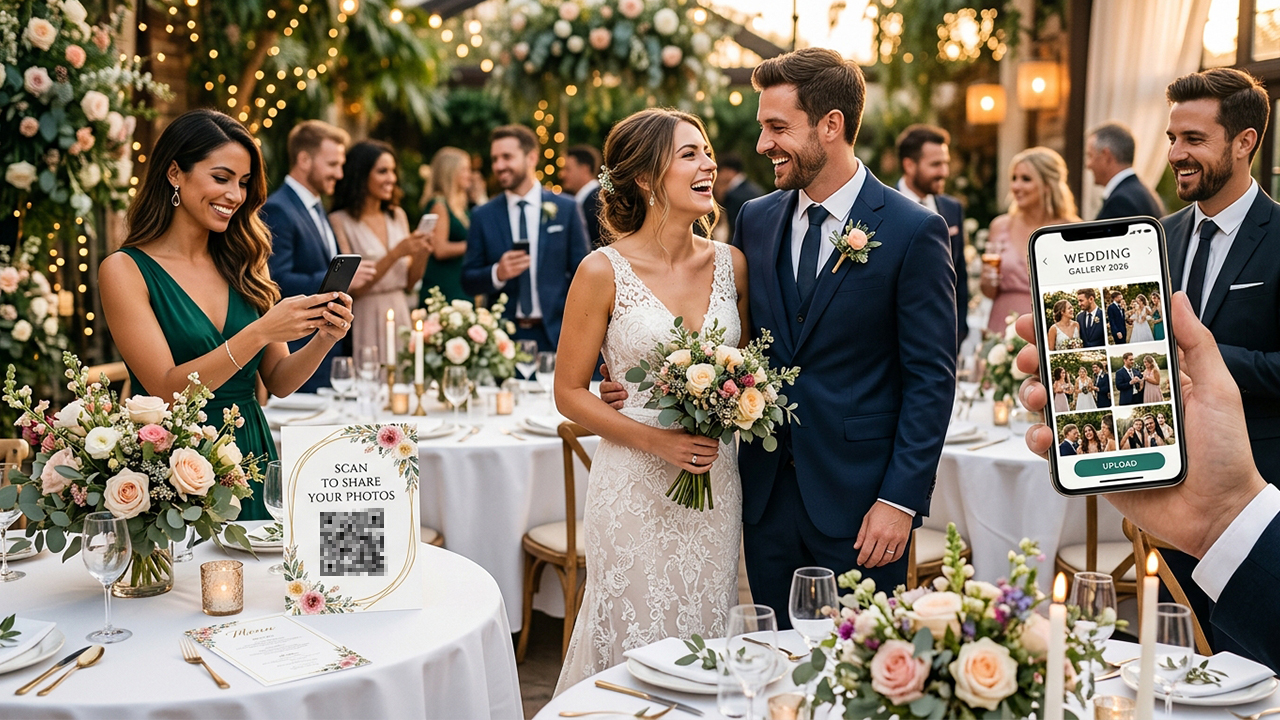
That said, the best platform still depends on the style of wedding involved:
Choose POV for the best modern interactive wedding experience.
Choose Wedibox for the strongest wedding-specific management tools.
Choose Guestpix for the simplest no-download upload system.
Choose Google Photos for the best free large-platform alternative.
Choose Kululu for maximum simplicity and accessibility.
The biggest lesson from testing these platforms is that wedding guests already take hundreds of candid photos couples never see. The best QR-code photo apps quietly solve that problem — and often capture the moments professional photographers completely miss.