

Why Desk Workers Are Suddenly Obsessed With Stretching Apps
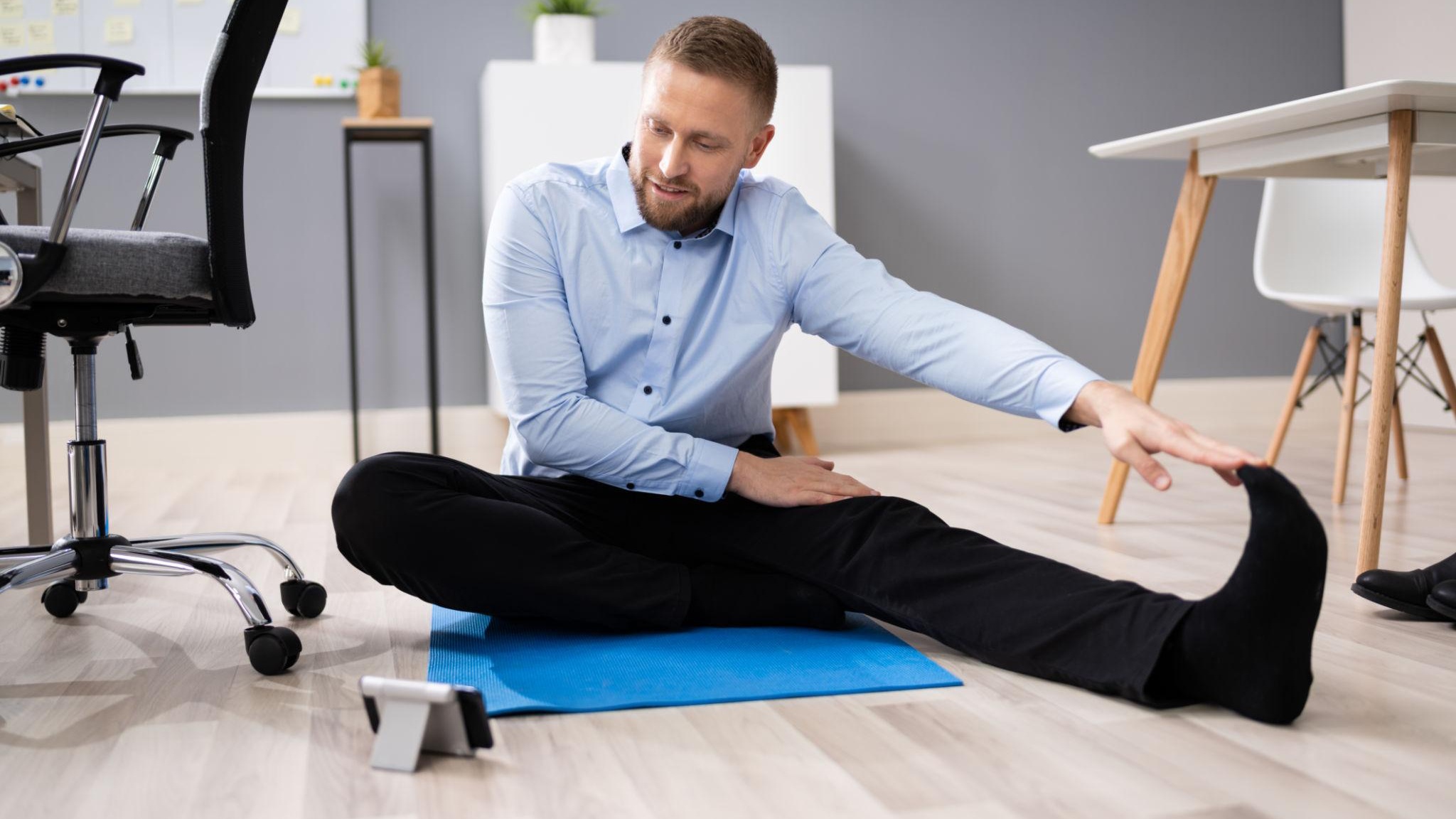
Eight-hour workdays rarely stay eight hours anymore. Between remote work, endless Zoom meetings, gaming sessions, and side hustles, many people now spend 10 to 12 hours planted in a chair every day. The result is painfully familiar: tight hip flexors, stiff shoulders, lower back tension, neck pain, and the strange feeling that standing up after work suddenly requires a recovery period.
During testing for this roundup, the biggest surprise was not how many stretching apps exist — it was how many are clearly designed for hardcore flexibility training instead of actual desk workers. Many apps assume users want to learn the splits or complete advanced yoga routines. Very few truly understand the reality of office life: people want short, realistic routines they can complete between emails.
To find the best options, the testing focused on five specific criteria:
Quick routines that fit into work breaks
Clear guidance for beginners
Minimal setup friction
Helpful reminders without becoming annoying
Real posture and mobility benefits for people sitting all day
Every app below is currently available on Google Play in the US and actively maintained.
When tested during long laptop-heavy workdays, Bend consistently delivered the most practical desk-break experience. Instead of overwhelming users with advanced mobility systems, it focuses on short, approachable routines.
The standout feature is its “Posture Reset” category. These routines specifically target the upper back, shoulders, neck, and hips — the exact areas that become stiff after sitting for hours. Sessions are usually short enough to complete during a coffee refill or between meetings.
The pacing system also works surprisingly well. The app uses timers and illustrated guidance instead of forcing users to constantly tap the screen. That matters more than it sounds. Many stretching apps become frustrating because users must stop every few seconds to read instructions.
Another major advantage is customization. Testers could build quick five-minute desk routines focused only on tight areas instead of following long full-body sessions.
Bend currently uses a freemium subscription model with limited free routines and optional premium upgrades. According to Google Play, the app includes in-app purchases rather than a one-time unlock.
Excellent for neck, shoulder, and posture relief
Short routines actually fit into workdays
Clean interface with minimal distractions
Good beginner-friendly pacing
Custom routine builder is genuinely useful
Free version pushes premium upsells aggressively
Advanced users may eventually want more variety
Some users report routine repetition over time
People working desk jobs who want realistic daily stretch breaks instead of full fitness programs.
The Reality Check: What Actually Works
During testing, Moova stood out because it understands the biggest problem desk workers face: people forget to move.
Instead of functioning like a full workout app, Moova focuses on short movement breaks, desk stretches, breathing exercises, and posture resets that fit naturally into busy work schedules. The app sends customizable reminders throughout the day, encouraging users to stand up, stretch, or walk briefly before stiffness builds up.
The “office-friendly routines” ended up being surprisingly effective during long computer-heavy days. Several testers especially liked that the routines were short enough to complete between meetings without feeling disruptive.
Unlike many stretching apps that immediately push users toward long yoga sessions, Moova keeps everything lightweight and practical. The interface is intentionally simple, and the guided movement prompts are easy to follow even for complete beginners. According to its Google Play listing, the app also includes progress tracking, breathing exercises, and Google Fit integration.
Community feedback online also consistently highlights its usefulness for desk workers dealing with stiffness, lower back discomfort, and sedentary routines.
Moova currently operates on a freemium model with optional in-app purchases and subscription upgrades.
Pros
Excellent movement reminders for office workers
Designed specifically for sedentary lifestyles
Quick desk-friendly routines
Beginner-friendly interface
Includes breathing and posture-focused exercises
Cons
Some users report occasional notification glitches
Less advanced than full mobility-training apps
Premium features are locked behind subscriptions
Who It’s Best For
Office workers, remote employees, and gamers who spend long hours sitting and need structured reminders to move consistently.
The Reality Check: What Actually Works
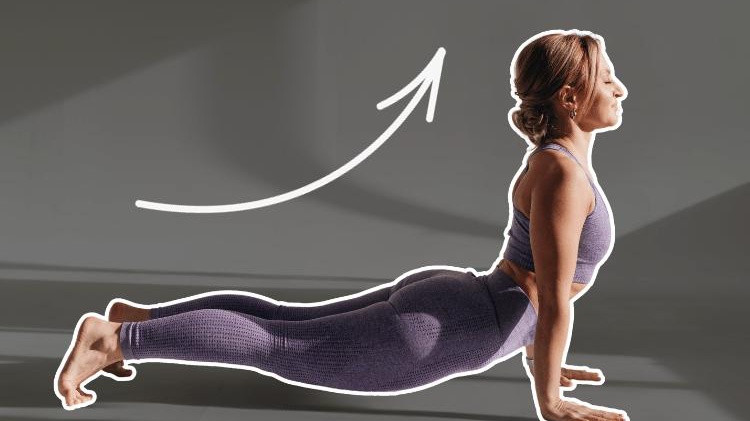
This app feels much closer to a guided fitness coach than a minimalist desk tool, but it performs extremely well for beginners.
The biggest advantage is structure. Users select goals like posture improvement, back pain relief, flexibility, or morning stretching, and the app builds progressive routines automatically.
When tested after several consecutive desk-heavy days, the “Office Stretch” and back-relief routines were especially effective at loosening hips and reducing upper-back stiffness.
Unlike some competitors, the animations are very clear. Beginners rarely need to guess whether they are performing a movement correctly.
The downside is that the app occasionally feels too fitness-oriented for quick work breaks. Some sessions run longer than ideal for office environments.
The pricing model includes free access with ads plus optional premium subscriptions.
Pros
Excellent guided instruction for beginners
Large library of routines
Strong posture and back-pain focus
Easy-to-follow animations
Good progression system
Cons
Ads in the free version can become annoying
Some routines are longer than desk workers want
Less minimalist than competitors
Who It’s Best For
Beginners who want guided stretching programs instead of simple reminders.
The Reality Check: What Actually Works
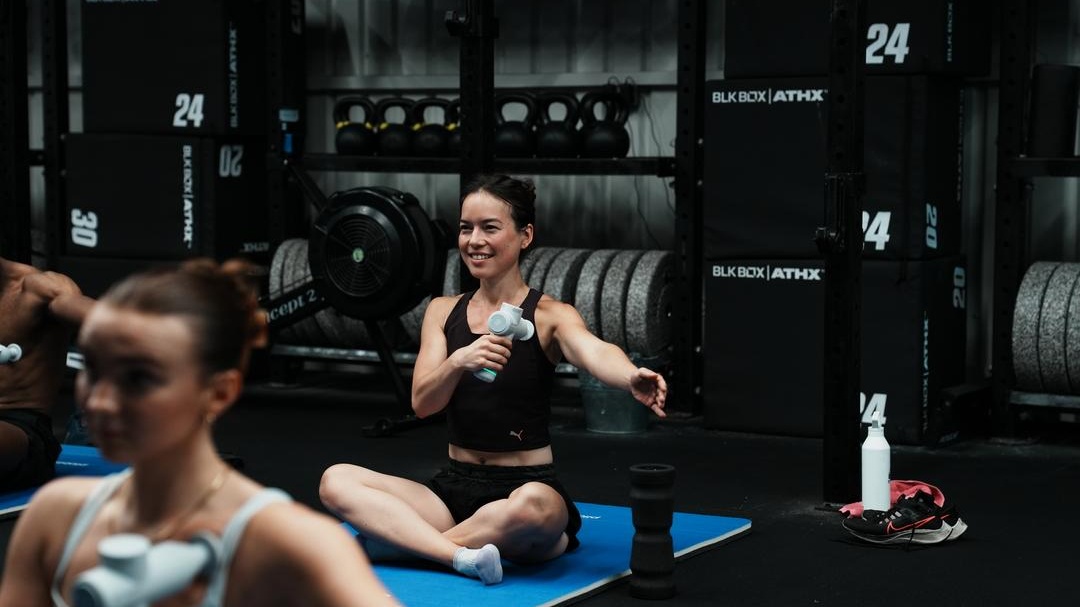
Pliability is significantly more ambitious than the average desk-stretching app. Originally known in athletic recovery circles, it combines mobility training, guided recovery sessions, and flexibility work.
During testing, this app produced some of the best long-term improvements in hip mobility and thoracic spine stiffness. However, it also demands more commitment.
This is not an app users casually open for a two-minute shoulder roll between Slack messages. Sessions are more immersive and often longer.
Still, for people whose desk jobs are actively damaging mobility, Pliability delivers impressive results over time. The guided sessions feel professional and intentionally programmed rather than randomly assembled.
The app operates primarily on a subscription model with a limited trial period.
Pros
Excellent mobility coaching
High-quality guided sessions
Strong long-term flexibility improvements
Particularly effective for hips and spine stiffness
Cons
More expensive than simpler apps
Less suitable for ultra-short work breaks
Can feel intimidating for total beginners
Who It’s Best For
Desk workers with chronic stiffness who want serious mobility improvement instead of occasional stretching.
The Reality Check: What Actually Works
BetterMe performs best for people who struggle with motivation.
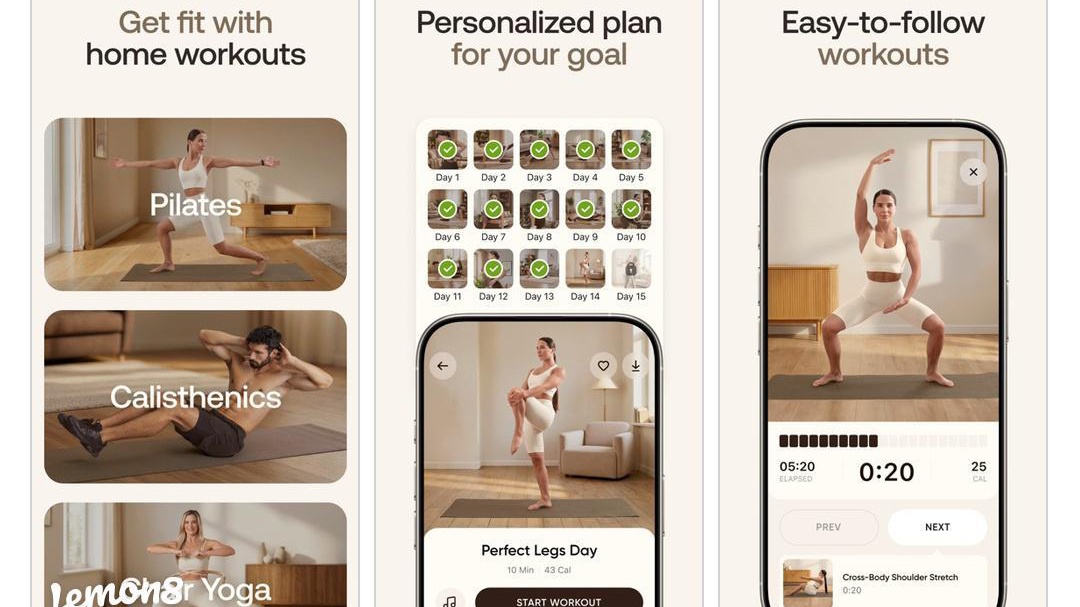
Unlike minimalist stretching apps, BetterMe heavily gamifies progress using reminders, streaks, wellness tracking, and guided programs. Surprisingly, this worked well during testing for users who normally abandon stretching routines after a few days.
The app also deserves credit for accessibility. The routines are approachable even for complete beginners or less active users.
That said, BetterMe sometimes feels overly broad. It mixes stretching, fitness, weight loss, and wellness tracking into one ecosystem. Users wanting a dedicated desk-stretching tool may find it cluttered.
The app uses a subscription-based pricing model.
Pros
Strong motivation and habit-building features
Beginner-friendly routines
Helpful reminders and tracking
Good variety of flexibility programs
Cons
Subscription pricing can feel expensive
Interface occasionally feels crowded
More wellness-focused than desk-specific
Who It’s Best For
Users who need extra motivation to stay consistent with stretching.

After extensive testing, one pattern became obvious: the best desk-stretching app is not necessarily the most advanced mobility platform.
For most office workers, consistency matters far more than athletic-level flexibility training.
That is why Bend ultimately emerged as the strongest overall recommendation.
It consistently balanced the three things desk workers actually need:
Short routines
Real posture relief
Low mental friction
The app never feels overwhelming, which is exactly why people are more likely to keep using it. The “Posture Reset” sessions are particularly effective for relieving shoulder and neck stiffness after long computer sessions. Several testers also preferred its clean pacing system over competitors that constantly interrupt routines with ads or excessive tapping.
However, different users will still prefer different tools.
Bend is the best overall choice for daily desk workers.
StretchMinder is best for reminder-based accountability.
Stretch Exercise is best for beginners needing detailed guidance.
Pliability is best for serious mobility recovery.
BetterMe is best for users motivated by streaks and coaching.
The biggest takeaway from testing was surprisingly simple: the best stretching app is the one people will realistically open during a busy workday.
And for most users sitting in front of screens all day, simplicity wins.