

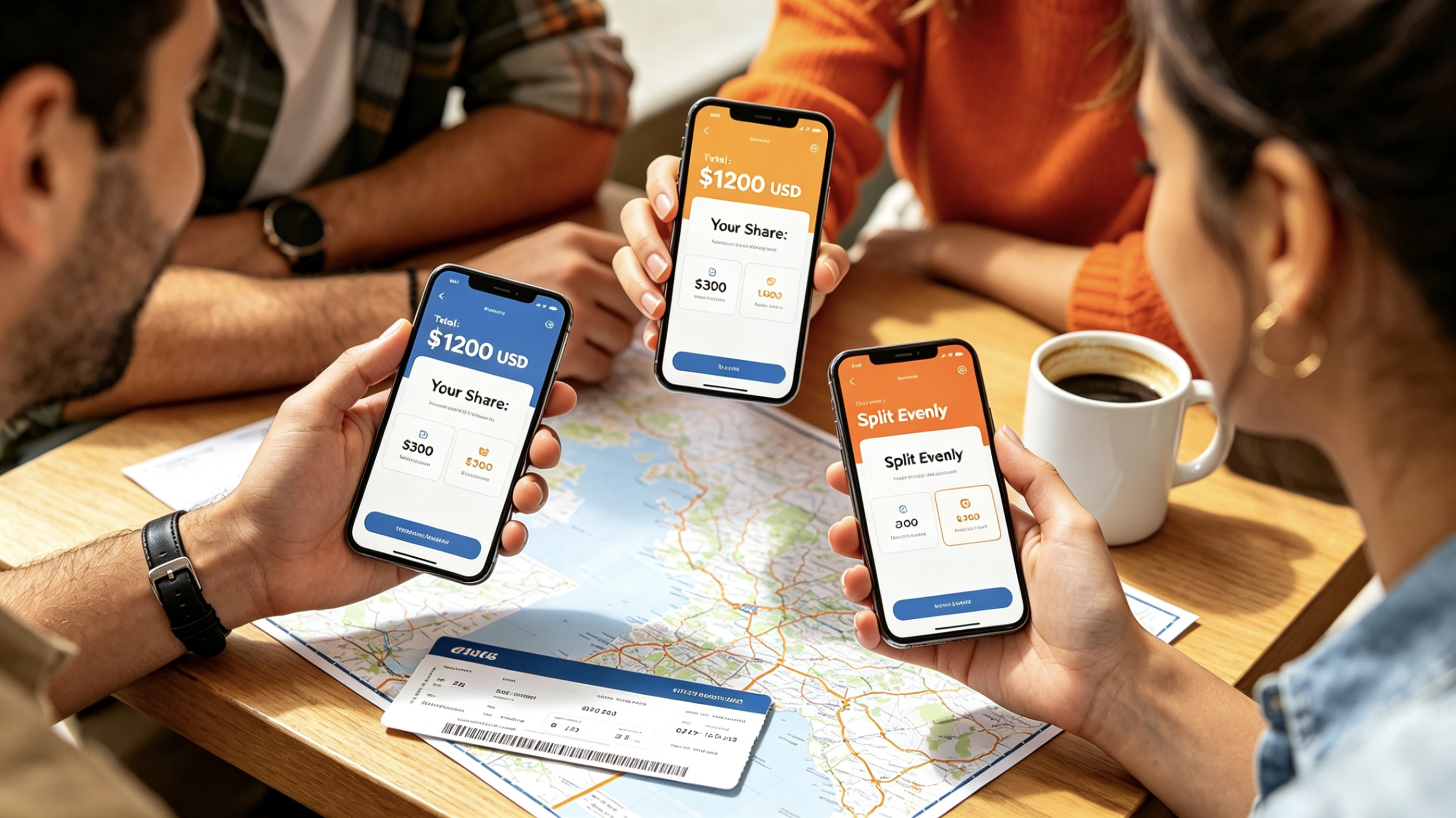
Picture this: A group of friends is four days into a dreamy trip to Mexico City. One person covered the Airbnb deposit. Another grabbed groceries. Someone else paid for an incredible group dinner, while another friend handled the museum tickets. By the time the group reaches the airport departure gate, everyone is staring at a phone full of Venmo requests, trying to remember who owes whom. The math has become a tangled mess.
Scenarios like this are increasingly common on group trips. Poor expense tracking consistently ranks as a major source of travel tension—not because anyone is intentionally avoiding payment, but because keeping track of shared expenses across several days is surprisingly difficult.
The good news is that travelers no longer need spreadsheets or a designated “group accountant” to manage shared costs. The leading expense-splitting apps were tested through international border crossings, group dinners, and chaotic last-minute Uber rides to determine which ones actually work. Here’s what the testing revealed.
Each app was evaluated across four key criteria: ease of use on the go, accuracy of complex splits (uneven shares, multiple currencies, offline scenarios), privacy and data handling, and overall cost. Every app listed here is currently available on the US App Store or Google Play Store as of May 2026.
Pricing: Free (with significant daily limits) / Pro – $4.99/month or $39.99/year
The Reality Check
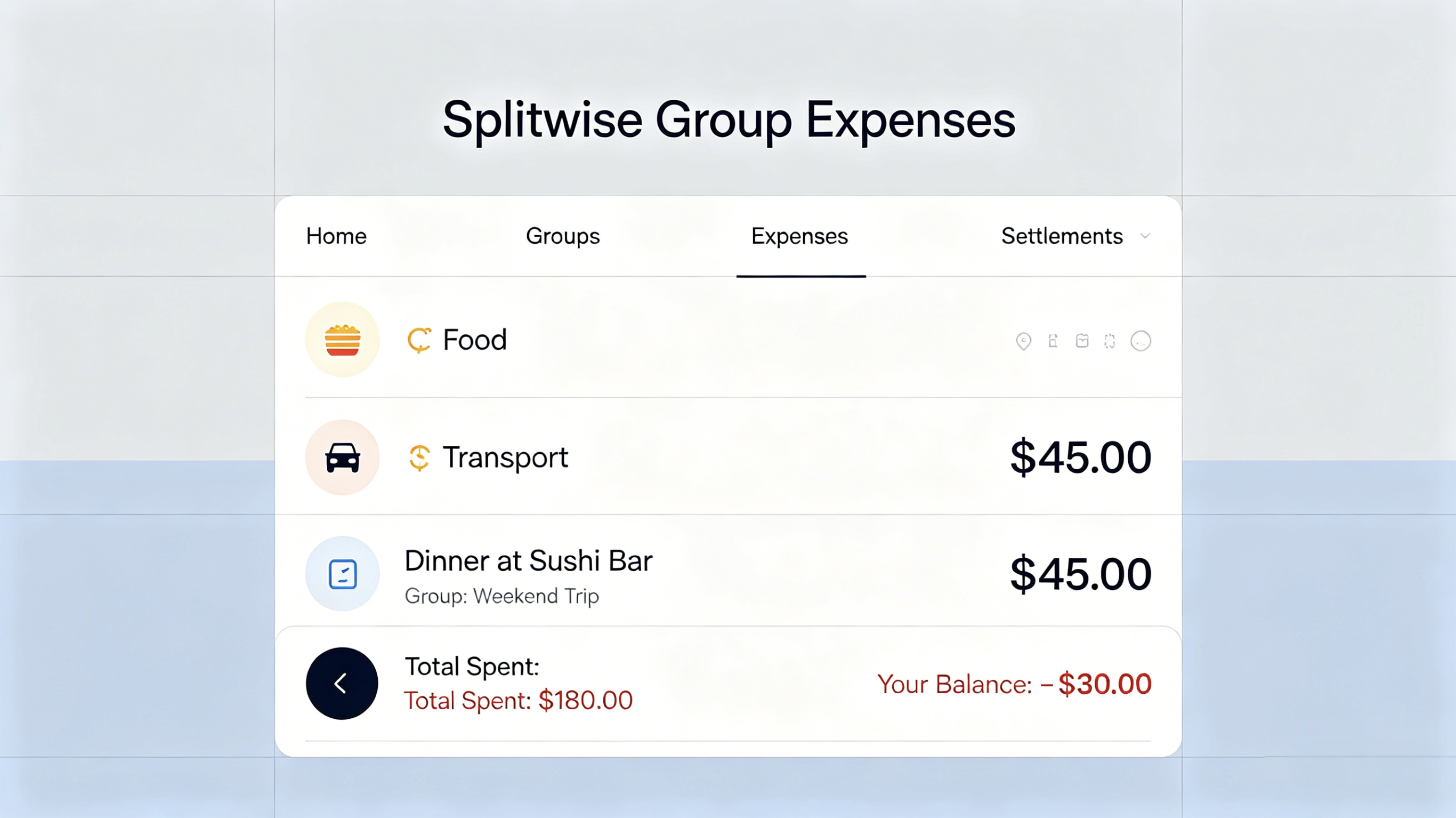
Splitwise has been the heavyweight champion of expense splitting for years, and for good reason. It’s intuitive, reliable, and remains one of the strongest apps for group travel. The core functionality is straightforward: log an expense, assign who paid, decide how to split it (equal, percentage, or exact amounts), and the app automatically calculates balances.
What makes Splitwise particularly powerful is its ecosystem. Users can connect bank accounts to settle balances directly within the app, eliminating the need to switch between Venmo or PayPal. The receipt photo feature (Pro only) allows users to attach bills directly to expenses, creating a clear paper trail that helps prevent disputes.
For international travel, Splitwise handles multiple currencies automatically by calculating exchange rates at the time expenses are entered.
Where Splitwise performs best: groups that need complete visibility into shared expenses with detailed receipts and flexible split options. It’s especially effective for ongoing arrangements like roommate situations where expenses accumulate over time.
The Brutal Truth
This is where Splitwise loses momentum. The free version now includes a strict daily limit—many users report being able to add only 2–3 expenses per day before encountering the paywall. On a busy travel day with breakfast, museum tickets, lunch, transit fares, and dinner, that limit disappears quickly.
User reviews increasingly reflect frustration. One reviewer noted that “with every iterative update, the free tier gets that much more unusable,” while others criticize the growing number of features locked behind the subscription model.
Pros & Cons
Pros
Intuitive interface refined through years of real-world use
Direct bank account settlement support
Flexible split options: equal, percentage, or exact amounts
Receipt photo storage improves transparency
Cons
Free version limits users to 2–3 expenses per day
Pro subscription ($4.99/month or $40/year) feels expensive for occasional travelers
Every participant needs a Splitwise account
Best For
Long-term shared living situations or group trips where someone already pays for Splitwise Pro. For short vacations, the free version’s daily limits can become frustrating very quickly.
Pricing: Completely free (with optional premium subscription for advanced features)
The Reality Check
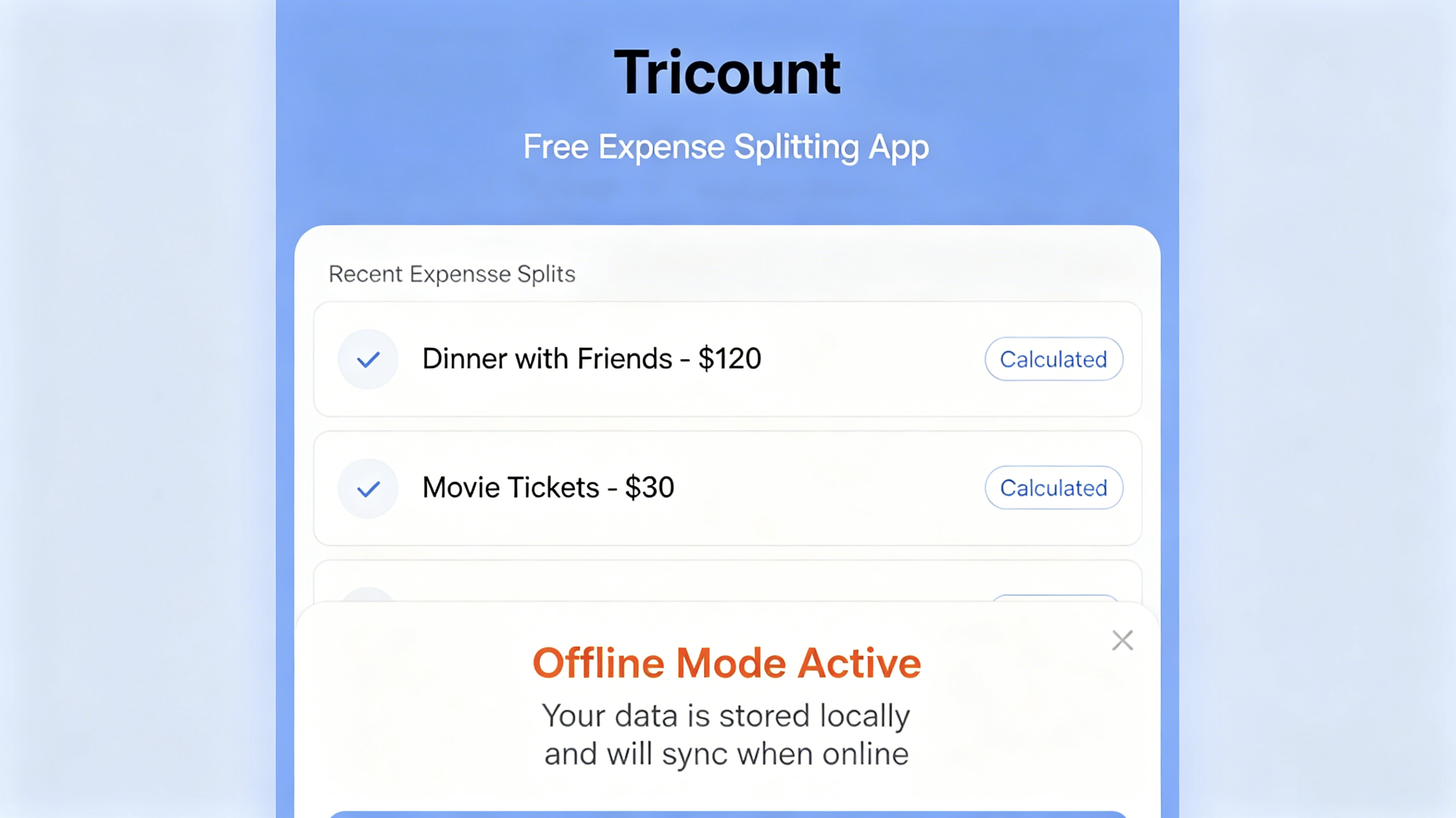
Tricount removes unnecessary complexity and focuses on the basics: who paid, how much, and who still owes money. Unlike Splitwise, it delivers this experience without ads, daily limits, or mandatory subscriptions for core functionality.
More than 17 million users rely on Tricount to split group expenses, and the app maintains an impressive 4.8-star rating across nearly 180,000 reviews. The interface prioritizes speed over granular control, making it ideal for weekend trips or festivals where expenses need to be logged quickly.
Tricount works offline, supports multiple currencies, and allows all participants to add expenses that sync with the group later. The app also includes clear visuals and spending summaries so groups can easily track where money is going.
During testing on a group ski trip, expenses ranging from lift tickets to après-ski drinks were logged without encountering paywalls or intrusive ads—a refreshing experience in an increasingly subscription-heavy app market.
The Brutal Truth
Nothing is entirely free. Users frequently report bugs and stability issues, including disappearing records, unreliable group restoration, and occasional slow performance. Some reviewers mention that their tricounts were “randomly deleted” and required re-invitations to recover access.
Additionally, advanced export features such as Excel and PDF reports are now locked behind a premium subscription. Long-time users have also criticized the removal of the older one-time trip upgrade option.
Pros & Cons
Pros
Completely free core features with no daily limits
Fast, minimalist interface optimized for quick expense logging
Strong user ratings and large user base
Offline support with later synchronization
Multiple currency support
Cons
Recurring stability and synchronization issues
Group archiving and restoration can be unreliable
Export features require a subscription
Some users report data disappearing unexpectedly
Best For
Weekend trips, festivals, and budget-conscious travelers who prioritize simplicity and speed over advanced reporting features.
Pricing: Free (with ads) / Premium – $3.99/month or $19.99/year
The Reality Check
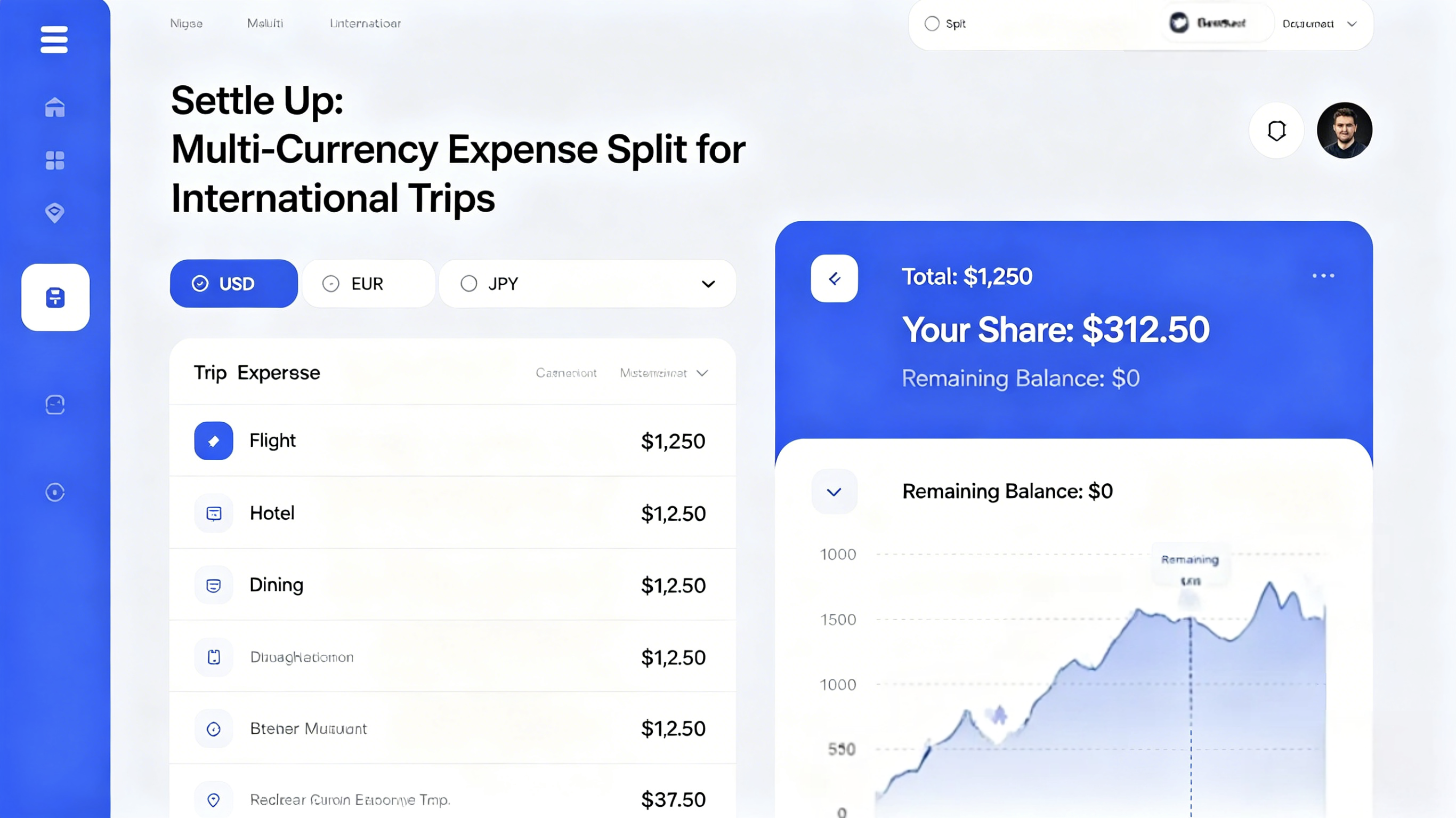
Settle Up receives less mainstream attention than Splitwise, but it has quietly become one of the strongest tools for international group travel. With more than 2.5 million users, the app supports real-time exchange rates across virtually all currencies, making it particularly useful for trips spanning multiple countries.
Its standout feature is a smart settlement algorithm that minimizes the total number of transfers needed to settle balances. This becomes especially valuable when several people pay for expenses in different currencies.
Users can share a group link that allows others to view balances directly in a browser without downloading the app. Settle Up also works offline and syncs across Android, iOS, and web platforms.
During testing on a multi-country Europe trip, the currency support proved highly effective. Expenses paid in Czech Koruna, Euros, and Swiss Francs were converted automatically, keeping balances accurate throughout the trip.
The Brutal Truth
Recent app updates have generated significant criticism from long-time users. Many describe the redesigned interface as cluttered and less intuitive than previous versions. Syncing problems are also common, with some users reporting repeated failures when updating shared groups.
More concerning are reports of missing expenses that fail to sync across all participants, leading different group members to see conflicting balances.
Pros & Cons
Pros
Excellent real-time multi-currency support
Smart settlement algorithm reduces the number of payments required
Browser access available without app installation
Offline functionality across platforms
Cons
Recent UI redesign has been widely criticized
Frequent synchronization failures
Group instability and missing expenses
Free version includes ads
Premium pricing adds up over time
Best For
International trips involving multiple currencies and frequent cross-border spending.
Pricing: Free (with ads) / Pro – one-time purchase
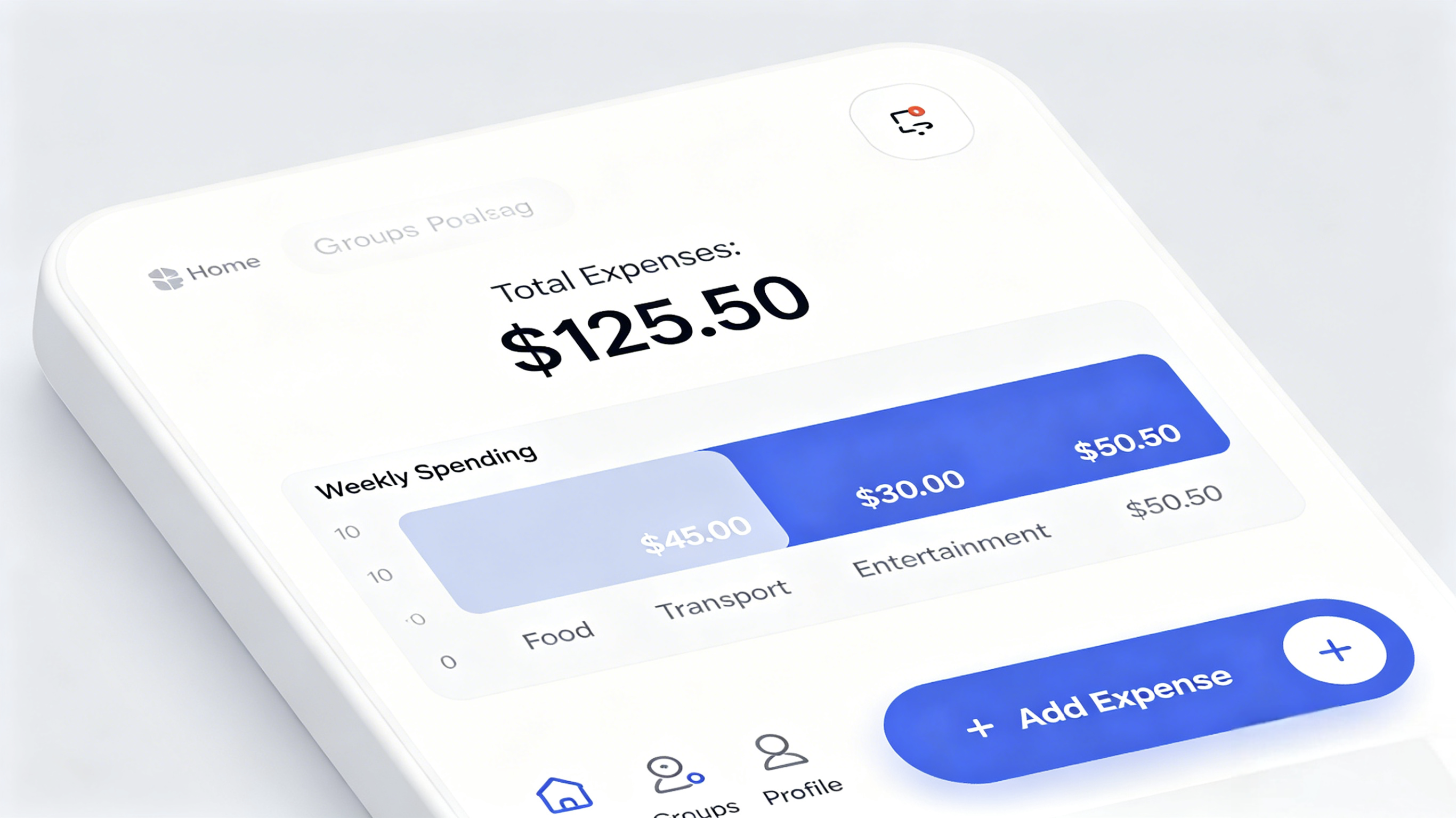
The Reality Check
Splid has quietly built one of the most loyal user bases in the expense-sharing category. With an impressive 4.93 average rating across nearly 80,000 reviews, the app consistently earns stronger satisfaction scores than many larger competitors.
Its biggest advantage is simplicity. No account creation is required—users can simply download the app and begin tracking expenses immediately.
Users consistently praise Splid’s clean design, intuitive workflow, offline support, and strong multi-currency handling. Unlike many competitors, the Pro upgrade uses a one-time purchase instead of a recurring subscription.
The Brutal Truth
The biggest issue with Splid is platform inconsistency. Android users receive more functionality in the free version than iOS users, which can create confusion in mixed-device groups.
Additionally, Splid lacks the broader ecosystem integrations offered by apps like Splitwise or Venmo, particularly for direct payments.
Pros & Cons
Pros
No account required
Outstanding user ratings
Multiple currency support
Offline functionality
One-time Pro purchase
Clean, lightweight interface
Cons
Feature differences between Android and iOS
No direct payment integration
Smaller ecosystem and user base
Best For
Travelers who want a lightweight, privacy-friendly app without sign-ups or subscription fatigue.
Pricing: Free with optional premium features
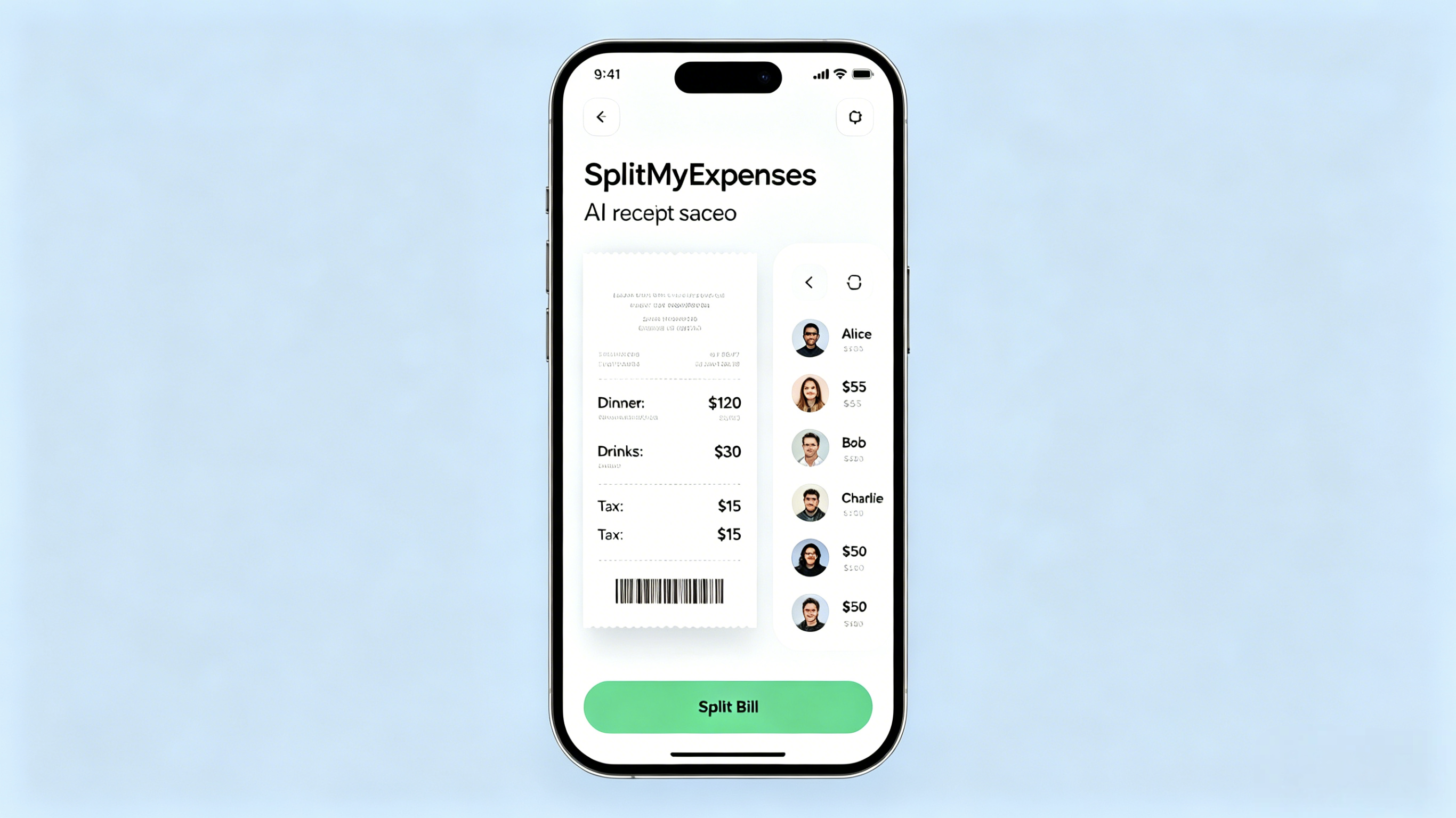
The Reality Check
SplitMyExpenses has carved out a niche by doing one thing exceptionally well: making group expense splitting feel effortless without introducing unnecessary social friction. The app currently holds strong user ratings on both major platforms, with users repeatedly praising its speed, simplicity, and low-maintenance design.
Its biggest strength is its “no-fuss” philosophy. There is no mandatory sign-up process, no complicated onboarding, and no pressure to connect financial accounts. A user can install the app, create a shared expense group, and begin tracking costs within minutes. The interface intentionally strips away distractions, focusing almost entirely on expense entry, balance calculations, and settlement tracking.
During testing, the app handled uneven splits particularly well. Whether dividing restaurant bills by exact amounts, percentages, or custom shares, the calculations remained fast and intuitive. Users also frequently highlight the app’s debt simplification system, which intelligently reduces the total number of payments required between group members.
Another standout advantage is the pricing model. Unlike many finance apps that increasingly rely on recurring subscriptions, SplitMyExpenses offers a one-time Pro upgrade, which many users describe as refreshing and consumer-friendly.
The Brutal Truth
The app’s minimalist design also creates its biggest limitations.
SplitMyExpenses relies heavily on manual expense entry and follows an offline-first approach. While this significantly improves privacy and keeps the experience lightweight, it also means there are no integrations with payment services such as Venmo, PayPal, Cash App, or bank accounts. Users still need to leave the app to complete actual money transfers.
The feature set is intentionally lean. There is no receipt scanning, no OCR support, no automatic card syncing, and no desktop or browser version. For users looking for a more advanced financial management ecosystem, the app can feel overly stripped down compared to competitors like Splitwise or Tricount.
Update frequency is another area where some users express concern. While the app remains stable and functional, development activity appears slower than larger competitors with bigger teams and communities.
Pros & Cons
Pros
No account or login required
Fast and frictionless expense entry
Smart debt simplification reduces settlement complexity
Supports uneven splits by amount, percentage, or shares
One-time Pro purchase instead of subscription pricing
Lightweight app with strong offline functionality
No ads in the free version
Strong privacy-friendly design
Cons
No direct payment integrations
No receipt scanning or OCR features
No bank or credit card syncing
Manual entry required for all expenses
Limited reporting and export tools
No web or desktop companion app
Smaller ecosystem and fewer updates than major competitors
Best For
SplitMyExpenses is best suited for travelers, roommates, couples, and friend groups that prioritize simplicity, privacy, and speed over financial automation.
It works especially well for vacations, road trips, shared dinners, and temporary group events where users simply want to track who owes what — without creating another online account or committing to a monthly subscription.
For users who value clean design and lightweight functionality more than deep financial integrations, SplitMyExpenses remains one of the most refreshingly straightforward expense-sharing apps currently available.
The “best” app depends entirely on a traveler’s style and group dynamics. Here’s how the breakdown looks:
For the Detailed Planner (best overall): Splitwise. If a user wants complete transparency, detailed categories, receipt attachments (even if Pro is required), and integrated payments — and they don’t mind the account setup — Splitwise remains the gold standard. It’s the most feature-complete option on this list.
For the “Let’s Just Keep It Simple” Traveler: Tricount. No ads, no subscriptions, offline mode, automatic currency conversion, and viewers don’t need an account. If a group is mostly splitting equally or by simple custom amounts, Tricount’s simplicity can’t be beaten.
For the International Backpacker: Settle Up. Multi-currency with real-time rates, complex split scenarios (multiple payers, weights, incomes), and smart settlements that minimize transfers. This is the expert’s choice for serious travel.
For the Privacy‑Minded One‑Trip‑a‑Year User: Splid. No account, no personal data collection, and a nearly perfect 4.93‑star rating. Android users especially should consider this one.
For the AI Enthusiast: SplitMyExpenses. The best receipt scanning and itemization on the market. If a user hates manual entry and loves modern design, this is the app — just be patient as it continues to mature.
Full disclosure: The reviewer personally switched from Splitwise to Splid for day‑to‑day usage because they prefer not having an account. But that’s a personal preference — it doesn’t change the fact that Splitwise is a solid app with features Splid still can’t match. Travelers are encouraged to test a couple of apps for themselves and see which one clicks with their group.