

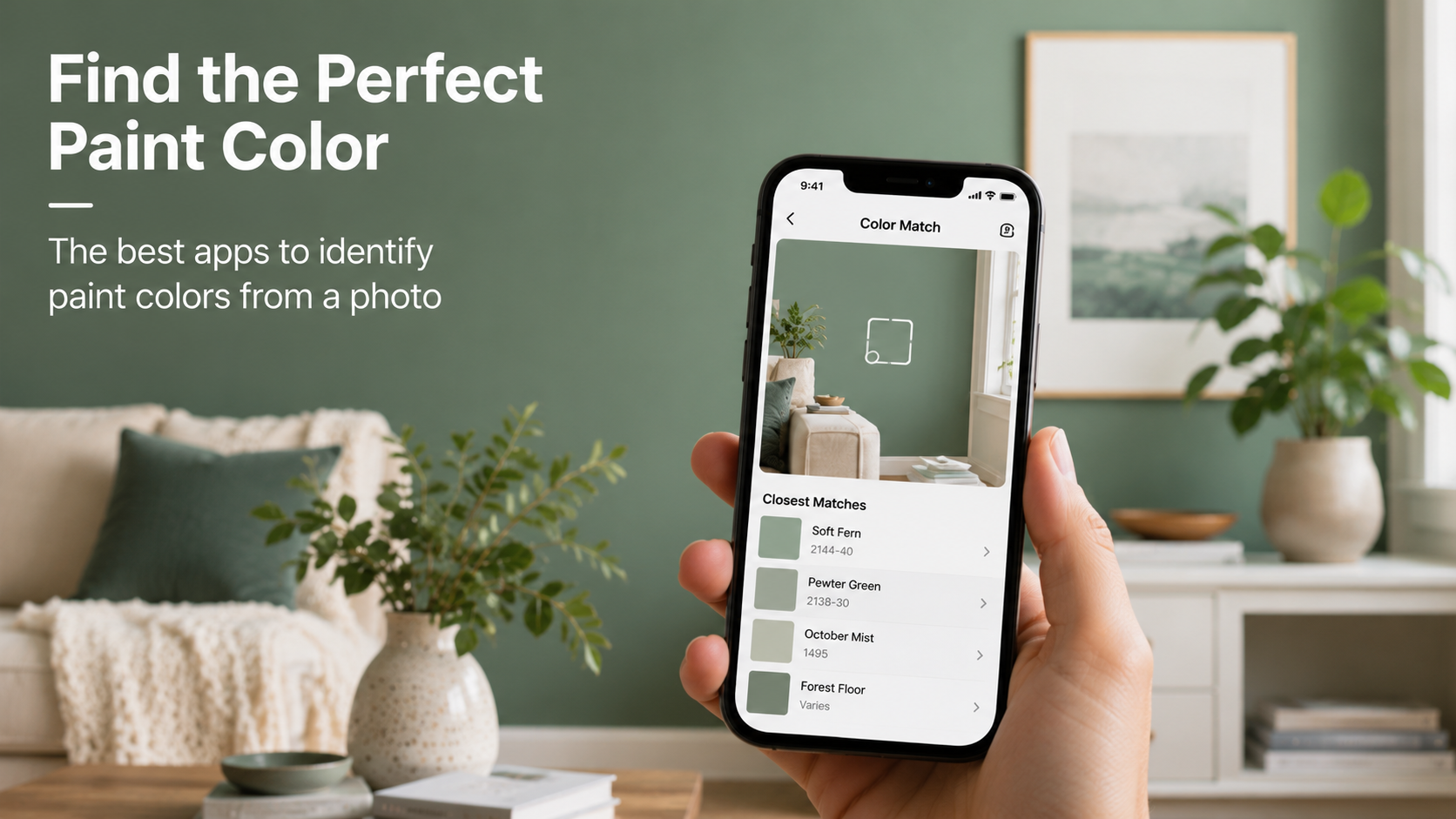
Finding the exact paint color from a photo is much easier today than it used to be. Whether someone discovers the perfect wall color in a café, hotel, Pinterest post, or social media photo, modern paint-matching apps can help identify similar shades using a smartphone camera or uploaded images. Instead of guessing under harsh store lighting or manually comparing dozens of paint swatches, these apps digitally analyze colors and recommend matching paint codes from major brands.
To identify the most useful options, several popular paint color identification apps were evaluated based on:
Accuracy of photo-based color matching
Ease of use
Brand compatibility
Extra features such as lighting previews and paint calculators
Here are some of the best paint color apps currently available for iPhone and Android users.
Availability: iOS and Android
Pricing: Free
Benjamin Moore Color Portfolio is one of the most popular paint color identification apps for homeowners and interior design projects. Users can upload photos or use their phone cameras to find similar shades from Benjamin Moore’s extensive paint library.
One especially useful feature is the ability to zoom into smaller sections of a photo, which helps reduce the effects of shadows and uneven lighting. The app also includes virtual room previews, allowing users to visualize colors before purchasing paint samples.
Large paint color database
Easy photo-based color matching
Helpful room visualization tools
Only supports Benjamin Moore paint colors
AR preview features may run slowly on older devices
Availability: ipad
Pricing: Free
ColorSnap® Visualizer is one of the most widely used paint visualization apps for homeowners and DIY renovation projects. Developed by Sherwin-Williams, the app allows users to match paint colors from photos, preview colors on walls using augmented reality, and build coordinated paint palettes directly from their smartphones.
One of the app’s most useful features is its photo color-matching tool. Users can upload an existing image or take a new photo, then tap anywhere within the image to identify the closest Sherwin-Williams paint colors. The app also provides coordinating and complementary shades, making it easier to create cohesive room designs.
ColorSnap® Visualizer stands out for its live AR painting mode, which lets users preview paint colors directly on walls in real time. The app also includes lighting simulation tools that help users see how colors may appear during the day and at night under different lighting conditions.
In addition, the built-in paint calculator helps estimate how much paint is required for a project, reducing the chances of overbuying or running short midway through painting.
Excellent AR wall visualization features
Easy photo-based paint color matching
Includes coordinated palettes and lighting simulation tools
Built-in paint calculator for project planning
Limited to Sherwin-Williams paint colors
AR edge detection may occasionally struggle with textured surfaces or furniture-heavy rooms
Availability: iOS and Android
Pricing: Free app; external hardware sold separately
Nix Toolkit is designed for users who need a higher level of precision than standard smartphone photos can provide. The app works with external Nix color sensor devices that scan surfaces directly, bypassing issues caused by shadows, changing ambient light, and automatic camera filters.
In addition to paint matching, the app provides RGB, CMYK, and HEX color values for design-related projects.
Highly accurate color matching when paired with Nix hardware
Supports multiple paint brands
Excellent for professional design and renovation work
Requires a separate hardware purchase for full functionality
Interface may feel more technical for beginners
Even the best apps can produce inaccurate results if photos are taken under poor lighting conditions. For better color-matching accuracy, users should follow a few best practices:
Use natural daylight whenever possible
Avoid direct sunlight and strong shadows
Turn off warm indoor lighting before taking photos
Capture flat, evenly lit surfaces for better results
Lighting conditions play a major role in how colors appear in digital photos, so careful photo preparation can significantly improve matching accuracy.
The best paint color matching app ultimately depends on your specific needs and how precise your project requires the results to be.
For casual DIY projects and home refreshes, Benjamin Moore Color Portfolio is a strong option, especially for users who already prefer Benjamin Moore paints and want a simple, reliable way to explore that brand’s color ecosystem.
ColorSnap® Visualizer by Sherwin-Williams stands out for its strong AR visualization features and coordinated palette recommendations. It is particularly useful for users who want to see how colors may appear on their own walls under different lighting conditions.
Meanwhile, Nix Toolkit is the best choice for professionals, designers, or renovation projects that require highly accurate color scanning. Its dedicated hardware provides a level of precision that smartphone cameras alone often cannot match.
Ultimately, the best app depends on the level of accuracy and visualization a user needs. However, all three apps significantly simplify the process of finding and testing paint colors, helping users move from inspiration to confident paint selection much faster than traditional methods.