

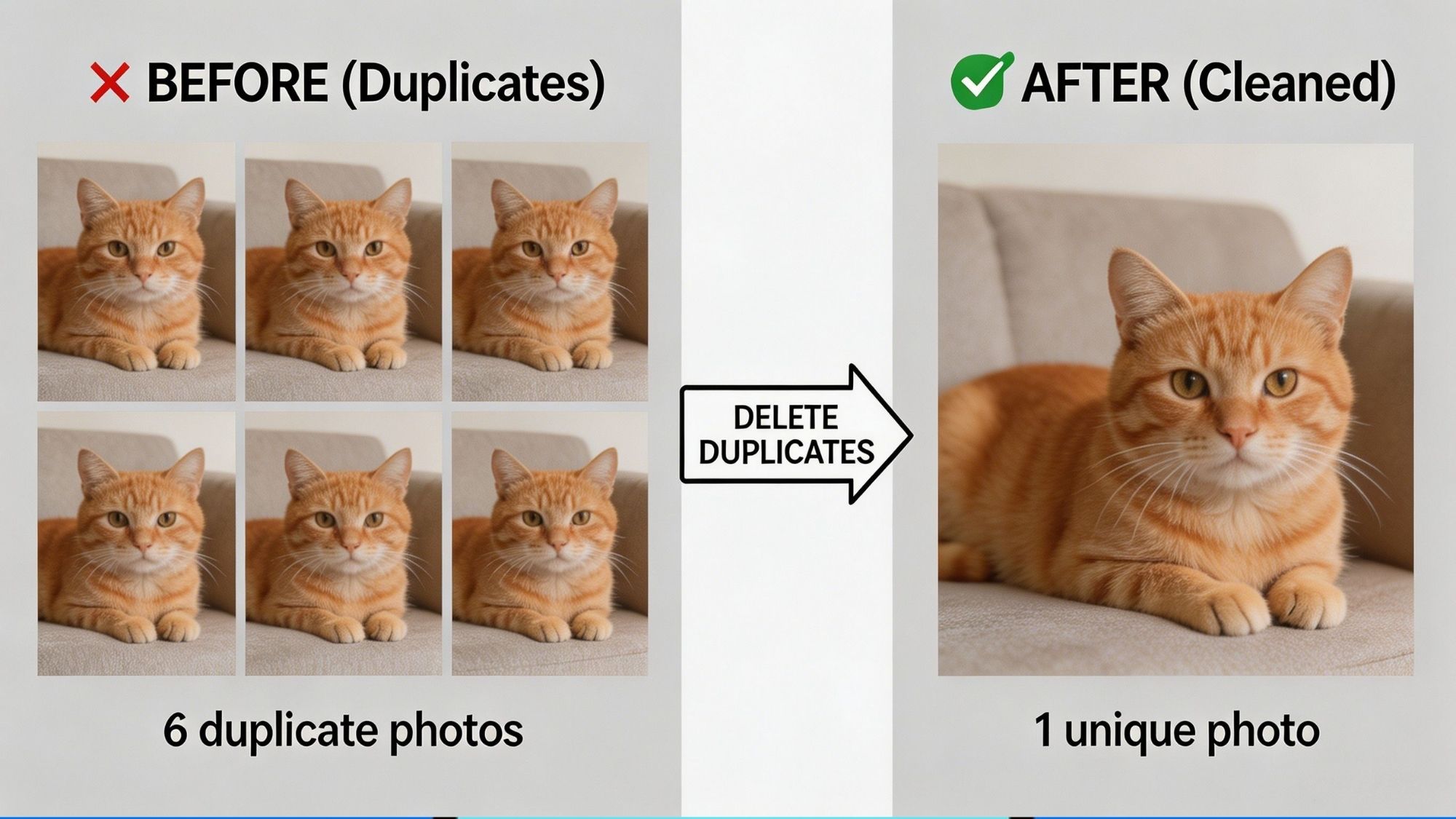
Most people blame full cloud storage on endless photo-taking. It feels logical — snap more pictures, fill up more space.
But that’s rarely the real issue. Duplicate and near-identical photos are the silent storage hogs clogging up iCloud, Google One, and Dropbox accounts.
Burst shots for the perfect pose, repeated screenshots, downloaded social media images, edited photo copies, and redundant backups pile up fast. Over months and years, these redundant files eat through gigabytes of valuable cloud space. Before you pay to upgrade your storage plan, it’s smart to clean out these useless duplicates first.
The tricky part is doing this safely. Shoddy cleanup tools can accidentally erase precious family photos, travel memories, or important saved screenshots.
Trusted duplicate photo apps never auto-delete your files. They scan your library, group identical and similar images, and let you review everything manually. It’s the only way to reclaim storage without risking irreplaceable photos.
We curated this guide using active, publicly available apps on the Apple App Store and Google Play. We judged each tool on scan accuracy, built-in safety features, user privacy, everyday usability, real cloud storage savings, and clear, honest pricing.
These are the best duplicate photo cleanup tools to use in 2026.
Availability: Android
Pricing: 100% free
Files by Google is one of the most underrated storage tools available for Android devices. Unlike sketchy third-party cleaner apps loaded with ads and paywalls, this tool comes straight from Google, built with reliability and safety in mind.
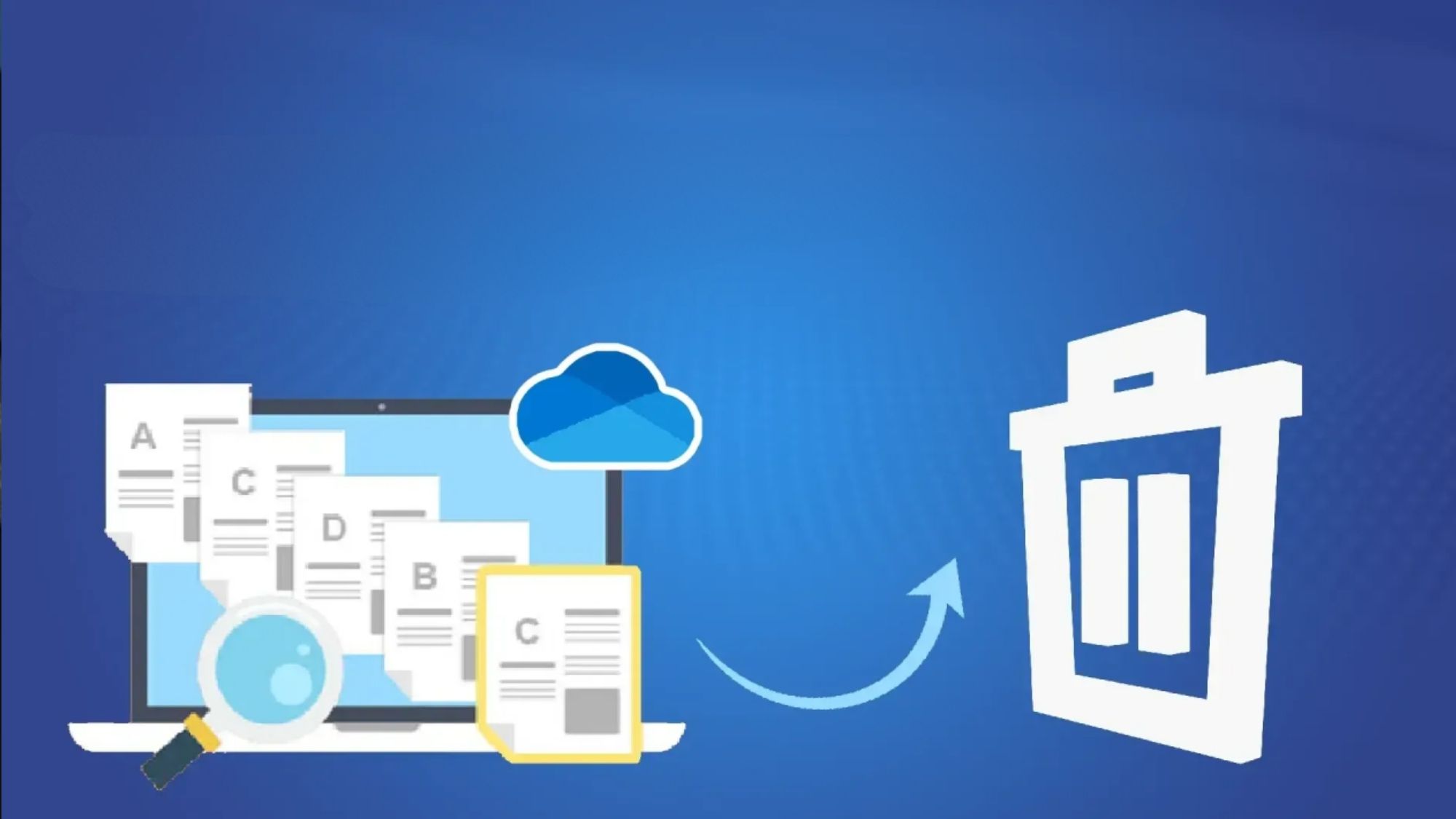
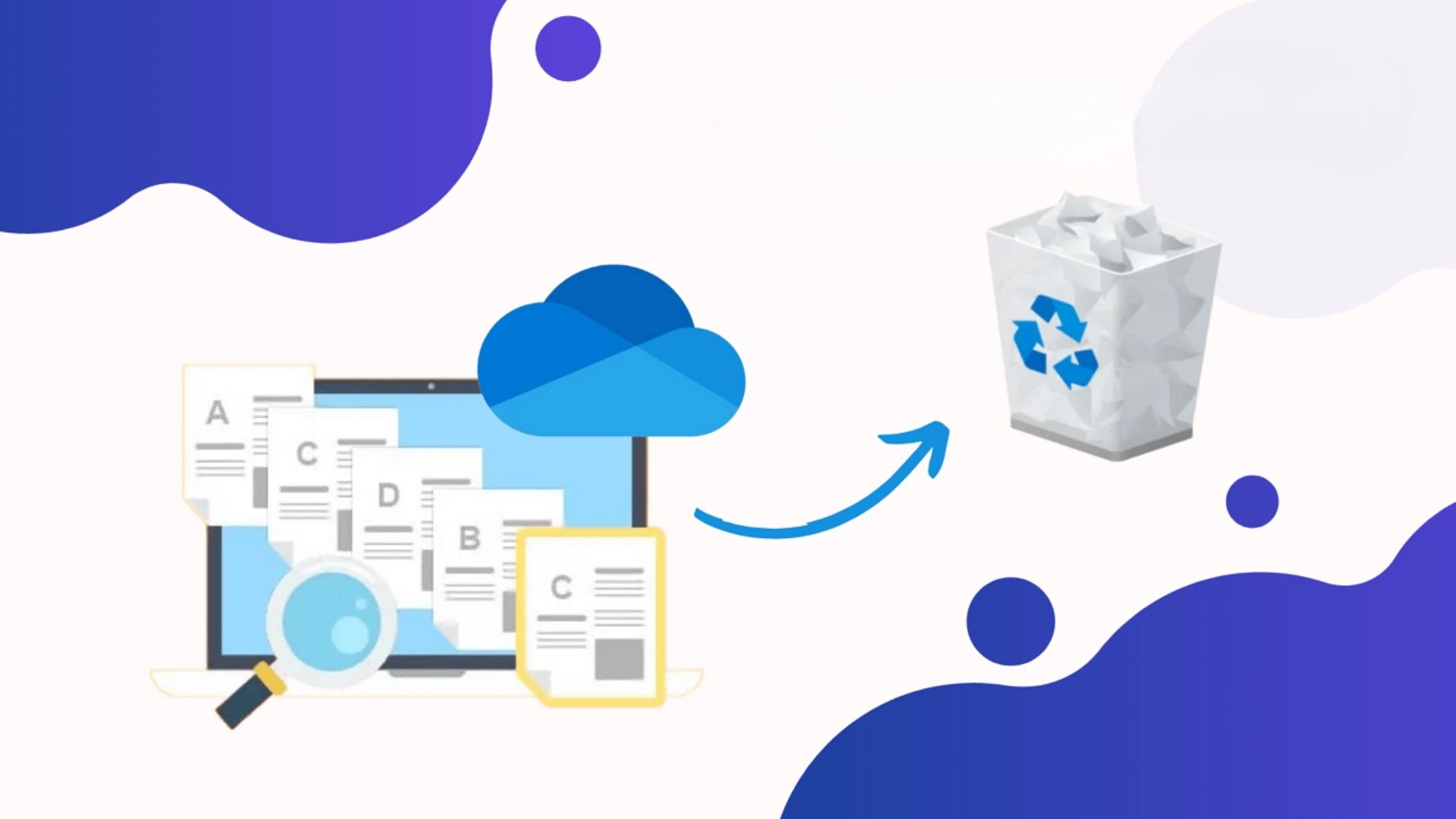
It scans your device thoroughly to flag duplicate files, redundant screenshots, and junk data that bloats local and cloud storage. Every scan result is fully reviewable. The app clearly marks original files to stop users from mistakenly deleting their primary photos.
It pairs perfectly with Google Photos too. It catches bloated files before they sync to the cloud, preventing unnecessary cloud storage waste and keeping your backups streamlined.
Completely free with no hidden fees or subscriptions
Officially developed by Google for trusted performance
Built-in duplicate file scanning for all media types
Layered safety checks and manual review workflows
Packed with extra tools for general storage cleanup
Exclusive to Android devices
Excels at exact file duplicates but lacks advanced similar-photo detection
Does not directly clean up cloud-stored photo libraries
Android users who want a reliable, no-cost cleanup tool with zero gimmicks.
Availability: Android
Pricing: Free
Most storage apps try to do it all — clean junk, boost performance, clear cache — and do none of it perfectly. Remo Duplicate Photos Remover takes a different approach: it focuses solely on eliminating redundant images.
Its custom scanning engine tracks down exact duplicates and visually similar photos alike. It catches burst shot sequences, resized images, and minor photo variations that generic file scanners miss entirely. Every grouped set of photos is previewable, so users never delete anything important by mistake.
It’s a simple, hyper-focused tool built for one job: trimming fat from bloated photo libraries.
Fully free core functionality
Purpose-built for duplicate photo removal
Detects similar photos, not just pixel-perfect matches
Full preview access before any deletion
Proven tool with over one million Google Play downloads
Android-only support
Outdated interface compared to modern apps
No direct integration with cloud photo libraries
Android users with massive photo libraries cluttered with endless burst shots and repeated images.
Availability: iPhone (Android version rolling out regionally)
Pricing: Free
Dupie stands out in the crowded iOS cleanup space for one core reason: uncompromising privacy.
All of its duplicate photo analysis runs locally on your iPhone. No images upload to external servers, eliminating any risk of private photos leaking online. Its on-device AI sorts through your library to flag duplicates and near-similar shots, then highlights the highest-quality photo in each group to simplify your choices.
Crucially, Dupie never deletes anything automatically. You review every single group of redundant photos and decide what stays and what goes. For anyone wary of third-party apps handling personal media, that peace of mind is invaluable.
Completely free to use
100% on-device AI scanning
Industry-leading privacy protections
Catches burst shots and subtle near-duplicates
Smart best-shot recommendations for faster cleanup
Newer app with less brand recognition than older tools
Primarily optimized for iPhone
Lacks advanced manual controls for power users
Privacy-focused iPhone users looking to cut down on wasted iCloud storage.
Availability: iPhone
Pricing: Free trial available
PhotoDedup is another iOS-exclusive tool built around user privacy and full manual control. Every scan processes entirely on your device, with no external data sharing.
Its AI evaluates photos based on resolution, quality, favorite status, and visual similarity to suggest which files to keep. It leverages Apple’s native photo deletion system, so any removed photos go into your recently deleted folder — adding an extra layer of safety against permanent loss. Users can even tweak scan sensitivity to catch more duplicates or reduce false matches.
It also estimates exactly how much storage space each cleanup batch will save, so you always know the payoff upfront.
Full on-device scanning for maximum privacy
Strict privacy-first design principles
Customizable similarity detection settings
Pre-scan storage savings estimates
Dual safety net via Apple’s native photo recovery system
iOS-only platform support
Smaller user ecosystem than mainstream cleanup apps
Free trial limitations may restrict heavy usage
iPhone users with large photo libraries who want granular control over duplicate detection and cleanup.
Availability: iPhone, Android
Pricing: Free app; extra cloud storage via Google One paid subscriptions
Google Photos isn’t a dedicated duplicate cleaner, but it’s one of the most effective tools for freeing up cloud and local storage long-term.
Its flagship “Free Up Space” tool deletes local photo copies that have already safely backed up to the cloud. This instantly clears device storage while keeping every photo accessible online. It also includes built-in tools to spot large files and bloated media wasting space.
That said, it has clear limits. Google Photos blocks exact duplicate uploads, but it cannot filter out visually similar photos, edited versions, or slightly different burst shots. These subtle duplicates still build up over time and require manual review.
Robust native cloud storage management tools
One-tap local storage recovery
Works seamlessly across iOS and Android
Streamlined automatic backup workflow
Perfect for reducing device-level storage bloat
Not designed for dedicated duplicate photo removal
Limited ability to catch similar, non-identical photos
Requires manual sorting for near-duplicate cleanup
Users already invested in the Google Photos and Google One ecosystem.
Android users get the best all-around experience withFiles by Google. It’s free, secure, and backed by Google’s reliable infrastructure. Its cautious review system eliminates risky auto-deletions, making it the safest choice for everyday storage cleanup.
For iPhone users, Dupie takes the top spot. Its on-device AI scanning, strict privacy rules, and smart duplicate grouping make it the most trustworthy tool for trimming down bloated iCloud photo libraries.
Best Overall Android App: Files by Google
Best Dedicated Android Duplicate Cleaner: Remo Duplicate Photos Remover
Best Overall iPhone App: Dupie
Best Privacy-Focused iPhone Tool: PhotoDedup
Best Cloud Storage Companion Tool: Google Photos
Safe duplicate photo apps all follow the same golden rule: they suggest deletions, never enforce them automatically.
Always double-check these categories before clearing any photos:
Family albums, once-in-a-lifetime travel shots, burst photo sequences, personally edited images, and screenshots holding important personal or work information.
The best tools simplify your workflow — they never make permanent choices for you.
If you’re currently paying extra for cloud storage just to accommodate redundant photos, a quick duplicate scan can free up multiple gigabytes in minutes. More often than not, this simple cleanup removes the need for a costly storage upgrade entirely.