

Why Hidden Sugars Have Become So Hard to Spot
Packaged food labels have become increasingly misleading. Cereals marketed as “heart healthy” often contain multiple forms of added sugar. Protein bars promoted as fitness snacks can hide syrups, concentrates, and sweeteners behind unfamiliar ingredient names. Even products labeled “natural” or “organic” are frequently packed with sugar under aliases like maltodextrin, evaporated cane juice, brown rice syrup, or fruit juice concentrate.
For most shoppers, reading ingredient labels inside a busy grocery store simply is not realistic anymore.
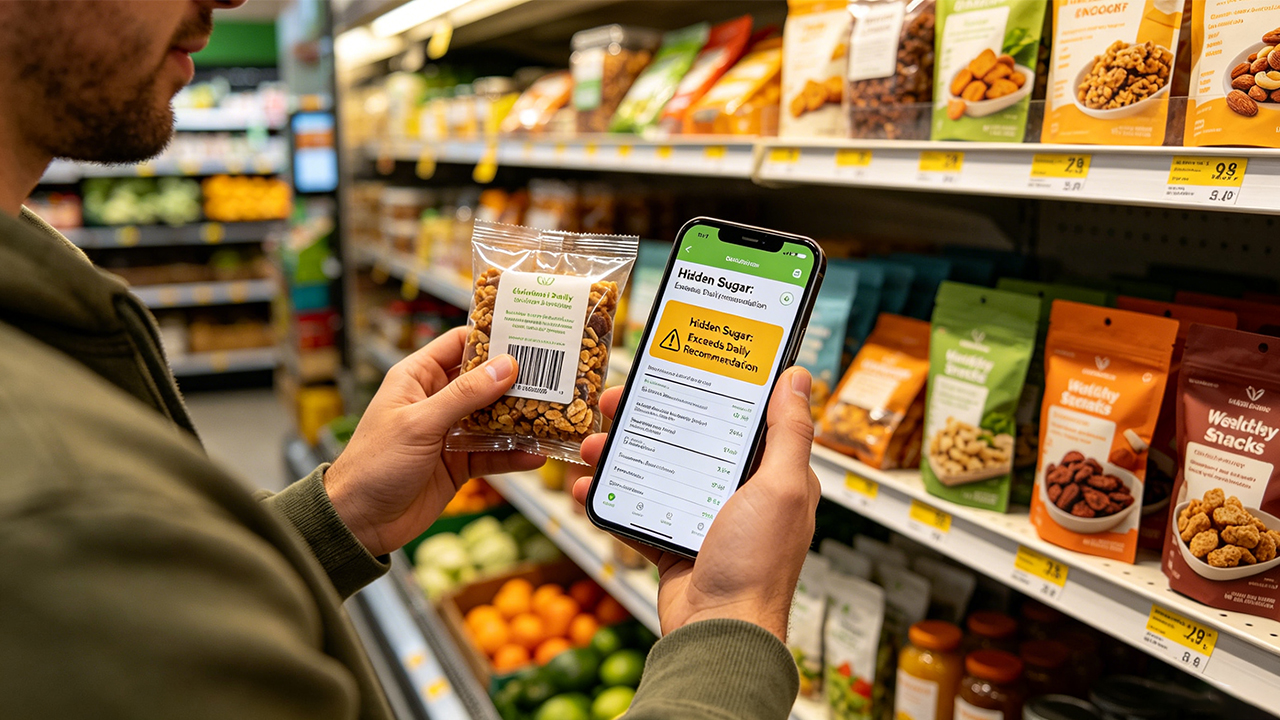
That is why food-scanning apps have exploded in popularity across the United States. Instead of manually decoding nutrition panels, these apps let shoppers scan barcodes and instantly identify hidden sugars, ultra-processed ingredients, and misleading marketing claims.
To find the best options, the testing process focused on real-world grocery shopping at stores including Walmart, Whole Foods, Trader Joe’s, Costco, and Target. The evaluation prioritized:
Hidden sugar detection
Ingredient transparency
Barcode scan accuracy
Product database size
Ease of use during shopping
Useful healthier alternatives
Honest scoring systems
Every app below is currently active and available on Google Play in the U.S.
The Reality Check: Still the Best Overall Scanner for Most Shoppers
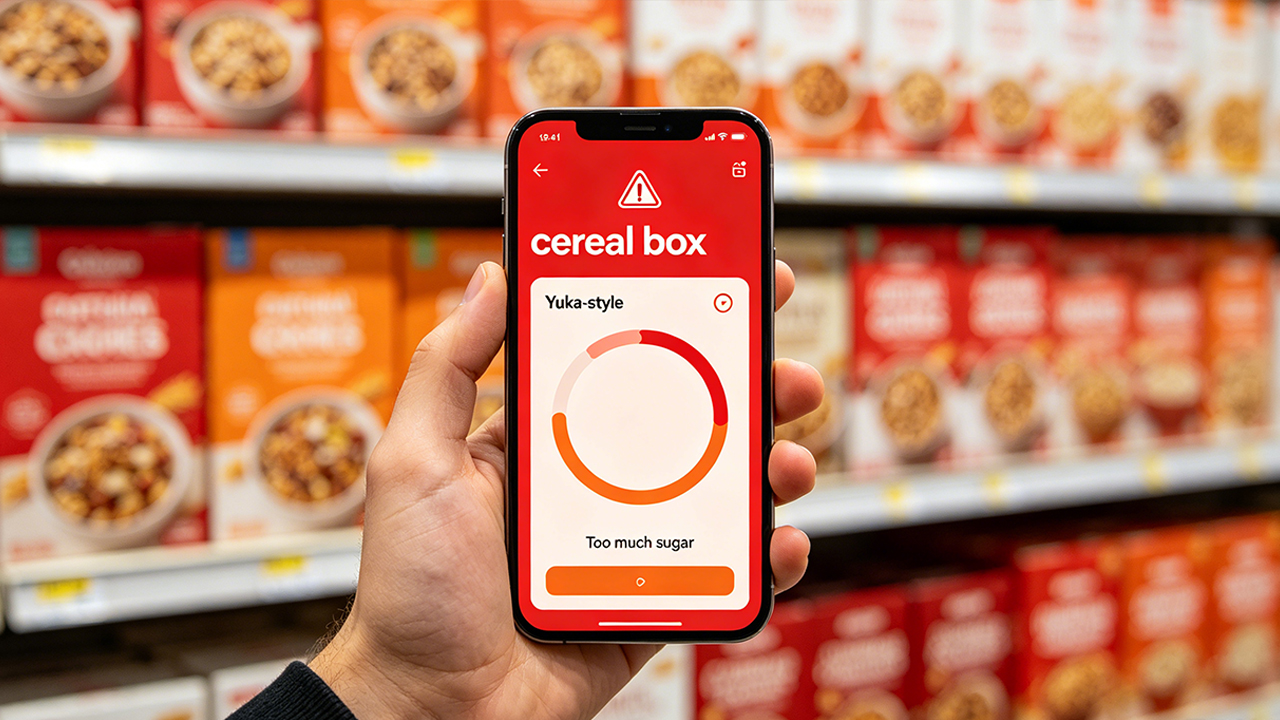
After extensive testing, Yuka remained the most practical app for quickly identifying sugar-heavy packaged foods pretending to be healthy.
Its biggest strength is speed. Scan a product, and the app immediately explains whether excessive sugar, additives, or processing methods are hurting the overall score. That simplicity works extremely well in real grocery store situations.
During testing, Yuka consistently exposed:
“Healthy” granola with multiple sweeteners
Kids’ yogurt loaded with added sugar
Protein bars using syrup blends
Flavored oat milk with surprisingly high sugar content
One reason Yuka remains so popular is its alternative recommendations. In many cases, the healthier substitutes were genuinely easy to find nearby rather than obscure specialty products.
Pricing
Free version available
Optional premium subscription
Pros
Extremely fast barcode scanning
Huge product database
Clear sugar and additive warnings
Excellent beginner-friendly interface
Helpful healthier alternatives
Cons
Scoring system can oversimplify nutrition
Some additive ratings feel overly strict
Premium features locked behind subscription
The Reality Check: Best for Ingredient Transparency
Open Food Facts feels less polished than Yuka, but it provides significantly deeper ingredient-level detail.
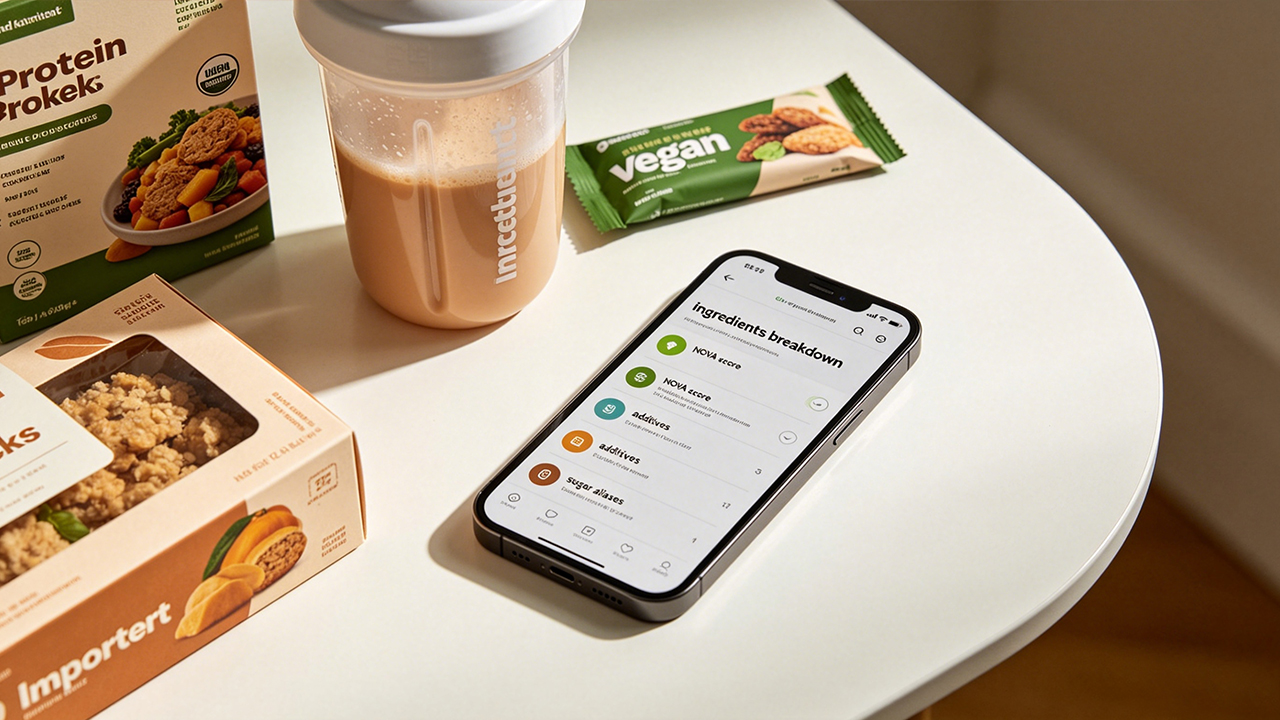
Instead of reducing foods into simple “good” or “bad” labels, the app exposes:
Added sugars
Ingredient sourcing
Ultra-processing levels
NOVA classifications
Nutrition breakdowns
For shoppers specifically trying to understand how sugar is hidden inside processed foods, that extra transparency matters.
In testing, Open Food Facts performed especially well with:
Imported packaged foods
Plant-based products
Protein shakes
“Natural” snack brands
The open-source database is also a major trust advantage because the platform is community-driven rather than heavily commercialized.
Pricing
Completely free
Pros
Excellent ingredient transparency
Open-source and community-driven
Strong ultra-processed food analysis
Large international database
No subscription required
Cons
Interface feels outdated
Some product listings are incomplete
Less beginner-friendly than Yuka
The Reality Check: Best for Explaining Why Hidden Sugars Matter
Fooducate has been around for years, and it still performs remarkably well for identifying misleading “healthy” foods.
What separates it from many newer apps is its educational approach. Instead of only assigning scores, Fooducate explains why ingredients like:
Corn syrup
Maltodextrin
Cane juice
Dextrose
Artificial sweeteners
can negatively affect nutritional quality.
During testing, Fooducate was particularly effective at exposing:
Fat-free flavored yogurt
High-sugar cereals
Sports drinks
“Healthy” snack bars marketed toward fitness consumers
Its grading system also feels slightly less aggressive than Yuka’s, which some users may prefer.
Pricing
Free version available
Premium subscription available
Pros
Strong U.S. grocery database
Helpful educational explanations
Good sugar-source identification
Useful nutrition insights
Easier learning curve than advanced apps
Cons
User interface feels dated
Ads in free version
Scan speed occasionally slower
The Reality Check: Best for Low-Sugar and Diabetic-Friendly Shopping
Fig approaches food scanning differently from most nutrition apps.
Instead of focusing only on ingredient scores, it lets users customize dietary preferences and restrictions. During setup, users can select:
Low sugar
Sugar free
Diabetic friendly
Keto
Low carb
That personalization dramatically improves the usefulness of scan results.
In real grocery testing, Fig performed especially well when scanning:
Keto snacks
Sugar-free drinks
Diabetic-friendly products
Low-carb packaged foods
The app simplifies decisions into straightforward recommendations like:
Safe to eat
Limit
Avoid
That makes it much more approachable for shoppers who do not want to study nutrition labels in detail.
Pricing
Free download
Optional premium subscription
Pros
Excellent personalized filtering
Very helpful for diabetic users
Easy-to-understand recommendations
Strong low-sugar product detection
Clean modern interface
Cons
Smaller product database than Yuka
Less detailed additive analysis
More focused on dietary restrictions than full nutrition science
The Reality Check: Best for Spotting Ultra-Processed “Fake Healthy” Foods
Bobby Approved is extremely popular among U.S. shoppers trying to avoid ultra-processed packaged foods.
The app’s biggest strength is identifying products that look healthy on the front label but contain hidden sugars and highly processed ingredients underneath.
During testing, it consistently flagged:
Sweetened oat milk
Protein cereals
Kids’ snack pouches
Frozen “wellness” meals
Flavored coffee creamers
Its approach is intentionally simple:
Approved
Avoid
That simplicity makes grocery shopping much faster compared to apps overloaded with technical nutrition data.
Pricing
Free version available
Premium subscription optional
Pros
Fast barcode scanning
Excellent U.S. grocery coverage
Strong hidden sugar detection
Beginner-friendly recommendations
Good ultra-processed food warnings
Cons
Some ratings feel subjective
Less scientific depth than Open Food Facts
Heavy focus on clean-eating philosophy
After weeks of testing across major U.S. grocery chains, one app consistently delivered the best overall balance of usability, speed, and hidden sugar detection:
Yuka remains the strongest all-around choice for most shoppers.
It is the easiest app to use in real grocery store situations, its barcode recognition is excellent, and its sugar warnings are fast and understandable without requiring advanced nutrition knowledge.
However, each app serves a different type of shopper:
Yuka — Best overall experience for everyday grocery shopping
Open Food Facts — Best for deep ingredient transparency
Fooducate — Best for nutrition education and sugar explanations
Fig — Best for diabetic-friendly and low-sugar shopping
Bobby Approved — Best for avoiding ultra-processed “fake healthy” foods
One thing became very clear during testing: food packaging is increasingly designed to hide sugar behind clever marketing language. These apps are not perfect, but they make it dramatically easier to identify what is actually inside packaged foods before they end up in the shopping cart.